
An operations team's Smart Alert for sudden error rate increases is generating excessive false positives for low-traffic services where a single failed request causes a large percentage spike. How should they tune the Smart Alert to reduce these false positives?
Select an answer to reveal the explanation.
Short Explanation and Infographic
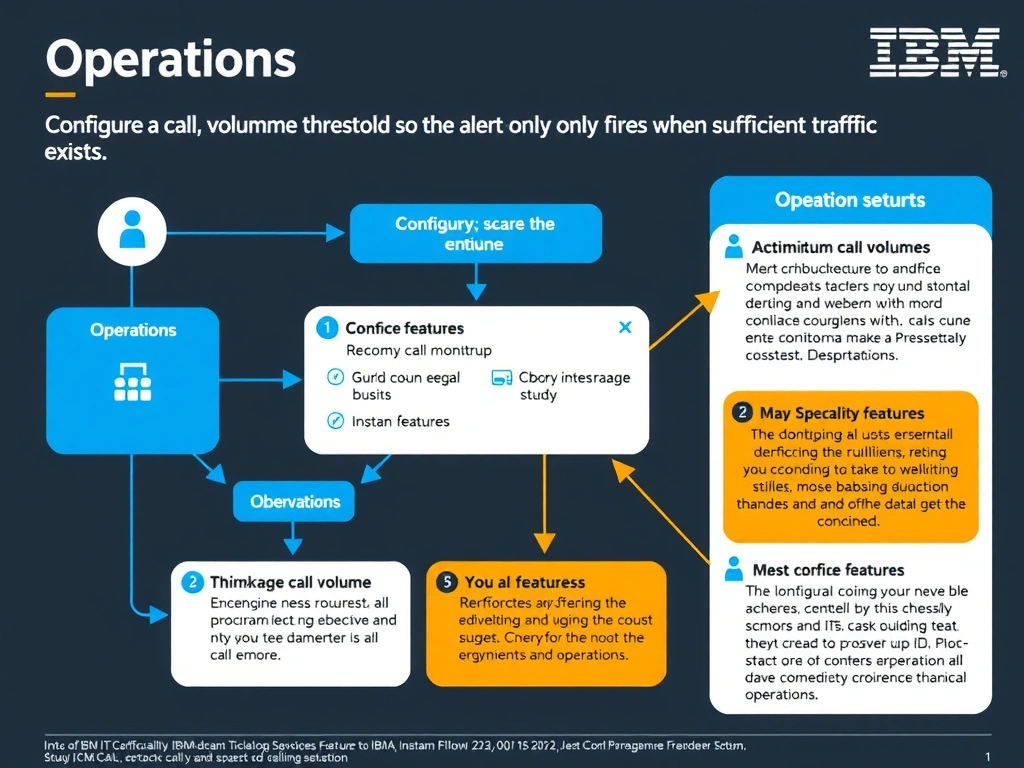
Instana Smart Alerts support a minimum call volume (throughput) threshold that prevents the alert from firing when traffic is too low for percentage-based metrics to be statistically meaningful. This directly addresses the false positive problem on low-traffic services where one error creates an artificially large percentage spike. Setting sensitivity to 'High' would make detection more aggressive, worsening the problem.
Full explanation below image
Full Explanation
Instana Smart Alerts support a minimum call volume (throughput) threshold that prevents the alert from firing when traffic is too low for percentage-based metrics to be statistically meaningful. This directly addresses the false positive problem on low-traffic services where one error creates an artificially large percentage spike. Setting sensitivity to 'High' would make detection more aggressive, worsening the problem. Replacing Smart Alerts with static thresholds trades automation for manual maintenance without solving the low-traffic false positive issue. The correct answer is 'Configure a minimum call volume threshold so the alert only fires when sufficient traffic exists'. The incorrect options — "Set the alert sensitivity to 'High' so that more data points are required before the alert triggers", 'Replace all Smart Alerts with manually defined static threshold alerts for every service', 'Disable the Smart Alert and rely exclusively on SLO breach notifications instead' — are wrong because they do not align with IBM Instana's architecture or recommended practices for this scenario. Understanding this concept is essential for the Domain 1: Operations domain of the IBM Instana Observability certification.