
A project lead is turning a proof of concept into a governed production workflow. The team is focused on SQL troubleshooting. Which recommendation is most appropriate?
Select an answer to reveal the explanation.
Short Explanation and Infographic
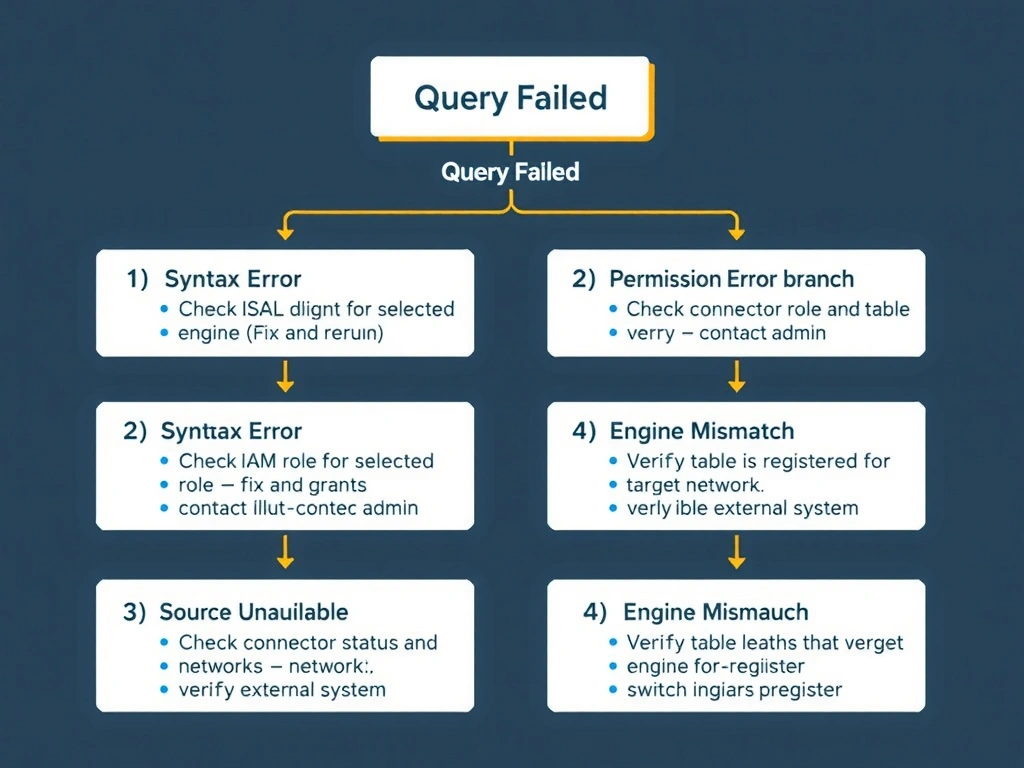
Here's the deal: when a SQL query fails in watsonx.data, you've got a four-point checklist before you panic. First, check your syntax — is it valid SQL for your engine dialect? Second, check permissions — does your role have SELECT on that schema? Third, check source availability — is the connector to the external source up? Fourth, check engine selection — are you running a Presto query against a Spark-only table? Work the list before assuming data loss.
Full explanation below image
Full Explanation
The correct answer is to check syntax, permissions, source availability, and engine selection when queries fail. SQL query failures in watsonx.data have distinct root causes: syntax errors show in the error message with line numbers; permission errors return access denied with the object name; source availability issues surface as connection timeouts or JDBC errors; engine mismatch causes 'table not found' even when the table exists in the catalog but isn't registered for that engine. Option A (assuming data loss) is wrong because query failures almost never indicate data loss — they indicate execution problems that are recoverable. Option B (increasing storage capacity) is wrong because storage capacity does not affect query execution failures; it affects ingestion and write operations. Option C (changing dashboard colors) has no relationship to SQL execution whatsoever and represents irrelevant, time-wasting action during an outage.