
A consultant is advising a customer that wants a scalable implementation. For IBM Certified watsonx Data Lakehouse Engineer, the topic is Query workspace and history. What should the team do?
Select an answer to reveal the explanation.
Short Explanation and Infographic
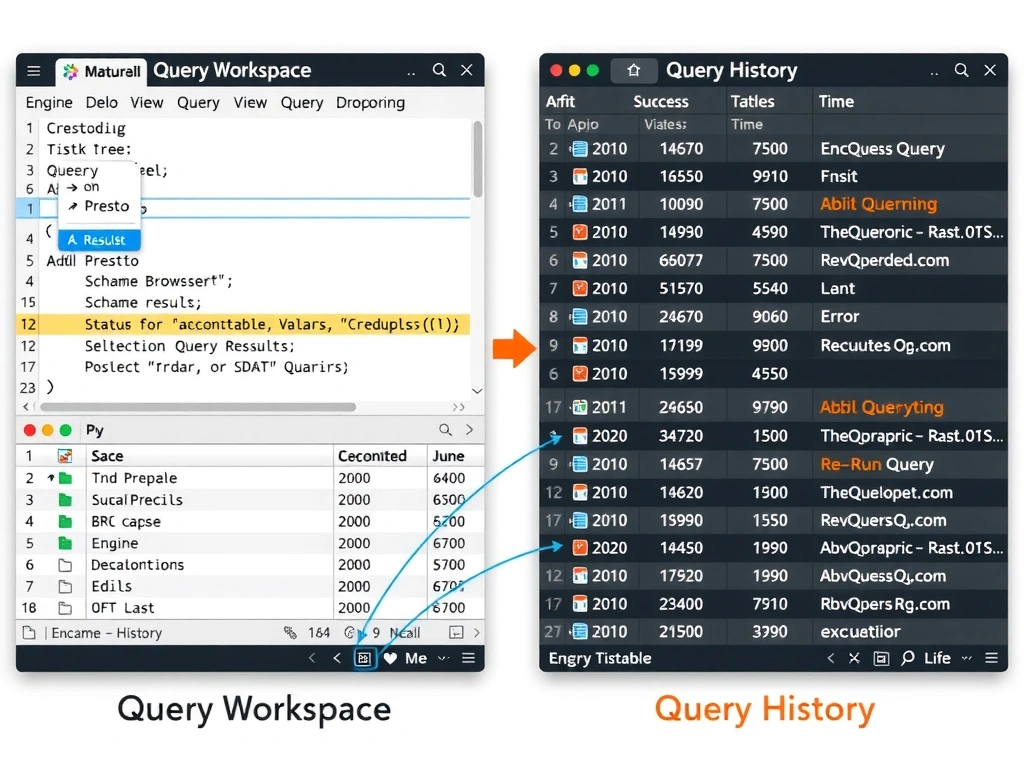
Think of it this way: Query Workspace in watsonx.data is your SQL command center — it's where you write, run, and iterate on queries against your lakehouse tables. Query History is the flight recorder — it captures every query that ran, how long it took, and whether it succeeded or failed. When something breaks at 2am, History tells you exactly what happened without you having to guess.
Full explanation below image
Full Explanation
The correct answer is to use query workspace to run SQL and query history to review execution and troubleshoot behavior. In the watsonx.data console, the Query Workspace provides a SQL editor with engine selection, schema browser, and result preview. Query History stores executed statements with execution time, status, engine used, and error messages. Option A (troubleshooting from storage bills) is wrong because storage billing shows data volume, not query execution errors, latency, or failure reasons. Option B (deleting query history) is wrong because query history is an operational audit trail — deleting it removes your ability to diagnose failures, identify slow queries, and demonstrate compliance. Option D (using access control screens to write SQL) is wrong because access control UIs manage permissions, not query execution — they have no SQL editor or result-set display.