
A critical error was accidentally published to Live. A snapshot was taken before the change. What is the fastest recovery?
Select an answer to reveal the explanation.
Short Explanation and Infographic
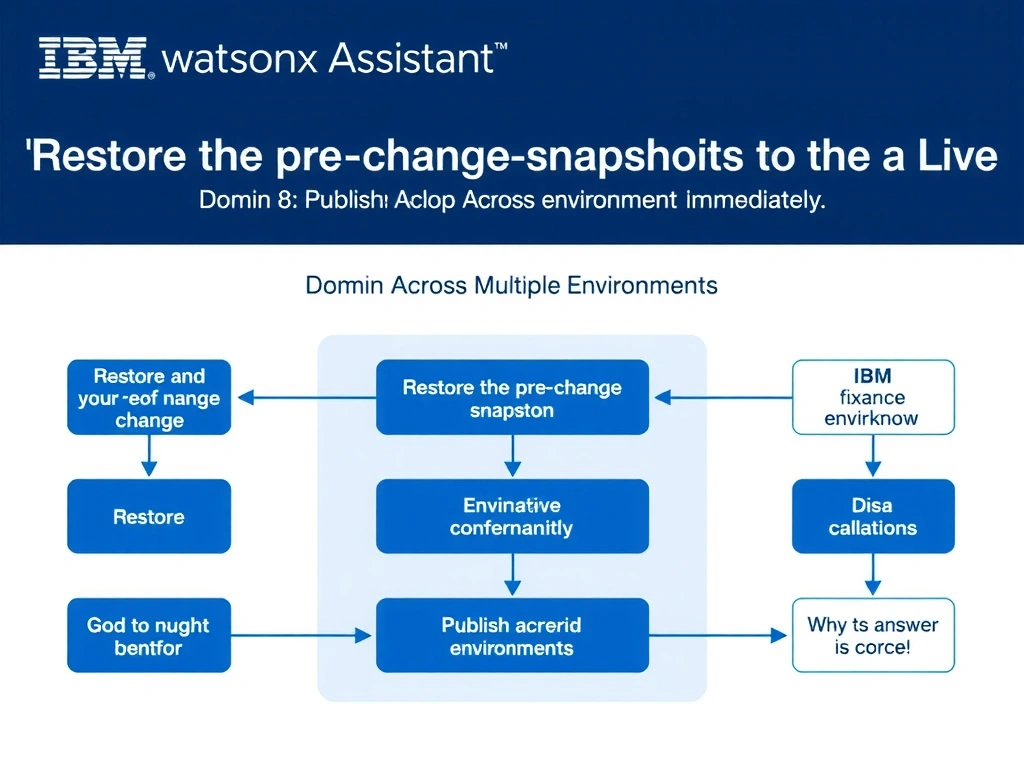
Todd Lammle: 'Imagine you're building a chatbot and this exact situation comes up — restore the pre-change snapshot to the live environment immediately is your go-to move. Restoring the pre-change snapshot to Live is the fastest recovery; reverting the entire configuration to the known-good state in one operation. This is a classic Domain 8: Publish Across Multiple Environments concept you'll want locked in before exam day.'
Full explanation below image
Full Explanation
Restoring the pre-change snapshot to Live is the fastest recovery; reverting the entire configuration to the known-good state in one operation. Manual editing is slow and error-prone at scale. Rolling back a Cloud instance is a much heavier operation. The embed script caches the widget UI; not assistant configuration. The correct answer, "Restore the pre-change snapshot to the Live environment immediately", directly satisfies the scenario because it aligns with watsonx Assistant's design principles and the specific capability being tested. The incorrect options ("Manually edit the broken action in Live to fix the error", "Roll back the IBM Cloud instance to a previous backup", "Redeploy the web chat embed script to clear the cached configuration") may appear relevant but each misses a key requirement or introduces a step that is either unnecessary or belongs to a different workflow. Mastering the distinction between these approaches is essential for effective watsonx Assistant implementations and is a core focus of the Domain 8: Publish Across Multiple Environments section of the certification exam.