
How does watsonx Assistant manage access control for multiple developers on the same instance?
Select an answer to reveal the explanation.
Short Explanation and Infographic
Todd Lammle: 'Imagine you're building a chatbot and this exact situation comes up — each developer has their own ibmid with an iam role controlling view and edit permissions is your go-to move. IBM Cloud IAM provides identity-based access control; each developer authenticates with their own IBMid and is assigned a role that determines their permissions. This is a classic Domain 5: Administration concept you'll want locked in before exam day.'
Full explanation below image
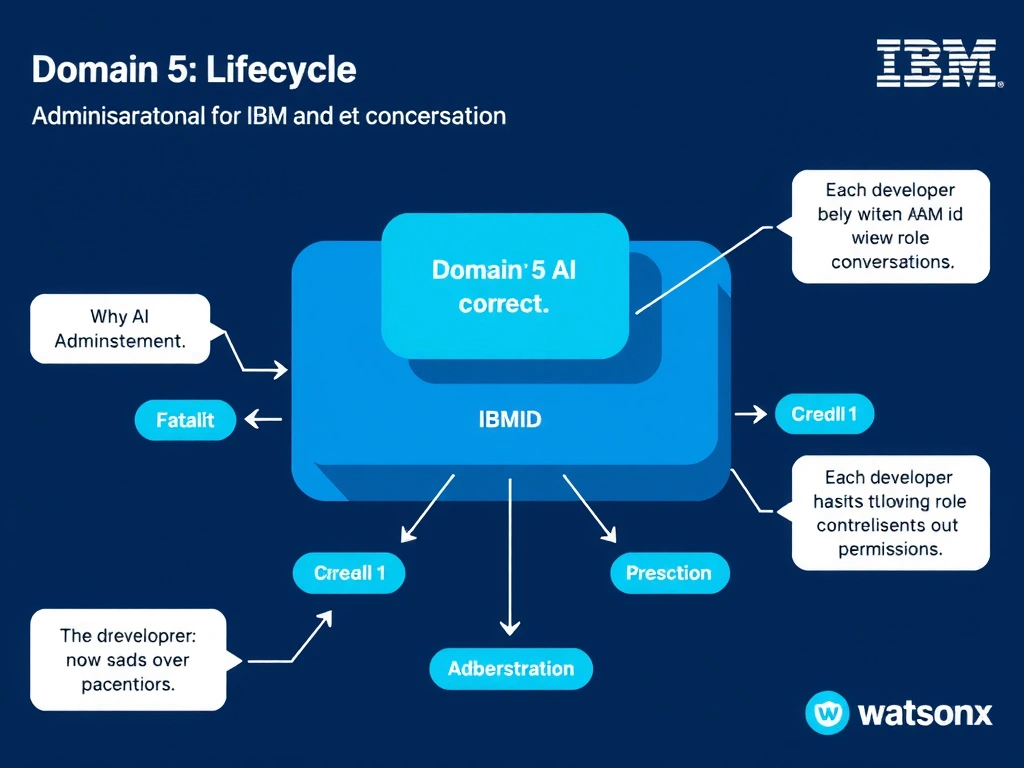
Full Explanation
IBM Cloud IAM provides identity-based access control; each developer authenticates with their own IBMid and is assigned a role that determines their permissions. Shared admin accounts violate security best practices. TOTP from the assistant and UI-level locking are not IBM Cloud access control mechanisms. The correct answer, "Each developer has their own IBMid with an IAM role controlling view and edit permissions", directly satisfies the scenario because it aligns with watsonx Assistant's design principles and the specific capability being tested. The incorrect options ("All developers share a single admin account", "Access is controlled by time-based one-time passwords sent by the assistant", "The first developer to open the interface locks out others") may appear relevant but each misses a key requirement or introduces a step that is either unnecessary or belongs to a different workflow. Mastering the distinction between these approaches is essential for effective watsonx Assistant implementations and is a core focus of the Domain 5: Administration section of the certification exam.