
A developer wants to display button options at conversation start (Check balance; Transfer funds; Report issue). How is this done?
Select an answer to reveal the explanation.
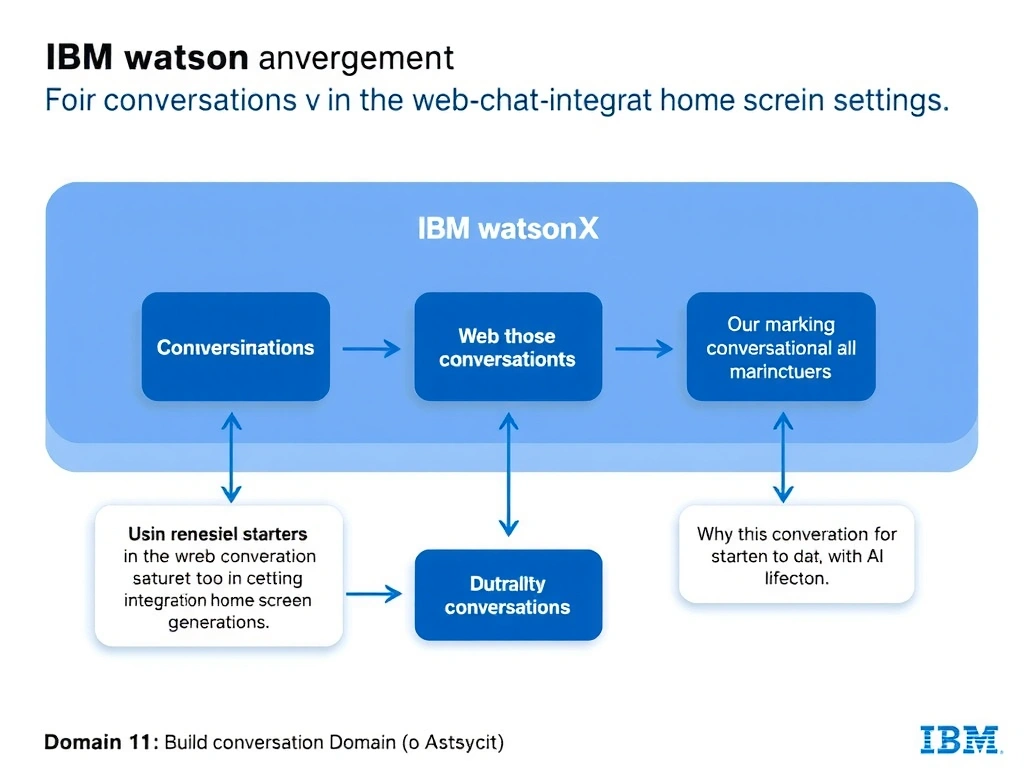
Short Explanation and Infographic
Todd Lammle: 'Imagine you're building a chatbot and this exact situation comes up — using conversation starters in the web chat integration home screen settings is your go-to move. Conversation starters are configured in the web chat integration home screen settings and appear as clickable prompts before the user types; guiding them to common actions. This is a classic Domain 1: Build Conversations concept you'll want locked in before exam day.'
Full explanation below image
Full Explanation
Conversation starters are configured in the web chat integration home screen settings and appear as clickable prompts before the user types; guiding them to common actions. Separate instances are impractical. The search skill retrieves knowledge base content. Pattern entities detect text in user messages; not display buttons. The correct answer, "Using conversation starters in the web chat integration home screen settings", directly satisfies the scenario because it aligns with watsonx Assistant's design principles and the specific capability being tested. The incorrect options ("Creating three separate assistant instances", "Configuring the search skill to return the three options as results", "Using a pattern entity to match the three option texts") may appear relevant but each misses a key requirement or introduces a step that is either unnecessary or belongs to a different workflow. Mastering the distinction between these approaches is essential for effective watsonx Assistant implementations and is a core focus of the Domain 1: Build Conversations section of the certification exam.