
An action requires destination; departure date; and return date. The user skips the return date. What feature re-prompts for it automatically?
Select an answer to reveal the explanation.
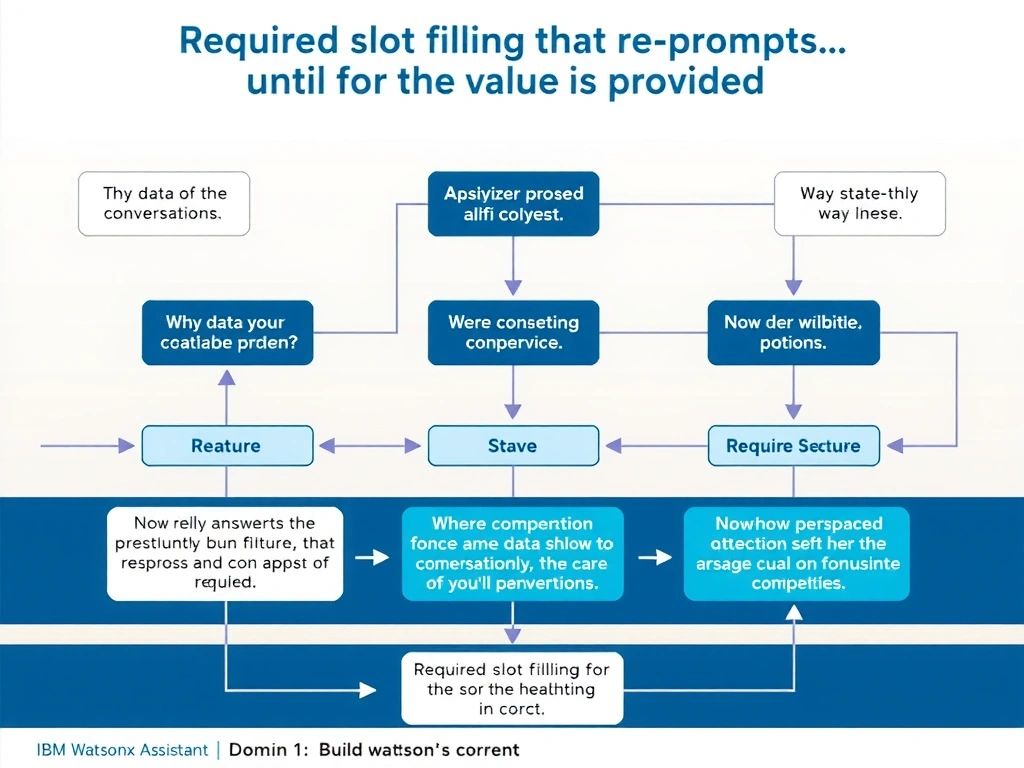
Short Explanation and Infographic
Todd Lammle: 'Imagine you're building a chatbot and this exact situation comes up — required slot filling that re-prompts until the value is provided is your go-to move. Required slot filling marks fields as mandatory and automatically re-prompts the user when a value is missing or invalid; the action cannot progress until all required slots are filled. This is a classic Domain 1: Build Conversations concept you'll want locked in before exam day.'
Full explanation below image
Full Explanation
Required slot filling marks fields as mandatory and automatically re-prompts the user when a value is missing or invalid; the action cannot progress until all required slots are filled. Branching handles flow based on existing values. Clarification steps handle ambiguous intent. A placeholder default would silently fill the slot rather than prompting the user. The correct answer, "Required slot filling that re-prompts until the value is provided", directly satisfies the scenario because it aligns with watsonx Assistant's design principles and the specific capability being tested. The incorrect options ("Branching logic using a condition on return date", "A clarification step that presents date options", "A session variable with a placeholder default") may appear relevant but each misses a key requirement or introduces a step that is either unnecessary or belongs to a different workflow. Mastering the distinction between these approaches is essential for effective watsonx Assistant implementations and is a core focus of the Domain 1: Build Conversations section of the certification exam.