
A customer contacts watsonx Assistant via web chat and provides their account number and describes a complex billing dispute. The conversation is escalated to a live phone agent. The agent needs to see the account number and issue summary without asking the customer to repeat themselves. How is this cross-channel context made available to the agent?
Select an answer to reveal the explanation.
Short Explanation and Infographic
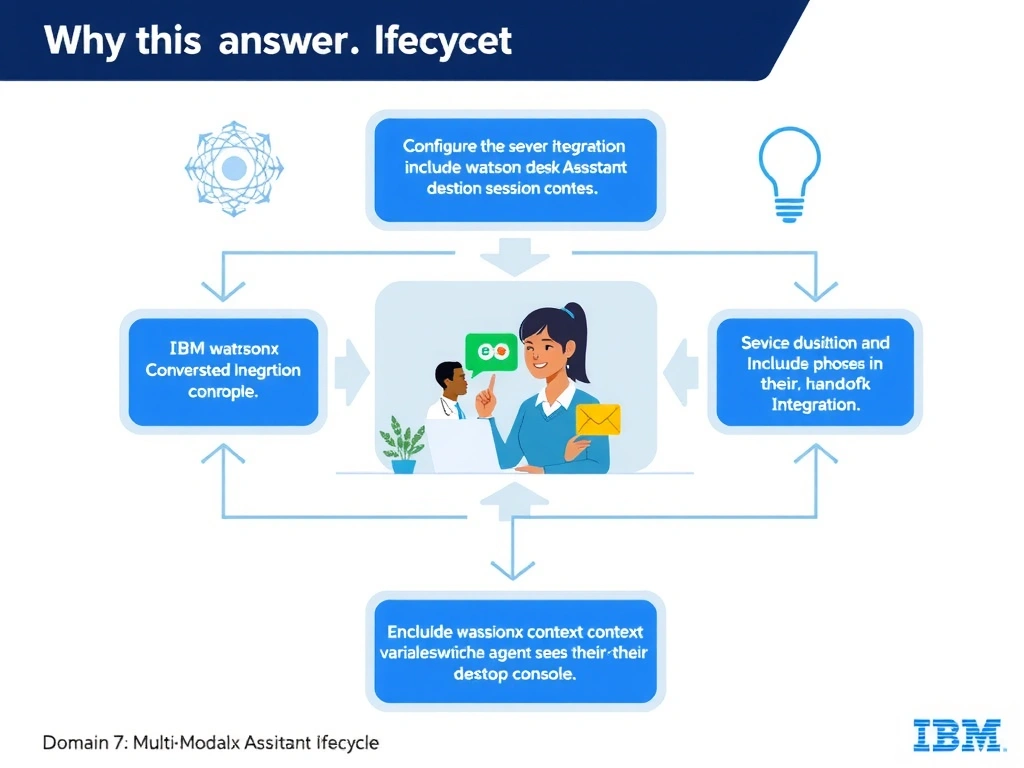
Todd Lammle: 'Imagine you're building a chatbot and this exact situation comes up — configure the service desk integration to include watsonx assistant session context variables in the handoff payload, which the agent sees in their desktop console is your go-to move. Context is not automatically shared across independent channel sessions. This is a classic Domain 7: Multi-Modal Integration concept you'll want locked in before exam day.'
Full explanation below image
Full Explanation
Context is not automatically shared across independent channel sessions. During a service desk escalation (e.g., to Genesys, Zendesk, or Salesforce), watsonx Assistant can pass session context variables — such as account number, issue category, and a conversation summary — as part of the handoff metadata. The agent desktop (CTI screen pop or chat panel) then displays this context. Developers must explicitly map the relevant context variables in the service desk integration configuration to ensure agents see them. The correct answer, "Configure the service desk integration to include watsonx Assistant session context variables in the handoff payload, which the agent sees in their desktop console", directly satisfies the scenario because it aligns with watsonx Assistant's design principles and the specific capability being tested. The incorrect options ("watsonx Assistant automatically synchronizes all session variables across every connected channel in real time without any configuration", "Cross-channel context transfer is not supported; the customer must repeat all information to the phone agent", "Enable the "Persistent Context" toggle found in the Multi-Channel settings of the watsonx Assistant environment") may appear relevant but each misses a key requirement or introduces a step that is either unnecessary or belongs to a different workflow. Mastering the distinction between these approaches is essential for effective watsonx Assistant implementations and is a core focus of the Domain 7: Multi-Modal Integration section of the certification exam.