
A retail company uses Salesforce Service Cloud and wants watsonx Assistant to escalate complex issues to live agents while preserving the full conversation context. Customer account numbers, issue categories, and conversation summaries should appear in the Salesforce agent console at the moment of handoff. Which approach accomplishes this?
Select an answer to reveal the explanation.
Short Explanation and Infographic
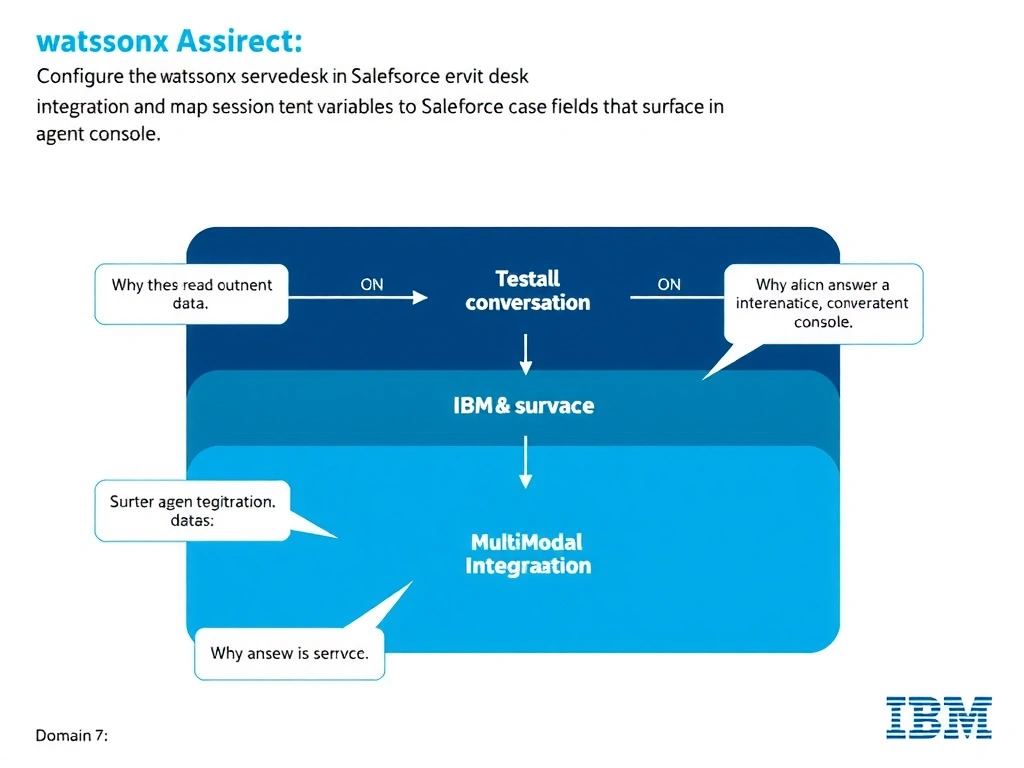
Todd Lammle: 'Imagine you're building a chatbot and this exact situation comes up — configure the salesforce service desk integration in watsonx assistant and map session context variables to salesforce case fields that surface in the agent console is your go-to move. watsonx Assistant provides a native Salesforce service desk integration (under Integrations > Service desks > Salesforce). This is a classic Domain 7: Multi-Modal Integration concept you'll want locked in before exam day.'
Full explanation below image
Full Explanation
watsonx Assistant provides a native Salesforce service desk integration (under Integrations > Service desks > Salesforce). Once configured, when an escalation is triggered, watsonx Assistant passes context variables (such as customer account number, issue category, and chat transcript) directly into the Salesforce Einstein Bots handoff payload, which surfaces in the Salesforce agent desktop. This native integration is the recommended and most reliable approach, avoiding the complexity of custom webhooks or batch exports. The correct answer, "Configure the Salesforce service desk integration in watsonx Assistant and map session context variables to Salesforce case fields that surface in the agent console", directly satisfies the scenario because it aligns with watsonx Assistant's design principles and the specific capability being tested. The incorrect options ("Create a webhook action node that POSTs conversation transcript data to the Salesforce REST API at the end of each session", "Export nightly conversation transcripts as a CSV file and import them into Salesforce via Data Loader", "Build a custom extension in watsonx Assistant that calls the Salesforce Cases API from within the dialog when escalation is needed") may appear relevant but each misses a key requirement or introduces a step that is either unnecessary or belongs to a different workflow. Mastering the distinction between these approaches is essential for effective watsonx Assistant implementations and is a core focus of the Domain 7: Multi-Modal Integration section of the certification exam.