
A support assistant should detect urgency and trigger an escalation flow whenever the word 'urgent' appears anywhere within the user's free-text message, regardless of surrounding words. Which condition operator should the engineer use?
Select an answer to reveal the explanation.
Short Explanation and Infographic
Todd Lammle: 'Imagine you're building a chatbot and this exact situation comes up — contains, to check whether the string urgent appears anywhere in the user's input is your go-to move. The 'contains' operator returns true when the specified substring is found anywhere within the evaluated string, making it ideal for keyword detection inside free-text messages. This is a classic Domain 1: Build Conversational Flows concept you'll want locked in before exam day.'
Full explanation below image
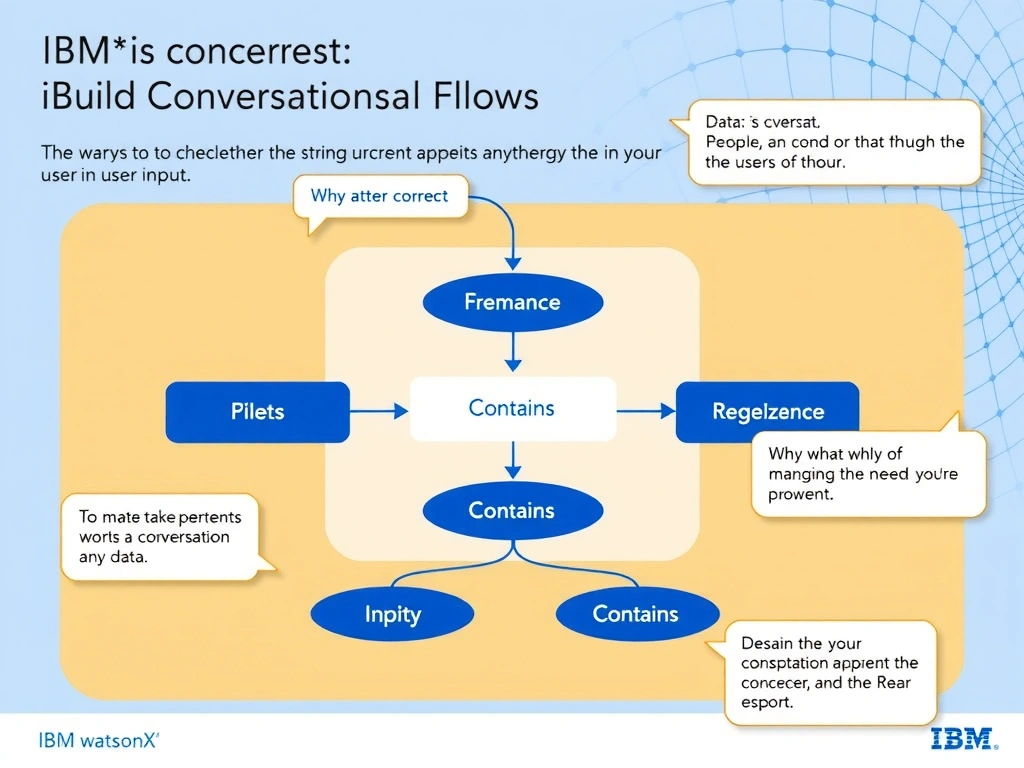
Full Explanation
The 'contains' operator returns true when the specified substring is found anywhere within the evaluated string, making it ideal for keyword detection inside free-text messages. 'Equals' would fail if the user writes 'This is urgent help me please.' A regex could technically work but is unnecessarily complex for a simple substring check. The correct answer, "contains, to check whether the string urgent appears anywhere in the user's input", directly satisfies the scenario because it aligns with watsonx Assistant's design principles and the specific capability being tested. The incorrect options ("equals, to check whether the entire message is only the word urgent", "matches regex, because urgency detection always requires a regular expression", "ends with, to check whether the message concludes with the word urgent") may appear relevant but each misses a key requirement or introduces a step that is either unnecessary or belongs to a different workflow. Mastering the distinction between these approaches is essential for effective watsonx Assistant implementations and is a core focus of the Domain 1: Build Conversational Flows section of the certification exam.