
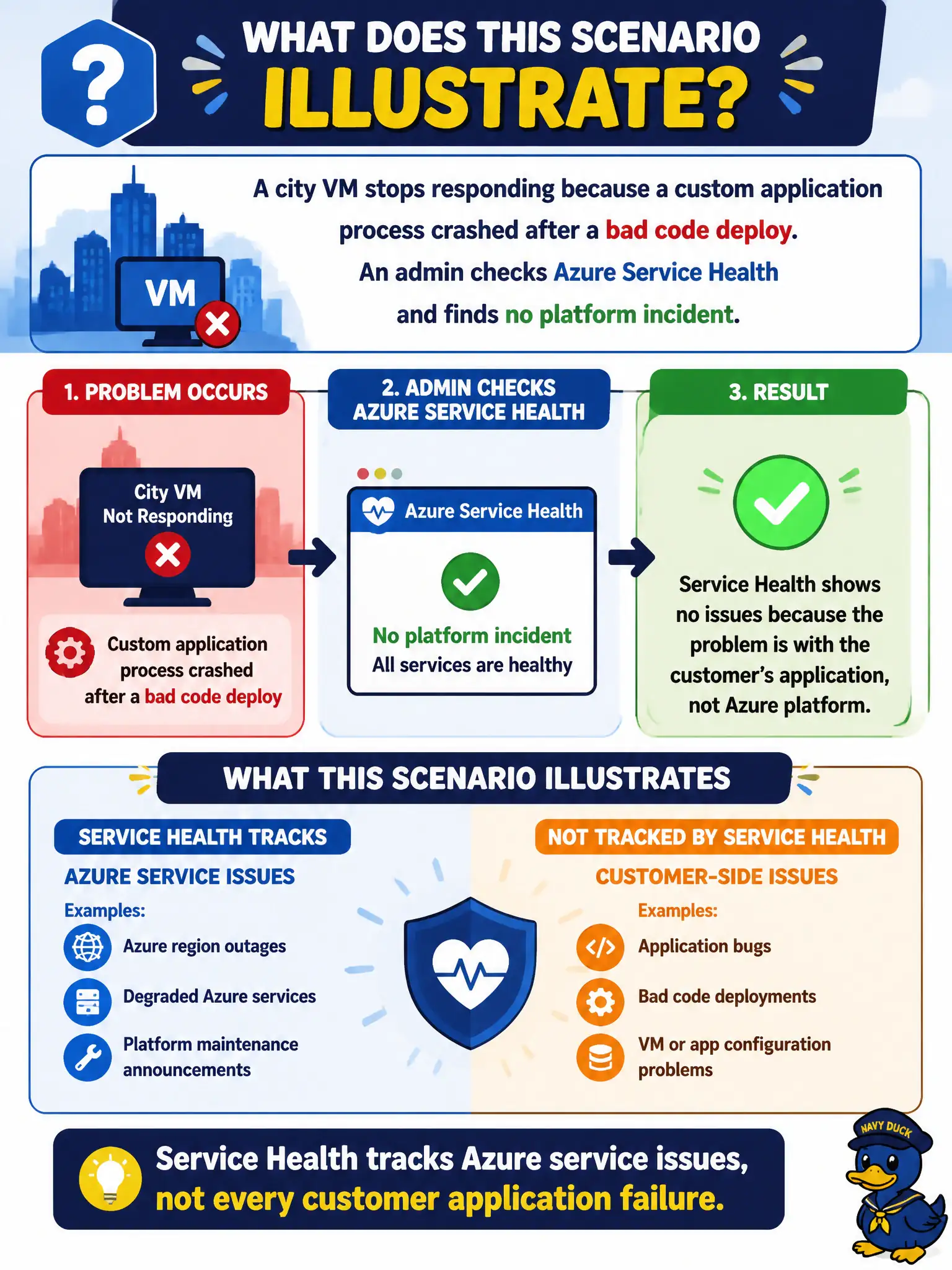
A city VM stops responding because a custom application process crashed after a bad code deploy. An admin checks Azure Service Health and finds no platform incident. What does this scenario illustrate?
Select an answer to reveal the explanation.
Short Explanation
If your app tripped over its own feet, that is not an Azure platform outage. Service Health cares about Microsoft's service status; buggy code on your VM is a different kind of fire drill.
Full Explanation
This scenario shows the boundary of Azure Service Health: it tracks Azure platform service issues and related communications, not every failure inside a customer-written application. When a city VM stops responding because a bad code deploy crashed a custom process, and Service Health shows no platform incident, operators correctly conclude the problem is on the application or guest side rather than a Microsoft Azure outage.
Claiming every application crash is automatically listed as a Service Health outage fails because customer app faults are not Azure service incidents. Saying Service Health replaces application logging for all civic workloads fails because app logs, metrics, and APM tools remain necessary to diagnose code defects. Saying Service Health only reports problems with on-premises Active Directory fails because Service Health concerns Azure service status (and related health views), not a narrow on-premises AD-only scope.
Exam caveat: absence of a Service Health incident does not prove the VM guest is healthy—it only rules out (or reduces likelihood of) a platform-wide Azure service problem for that resource's dependencies.
Operational check: when a civic app fails, check Service Health first for platform issues, then inspect Azure Monitor metrics, Resource Health if applicable, and application logs to separate Microsoft incidents from deployment regressions.