
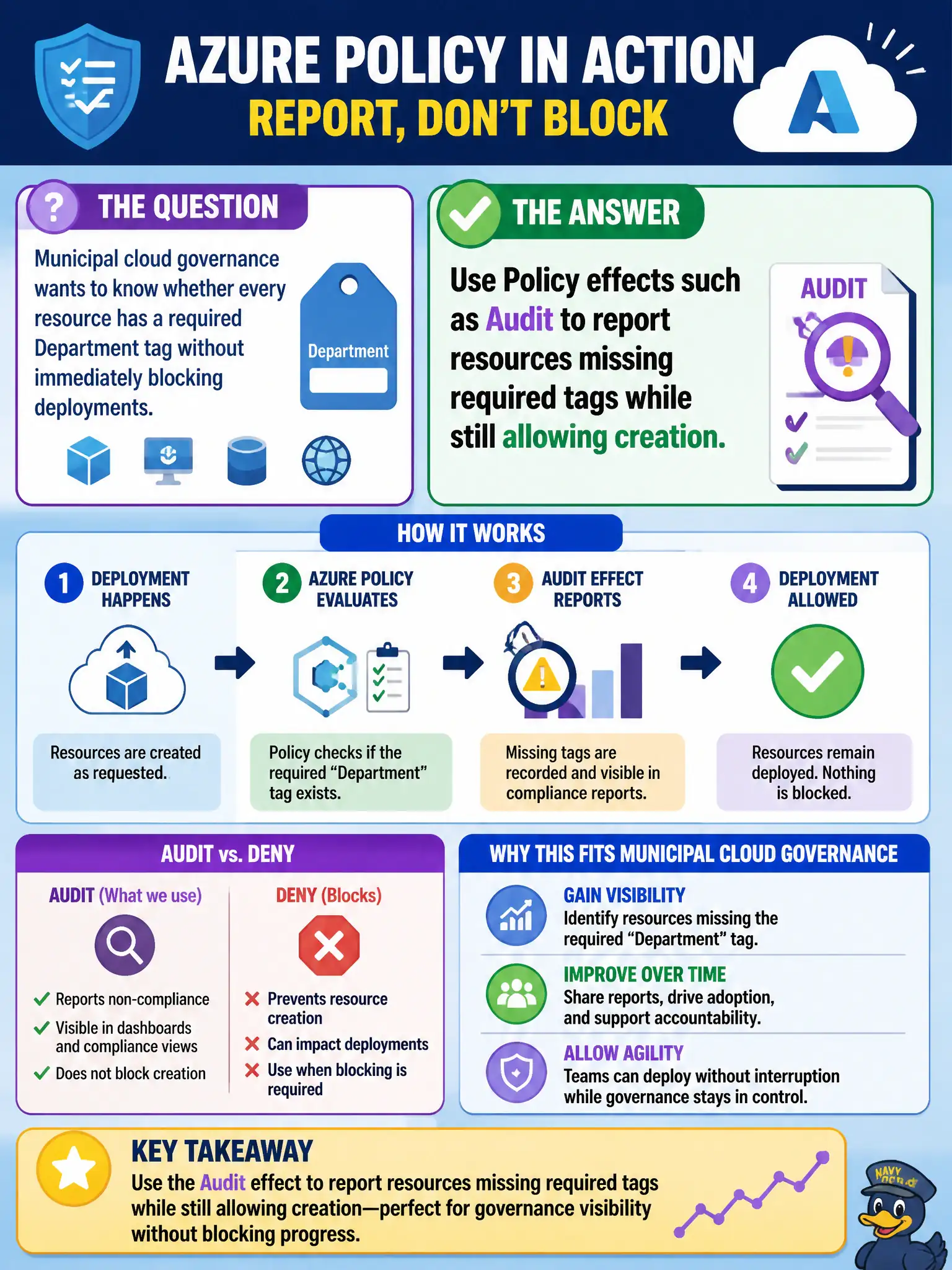
Municipal cloud governance wants to know whether every resource has a required Department tag without immediately blocking deployments. Which Azure Policy theme best fits?
Select an answer to reveal the explanation.
Short Explanation
Audit mode is the flashlight: it shows which resources skipped the Department tag without slamming the door on deployers yet. Deny comes later when the city is ready to enforce. Locks and Entra licenses are different tools.
Full Explanation
Azure Policy supports effects such as Audit (and related audit-style behaviors) that report resources missing required tags without immediately blocking creation. Municipal cloud governance that wants visibility into Department-tag coverage before flipping to hard Deny can assign require-tag policies with Audit, review Compliance dashboards, remediate gaps, and only later tighten enforcement once bureaus are ready.
Deleting all untagged resources automatically with a ReadOnly lock confuses locks with Policy and invents a destructive cleanup that ReadOnly does not perform. Policy does not replace Cost Management with citizen-facing invoices. Guest user licenses in Microsoft Entra ID address identity licensing, not tag enforcement on Azure resources.
Exam caveat: Audit versus Deny is a frequent fundamentals distinction—Audit finds drift; Deny prevents new noncompliance; DeployIfNotExists and modify-style effects go deeper than many AZ-900 items but the audit-then-enforce journey is a practical municipal pattern. Operational check: assign an Audit policy for a required Department tag at a pilot resource group, create one tagged and one untagged resource, open Policy Compliance, and confirm only the untagged resource shows as noncompliant while both creations still succeeded.