
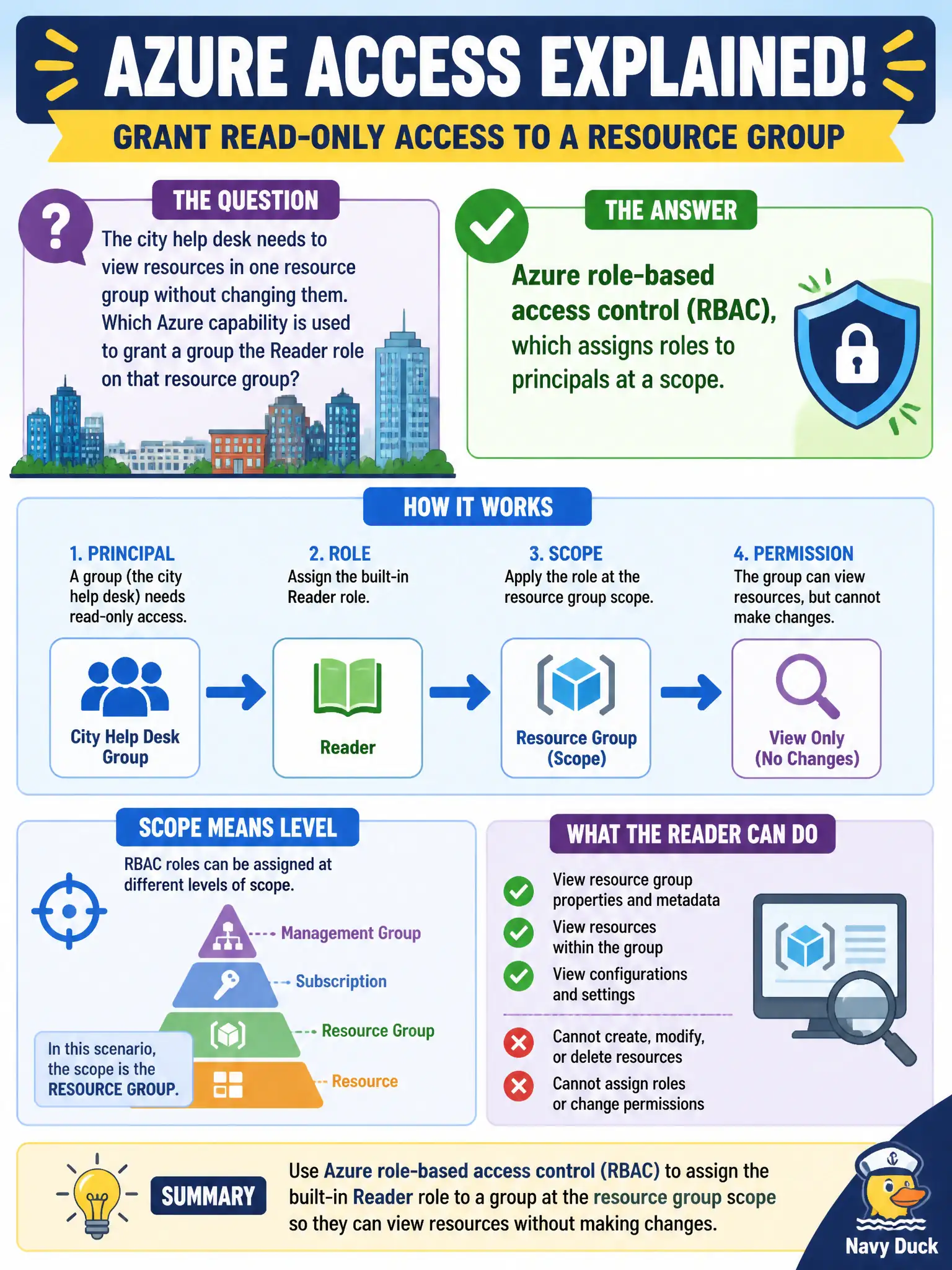
The city help desk needs to view resources in one resource group without changing them. Which Azure capability is used to grant a group the Reader role on that resource group?
Select an answer to reveal the explanation.
Short Explanation
RBAC is the permission sticky-note on Azure resources: who (principal), what they can do (role), and where (scope). Reader on a resource group is view-only for that folder of resources. Storage lifecycle and regions do not grant that kind of access.
Full Explanation
Azure role-based access control (RBAC) assigns roles to security principals—users, groups, service principals, or managed identities—at a chosen scope such as management group, subscription, resource group, or resource. Granting the city help desk’s group the Reader role on one resource group is a classic RBAC assignment: the group becomes the principal, Reader is the role definition (view without change), and the resource group is the scope. That model delivers least-privilege visibility for support work without permitting configuration changes.
Blob lifecycle management moves objects between access tiers based on age or policy; it does not grant people roles on resource groups. Azure regions describe geographic footprints for resource deployment and do not pin help-desk users to a geography for authorization. Azure Blueprints (legacy packaging of artifacts) do not automatically delete all role assignments nightly as a help-desk access pattern—and inventing destructive nightly resets would be operationally unsound.
Exam caveat: Azure RBAC authorizes management-plane actions on Azure resources; do not confuse it with Microsoft Entra app roles or data-plane access keys unless the question explicitly shifts domains.
Operational check: in Access control (IAM) on the target resource group, assign Reader to the help-desk Entra group, sign in as a member, confirm resources are visible, and attempt a change to prove the assignment is view-only as intended.