
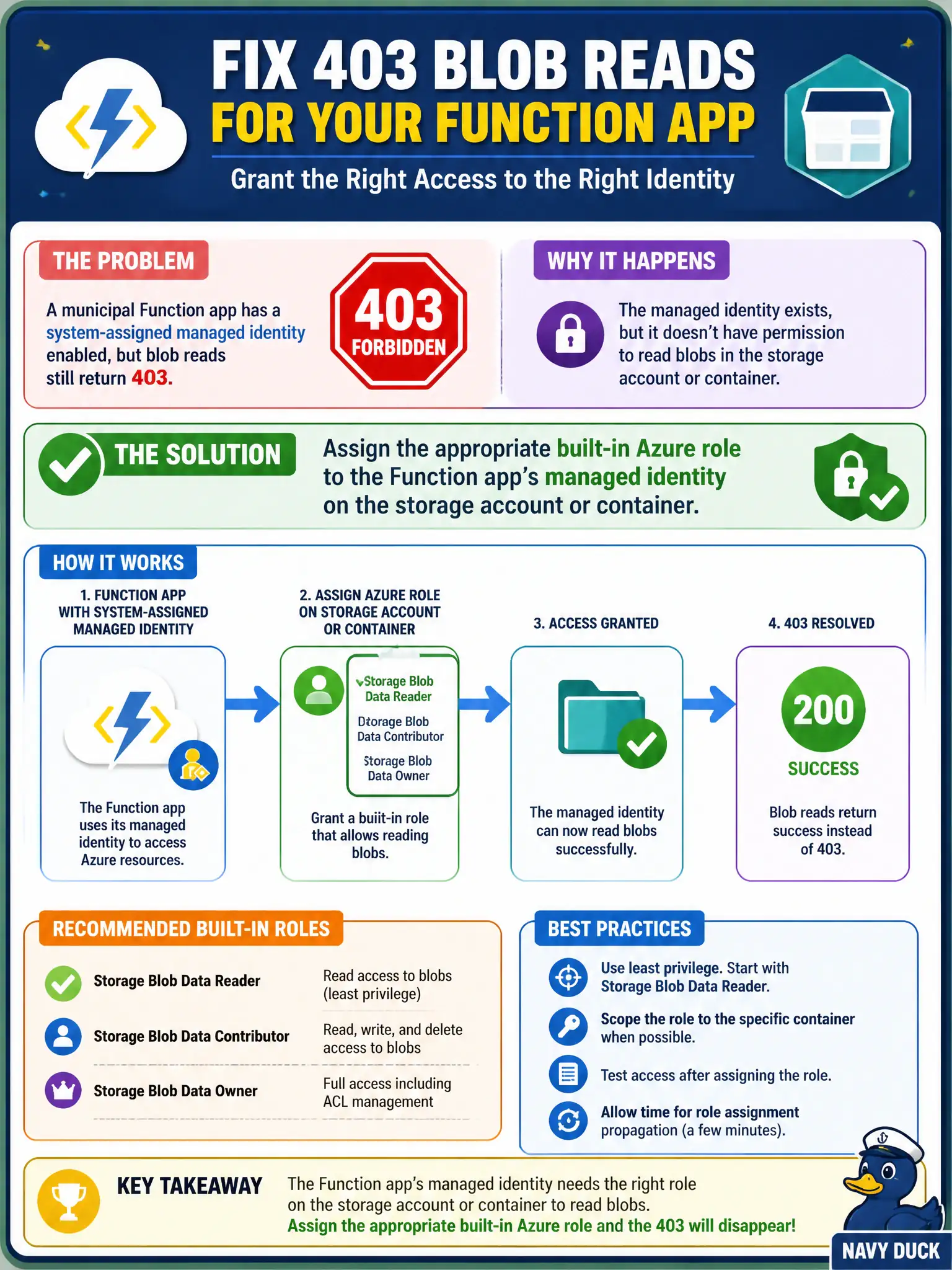
A municipal Function app has a system-assigned managed identity enabled, but blob reads still return 403. What should the security engineer do?
Select an answer to reveal the explanation.
Short Explanation
Identity’s on, but Storage still says “who are you?” Slap Storage Blob Data Reader (or the right built-in role) on that managed identity at the account or container—no new client secrets.
Full Explanation
Enabling a managed identity only creates the principal; Azure RBAC on the target resource is still required for authorization. When a municipal Function app has a system-assigned managed identity enabled but blob reads return 403, assign the appropriate built-in Azure role (for example Storage Blob Data Reader) to that Function app’s managed identity on the storage account or container scope. Identity without a role assignment explains many “MI is on but still 403” tickets.
Creating a new client secret on a separate app registration and hard-coding it fails the managed-identity approach. Switching the storage account to anonymous public blob access fails security. Disabling the system-assigned identity and relying on the storage account access key in Application Insights fails by concept: Application Insights is telemetry, not a key store, and keys abandon Entra-based access.
Exam caveat: for data-plane storage access, prefer data roles on the MI rather than control-plane Contributor plus keys. Operational check: assign the data role at the narrowest scope, confirm blob reads succeed, and ensure shared key usage is not required for the Function path. In municipal Azure estates, document the decision in the change record, validate with a nonproduction rehearsal, and confirm monitoring still pages the on-call operator when the control fails closed during an incident drill.