
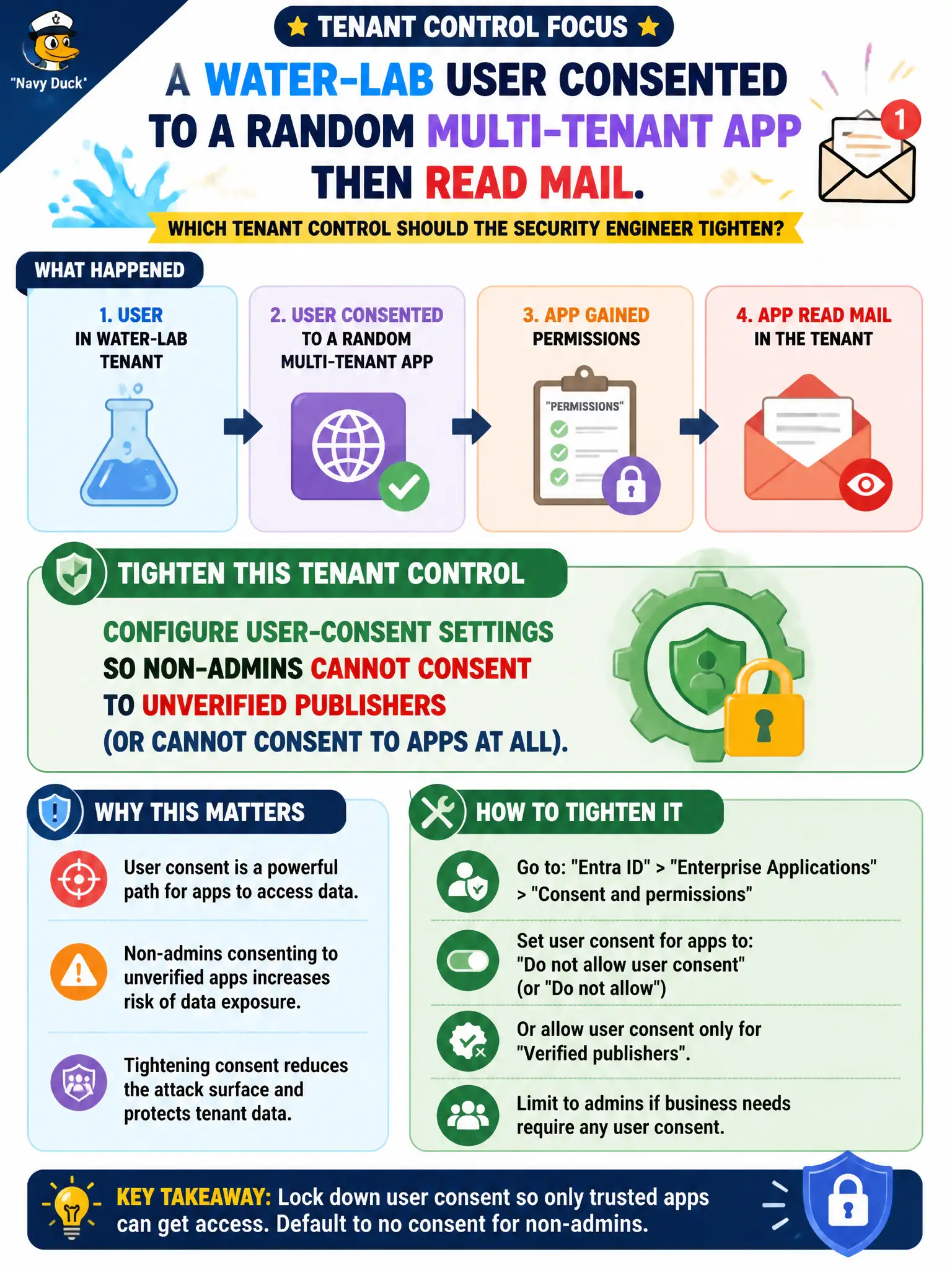
A water-lab user consented to a random multi-tenant app that then read mail. Which tenant control should the security engineer tighten?
Select an answer to reveal the explanation.
Short Explanation
If any lab user can say yes to a stranger’s multi-tenant app, mail walks out the door. Tighten user-consent settings so only verified publishers—or only admins—can hand out those permissions.
Full Explanation
Entra ID user-consent settings and related permission classifications let administrators prevent non-admins from consenting to applications—especially apps from unverified publishers—or disable user consent entirely. After a water-lab user consented to a random multi-tenant app that then read mail, the security engineer should configure user-consent settings so non-admins cannot consent to unverified publishers (or cannot consent to apps at all), ideally alongside an admin consent workflow for legitimate developer requests.
Deploying Microsoft Defender for Cloud Apps as the only Domain 1 control while leaving Entra user-consent settings unchanged fails because consent governance must be configured in Entra; CAS can help detect risky OAuth apps but is not a substitute for tightening consent. Deleting Microsoft Graph from the tenant so unverified apps cannot request mail permissions is not a viable remediation. Disabling Conditional Access entirely so consent prompts always succeed for lab users increases risk and does not address illicit consent.
Exam caveat: illicit OAuth consent is a common attack path; restricting user consent is a first-line AZ-500 identity hardening step. Operational check: tighten user-consent settings, attempt consent as a standard lab user to an unverified multi-tenant app (should fail), verify admins can still approve needed apps through the governed path, and hunt for existing risky grants to revoke.