
A clerk tries to sign into a new inventory app that requests Directory.ReadWrite.All, but no usable consent prompt appears for that clerk. What is the most likely consent requirement?
Select an answer to reveal the explanation.
Short Explanation
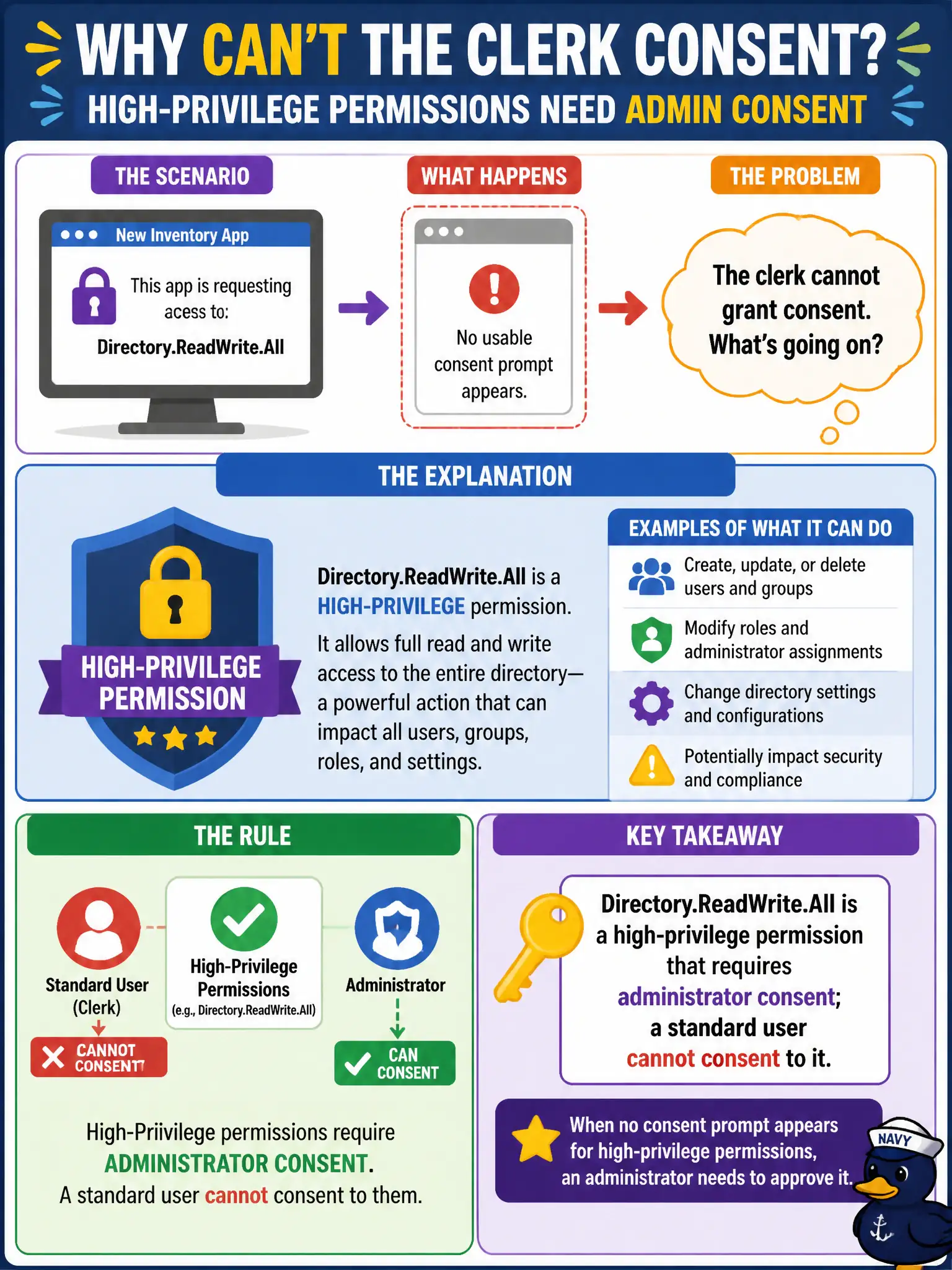
Directory.ReadWrite.All is the “rewrite the phone book” permission—clerks do not get to approve that. An admin has to consent; waiting for a normal user prompt is waiting for a door that will not open.
Full Explanation
High-privilege delegated permissions and all application permissions require administrator consent; a standard user cannot consent to Directory.ReadWrite.All. When a clerk tries to sign into a new inventory app that requests Directory.ReadWrite.All and no usable consent prompt appears for that clerk, the most likely consent requirement is that an administrator must consent—ordinary user consent is blocked for that privilege level.
Claiming the clerk must first complete an Entitlement Management access package before any Graph scope can be consented misattributes the primary control: packages can gate app access in some designs, but Directory.ReadWrite.All’s admin-consent requirement is the direct explanation here. Claiming user consent always works for Directory.ReadWrite.All when the publisher is unverified is false and dangerous. Claiming the app must switch Directory.ReadWrite.All from delegated to application permission so users can self-consent fails backwards: application permissions also require admin consent and do not create a self-consent path for end users.
Exam caveat: before granting admin consent to Directory.ReadWrite.All, challenge whether a narrower Graph permission meets the inventory need. Operational check: confirm the permission’s admin-consent requirement in the app registration, open an admin consent review, approve only if justified or replace with a lesser scope, retry clerk sign-in, and document who may approve high-privilege Graph consent for garden systems.