
A seasonal ticket-kiosk enterprise application must stop accepting sign-ins this week, but the security engineer must keep the service principal and its grants for a later audit. What action meets both needs?
Select an answer to reveal the explanation.
Short Explanation
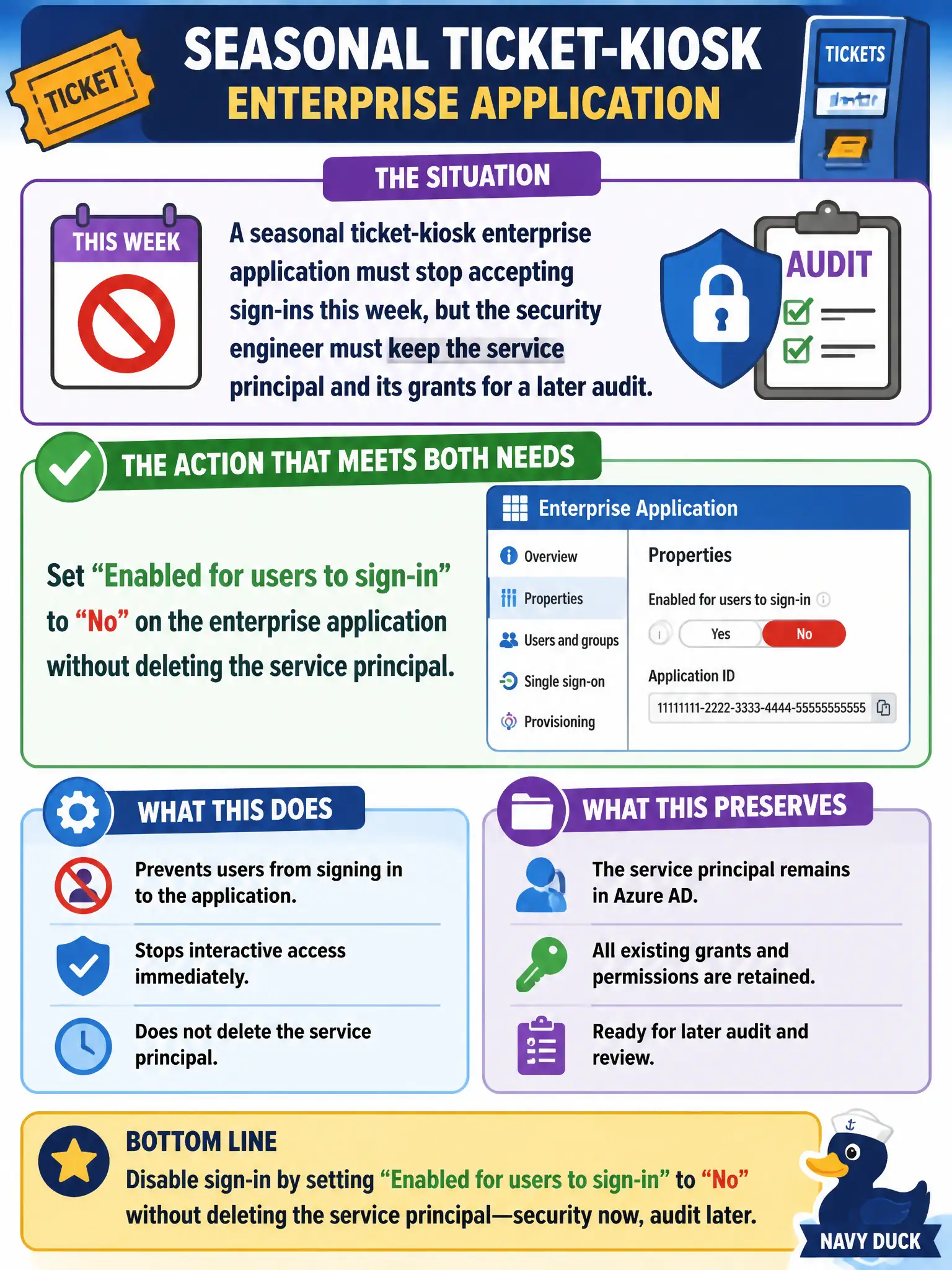
You want the kiosk dark for the season but the paperwork still in the drawer. Disable user sign-in on the enterprise app—doors locked, object and grants still there for the auditors.
Full Explanation
Disabling user sign-in on an enterprise application prevents interactive sign-in while retaining the service principal and its configuration/grants for later audit. For the seasonal ticket-kiosk app that must stop accepting sign-ins this week without destroying audit history, set Enabled for users to sign-in to No and leave the enterprise application (service principal) in place.
Deleting the enterprise application fails the keep-for-audit requirement and destroys the object auditors may need. Revoking every OAuth grant while leaving sign-in enabled fails because users may still sign in to the app even if some Graph grants are gone, and it is not the clean “disable sign-in” control asked for. Publishing only through Application Proxy with connectors powered off fails by concept for a normal enterprise app sign-in disable scenario and adds unrelated moving parts.
Exam caveat: disabled sign-in is reversible and preserves the service principal—prefer it over delete when seasonality or investigation is expected. Operational check: set Enabled for users to sign-in to No, attempt launch from My Apps (should fail), confirm the enterprise application and grants still exist for audit export, then re-enable after the season if required.