
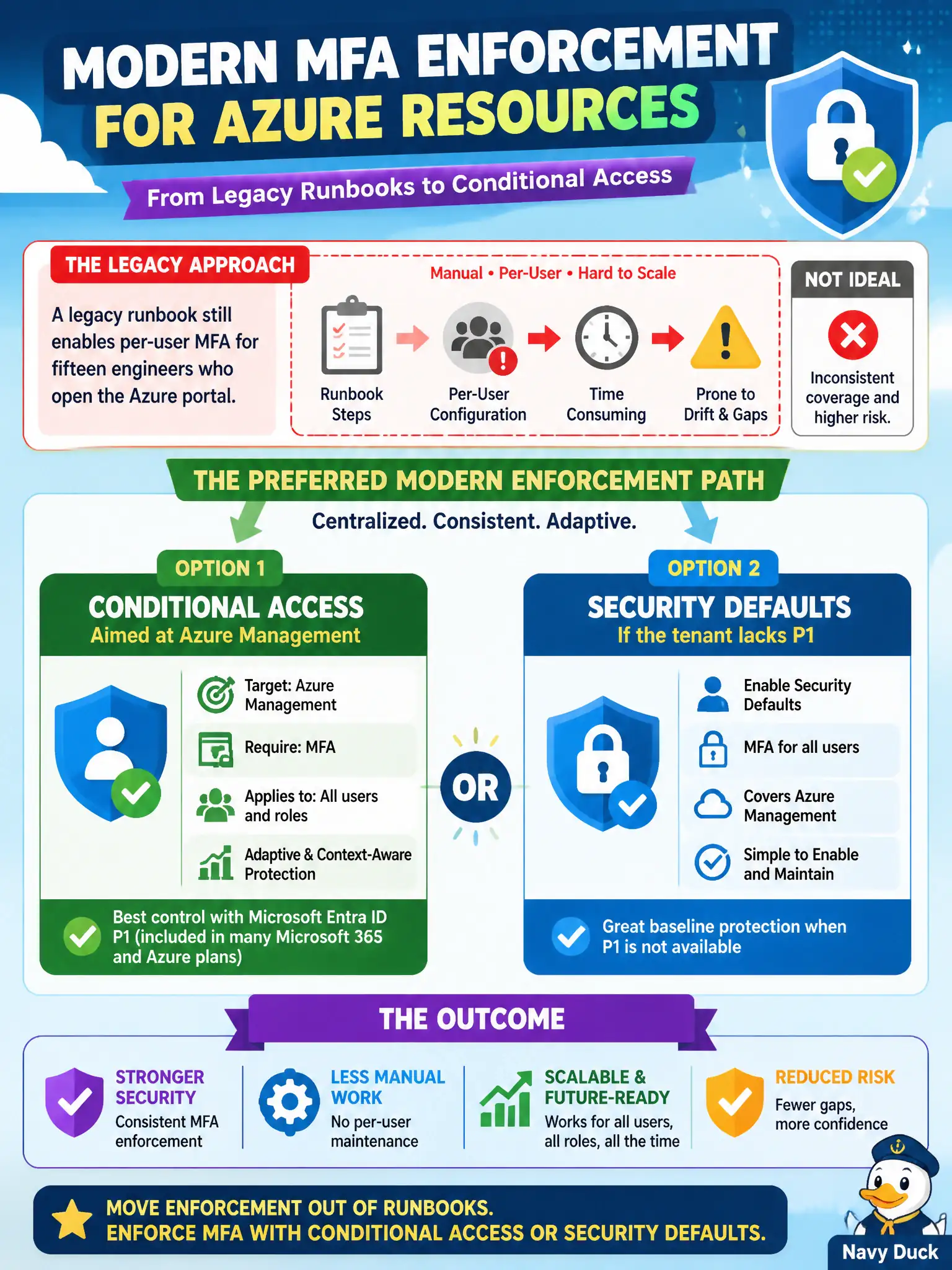
A legacy runbook still enables per-user MFA for fifteen engineers who open the Azure portal. What is the preferred modern enforcement path for MFA to Azure resources?
Select an answer to reveal the explanation.
Short Explanation
Per-user MFA is the old light switch behind the filing cabinet. Flip enforcement to Conditional Access pointed at Azure management—or security defaults if you have no P1—so you are not babysitting fifteen individual toggles.
Full Explanation
Legacy per-user MFA is superseded by tenant-wide approaches: Conditional Access (preferred when Entra ID P1/P2 licensing supports it) aimed at Azure management apps, or Microsoft Entra security defaults when the tenant lacks Conditional Access capabilities. For fifteen engineers who open the Azure portal, move enforcement off the legacy runbook’s per-user MFA flags onto Conditional Access for Azure management—or security defaults if P1 is unavailable—so MFA policy is centralized and consistent.
Keeping per-user MFA and adding Azure Policy to audit portal sign-ins fails because Policy does not replace modern MFA enforcement for sign-in, and per-user MFA remains the legacy path. Moving only guests to Conditional Access while leaving members on per-user MFA fails least-privilege consistency and leaves the legacy control plane in place for the engineers who matter most. Replacing MFA with PIM eligible assignments fails by concept: PIM reduces standing privileges; it does not replace multifactor authentication for portal access.
Exam caveat: Microsoft has been steering tenants away from per-user MFA toward Conditional Access/security defaults—know which path your licensing supports. Operational check: implement CA (or security defaults), verify engineers are challenged for Azure portal access, disable per-user MFA in a controlled wave, and confirm no one remains solely dependent on the legacy runbook flag.