
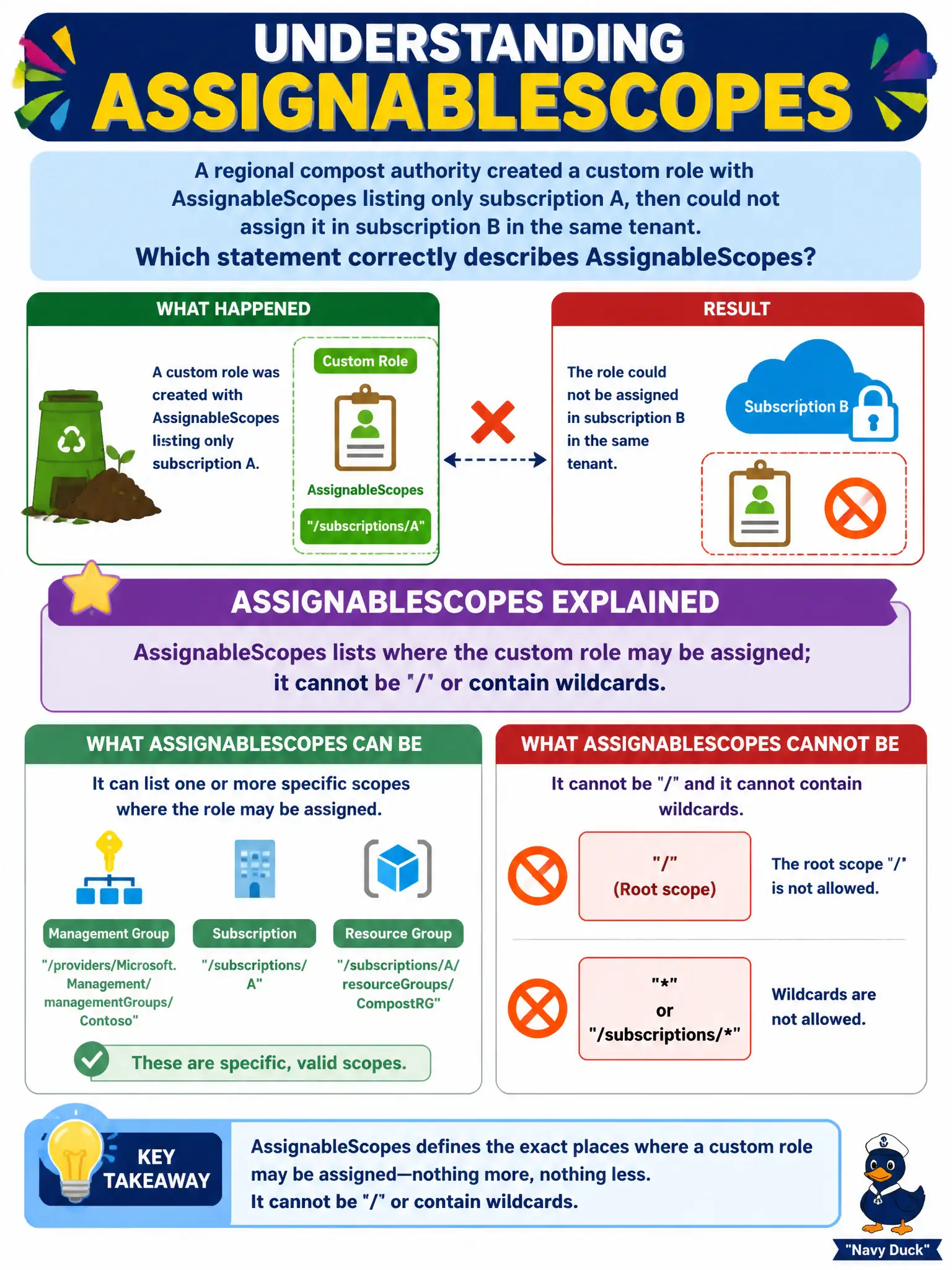
A regional compost authority created a custom role with AssignableScopes listing only subscription A, then could not assign it in subscription B in the same tenant. Which statement correctly describes AssignableScopes?
Select an answer to reveal the explanation.
Short Explanation
AssignableScopes is the fence line around where you are allowed to hang that custom role badge. Fence only subscription A, and subscription B is outside the pasture—you cannot point the fence at tenant root '/' or sprinkle wildcards either.
Full Explanation
AssignableScopes declares the scopes at which a custom Azure role definition may be assigned. It is not optional cosmetic metadata. When the regional compost authority listed only subscription A, Azure correctly refused assignment in subscription B in the same tenant because B was outside AssignableScopes. AssignableScopes entries must be concrete scope IDs (subscriptions, resource groups, or management groups as allowed); the definition cannot use '/' as a free-for-all in the sense of an invalid/over-broad pattern the exam warns about, and it does not accept wildcards for “all subscriptions.”
Treating AssignableScopes as optional cosmetic metadata fails because without the target subscription in AssignableScopes the role simply is not assignable there. Setting AssignableScopes to tenant root '/' to auto-cover every subscription is the classic over-broad pattern Microsoft cautions against for custom roles that should stay tightly scoped—and it is not the fix implied by a role intentionally limited to subscription A. Claiming DataActions force AssignableScopes to a management group so both subscriptions inherit fails by concept: DataActions do not rewrite AssignableScopes rules, and management-group listing is about where the role may be assigned, not automatic inheritance of the definition into every subscription without being listed.
Exam caveat: changing AssignableScopes later can unlock additional subscriptions, but existing assignments and the definition’s scope list must both be considered during reviews. Operational check: add subscription B’s ID to AssignableScopes if the role should be used there, save the definition, then create the assignment in B and confirm it still cannot be assigned in an unlisted subscription C.