
A contractor wants Always Encrypted “turned on at the server” for lock-lab Azure SQL the same way TDE is enabled. What must you explain?
Select an answer to reveal the explanation.
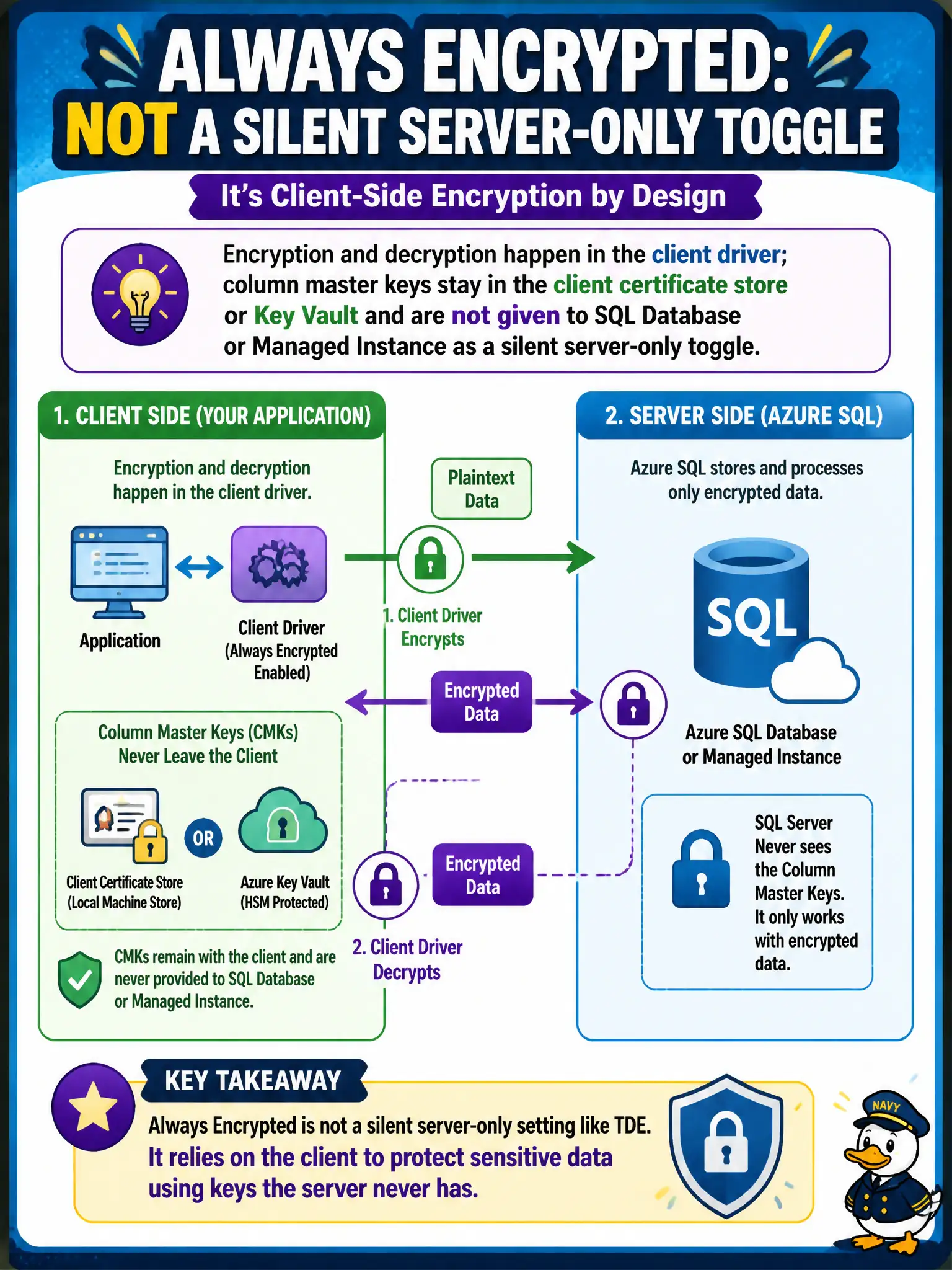
Short Explanation
Always Encrypted isn’t a light switch on the SQL server. The app’s driver does the crypto, and the column master key stays with the client or in Key Vault—SQL never gets the “read everything” keys.
Full Explanation
With Always Encrypted, encryption and decryption occur in the client driver. Column master keys reside in a client certificate store or in Azure Key Vault (or similar), and column encryption keys are protected by those master keys. Azure SQL Database or Managed Instance stores ciphertext and metadata; it is not a silent server-only toggle that decrypts for any connected client. Treating Always Encrypted as exclusively a server configuration flag with no client requirements will fail application cutovers. Enabling TDE does not provision Always Encrypted on columns and does not remove the need for app changes. Claiming SQL Database holds the column master keys and decrypts for any client reverses the trust model Always Encrypted is built to provide. Exam caveat: secure enclaves allow more operations inside a trusted environment on the server side, but key release and attestation rules still differ from ordinary TDE; do not assume enclaves mean “SQL has the master key for everyone.” Operational check: verify the app connection string enables Always Encrypted, confirm the CMK is reachable from the app identity, run a query that returns plaintext only in the authorized client, and attempt the same query from a tool without key access to confirm ciphertext or failure.