
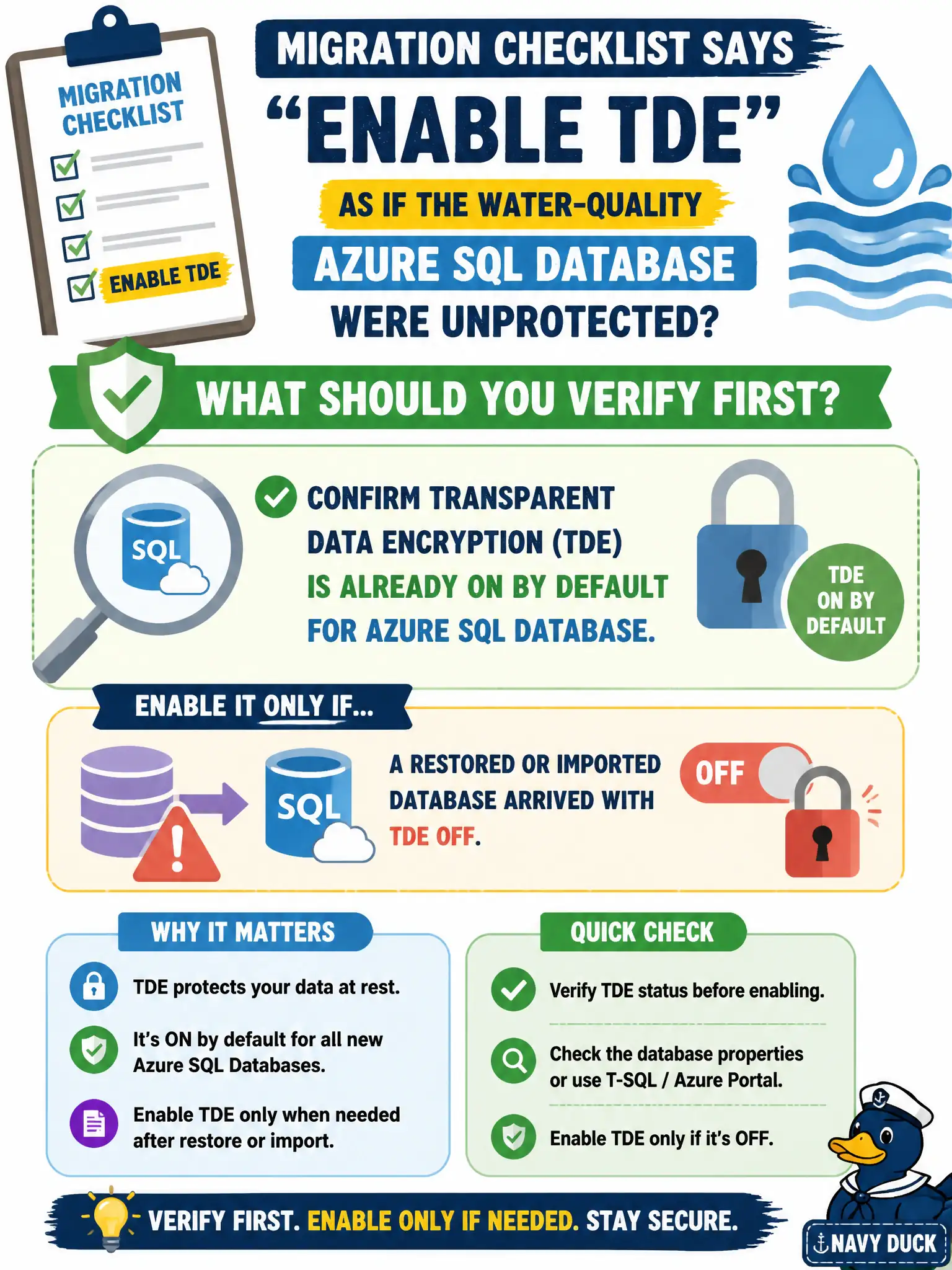
A migration checklist says “enable TDE” as if the water-quality Azure SQL Database were unprotected. What should you verify first?
Select an answer to reveal the explanation.
Short Explanation
For Azure SQL Database, TDE is usually already humming when you walk in—check the light before you “invent” a brand-new encryption product on the checklist.
Full Explanation
For Azure SQL Database, Transparent Data Encryption is on by default for new databases. The operational task is to confirm TDE status—especially after restore, geo-restore, or import scenarios where a database might arrive with TDE off—and enable it if needed, not invent a third-party encryption product as the primary control. Assuming every Azure SQL Database ships with TDE off until a DBA installs something custom is outdated relative to the platform default. Disabling TDE to speed migration tooling and leaving it off permanently exposes data files and backups. Soft delete on a paired storage account is an object-recovery feature for blobs, not database encryption. Exam caveat: SQL Managed Instance and SQL Server in Azure VMs have related but not identical TDE enablement stories—read the SKU you are securing; also customer-managed TDE protectors are a separate key-custody choice once TDE is on. Operational check: query or portal-check encryption_state for each water-quality database after migration, enable TDE where off, wait for encryptor status to complete, and verify automated backups remain successful. After each import wave for canal databases, include TDE status on the migration checklist beside connectivity and firewall rules.