
A Linux job must read one Azure Files file over HTTPS and must not mount SMB or join AD DS. Which access approach fits?
Select an answer to reveal the explanation.
Short Explanation
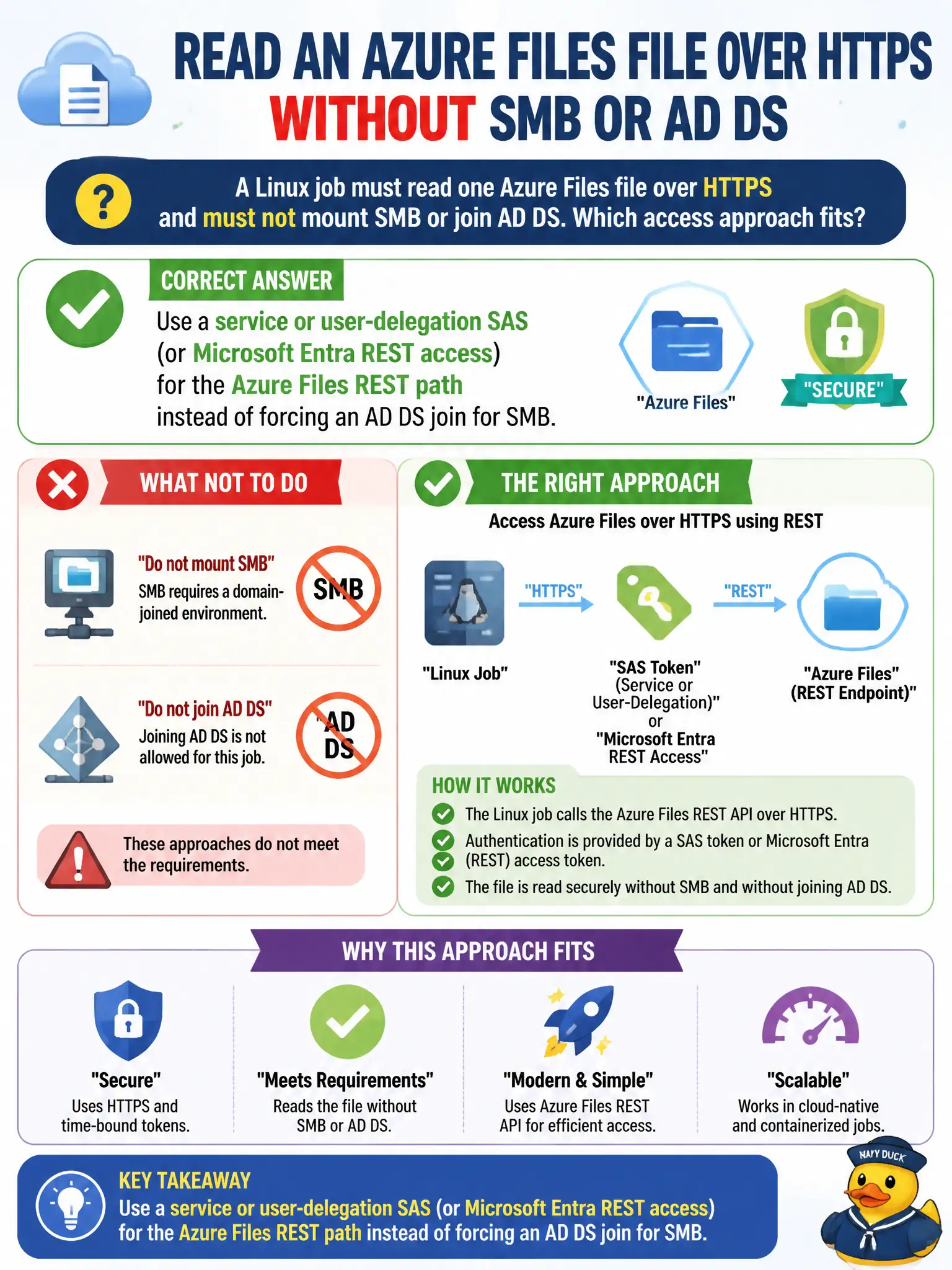
That Linux box isn’t looking for a drive letter—it’s knocking on HTTPS. Hand it a SAS or Entra REST token for Files; don’t drag it into an AD DS SMB marriage.
Full Explanation
A Linux job that must read one Azure Files file over HTTPS and must not mount SMB or join AD DS should use a service or user-delegation SAS—or Microsoft Entra REST access—on the Azure Files REST path. Azure Files offers SMB with identity-based auth and a REST data plane with SAS or Entra authorization; protocol choice should match the client. For a civic batch job that only knocks on HTTPS for a single file, REST with a scoped signature or Entra token is the fit—not forcing an AD DS SMB marriage.
Requiring the Linux host to join on-premises AD DS and map the share with SMB before any HTTPS read fails by concept: the workload constraints forbid SMB mount and AD DS join, and REST does not require that path. Pasting the storage account key into an anonymous HTTP URL without a signature or expiry fails because unscoped key material in a URL is standing full-power access without SAS controls. Enabling public anonymous SMB and disabling REST so HTTPS clients fail closed into SMB only fails by contradicting the HTTPS REST requirement and weakening authentication.
Exam caveat: Azure Files REST with SAS or Entra is valid for non-SMB clients; do not force SMB identity onto REST-only jobs. Operational check: mint a short-lived, file- or share-scoped HTTPS-only SAS (prefer user-delegation when Entra is available) or configure Entra REST authorization for the job identity, confirm the Linux HTTPS read succeeds without SMB, and ensure the account key never appears in the job’s URL.