
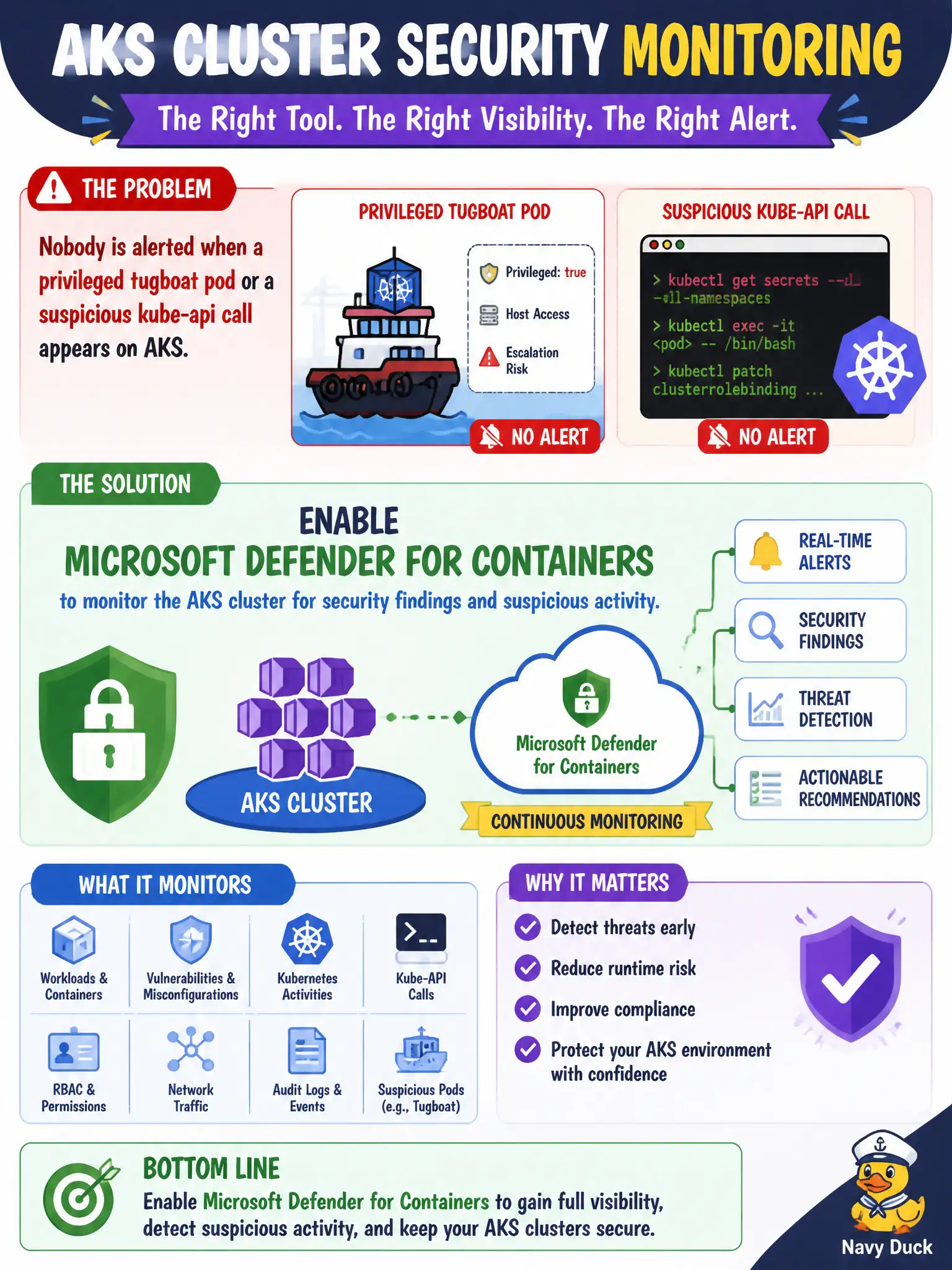
Nobody is alerted when a privileged tugboat pod or a suspicious kube-api call appears on AKS. Which product should the security engineer enable for cluster security monitoring?
Select an answer to reveal the explanation.
Short Explanation
Privileged pods and weird kube-api calls shouldn’t be silent. Turn on Defender for Containers so the cluster has a security watch—don’t bolt App Insights into every app and call it cluster defense.
Full Explanation
Microsoft Defender for Containers is the product that provides security monitoring for the AKS cluster—findings on privileged pods, suspicious Kubernetes activity, and related container security signals. When nobody is alerted for a privileged tugboat pod or an anomalous kube-api call, enabling Defender for Containers is the direct remediation rather than inventing per-app APM alerts.
Instrumenting every microservice with Application Insights and treating request failures as cluster security alerts fails by concept: App Insights is application performance monitoring, not Kubernetes control-plane and runtime security posture. Enabling only Defender for Servers on jump VMs ignores container runtime and AKS control-plane signals that Containers coverage is meant to surface. Authoring a full Sentinel analytics-rule pack from scratch before enabling any Defender plan skips the native Defender for Containers detections and connectors that feed Sentinel more efficiently.
Exam caveat: Defender for Containers is distinct from Defender for Servers—jump-host Servers plans do not equal AKS container security monitoring. Operational check: enable Defender for Containers on the subscription/scope that holds the cluster, confirm the AKS resource shows as monitored, and validate that a test finding or recommendation appears for the tugboat cluster.