
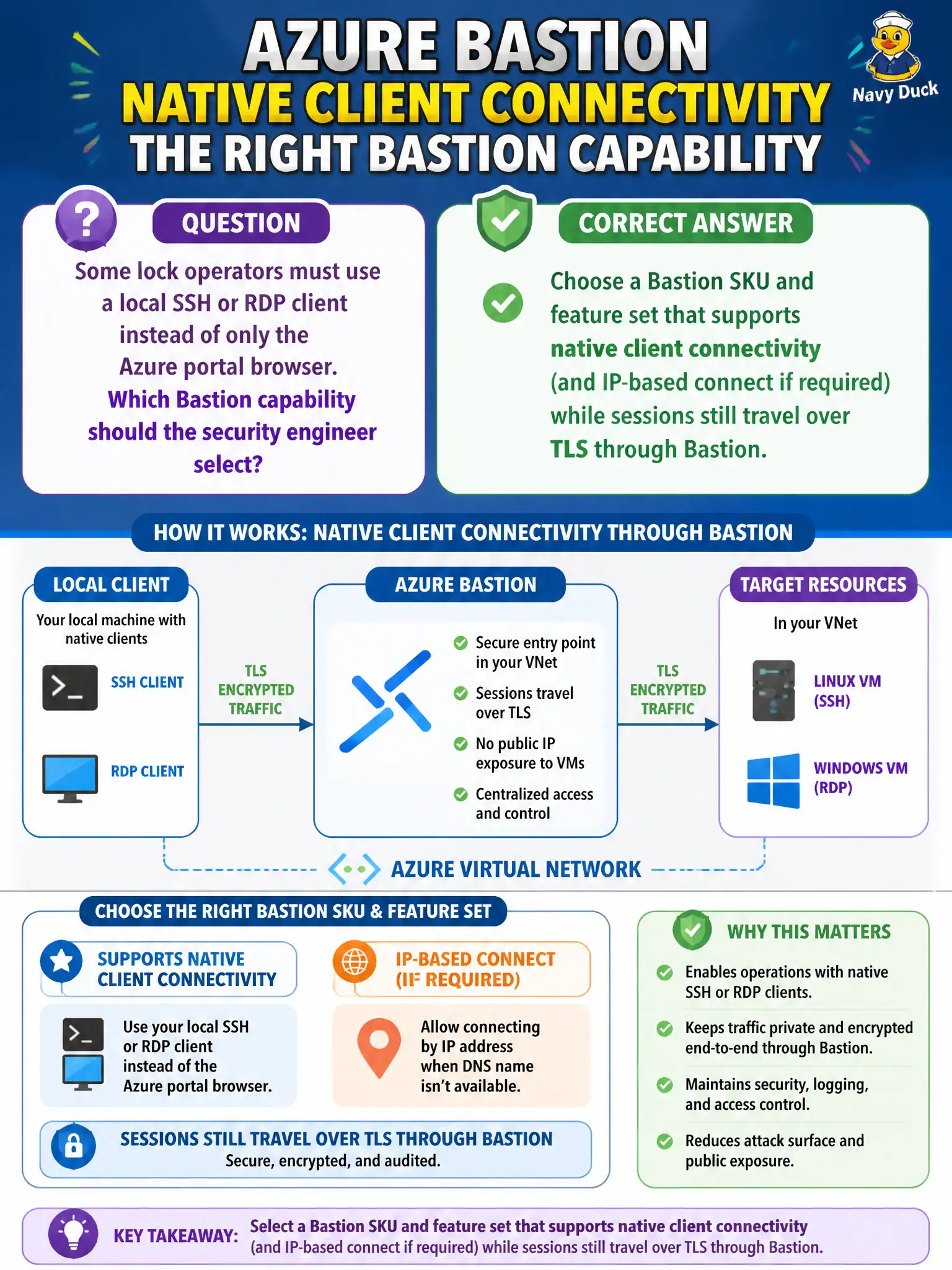
Some lock operators must use a local SSH or RDP client instead of only the Azure portal browser. Which Bastion capability should the security engineer select?
Select an answer to reveal the explanation.
Short Explanation
Portal browser is fine for some shifts; others want their own SSH/RDP app. Pick the Bastion SKU that unlocks native client—still TLS through Bastion, still no public IP on the VM.
Full Explanation
When lock operators need a local SSH or RDP client rather than only the Azure portal browser, the security engineer selects a Bastion SKU and feature set that supports native client connectivity (and IP-based connect when the design requires connecting by private IP). Sessions still terminate through Bastion over TLS, and the target VMs keep no public IP—native client is an access method on top of Bastion, not a return to Internet-exposed management ports.
Leaving Bastion browser-only and forcing a third-party HTML5 gateway on a public jump VM fails by concept: it reintroduces a public management host and abandons the platform Bastion path the exam expects. Opening TCP 3389 and 22 on each VM’s public IP and disabling Bastion fails because that restores direct Internet RDP/SSH exposure, which is the opposite of removing public management endpoints. Replacing Bastion with Azure Virtual Desktop solely so operators can use a local RDP client confuses desktop virtualization with secure admin access to lock-chamber VMs; AVD solves a different problem and is not the Bastion native-client answer.
Exam caveat: not every Bastion SKU exposes the same native-client and IP-based connect features—match SKU to the required capability rather than assuming Basic portal-only Bastion covers local clients. Operational check: from an allowed operator workstation, connect with the native RDP/SSH client through Bastion to a lock VM that has no public IP, and confirm the session still does not require inbound 3389/22 from the Internet.