
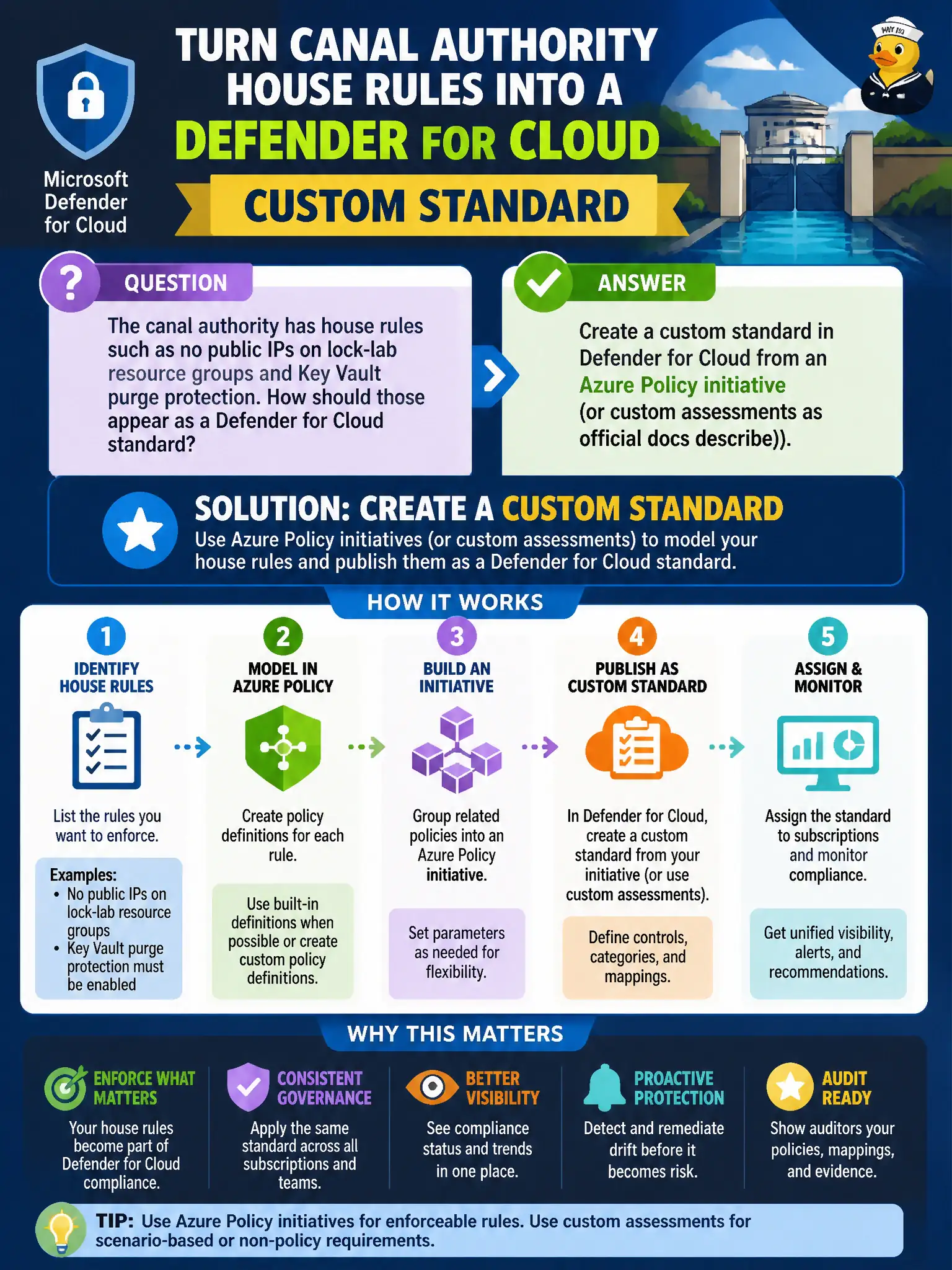
The canal authority has house rules such as no public IPs on lock-lab resource groups and Key Vault purge protection. How should those appear as a Defender for Cloud standard?
Select an answer to reveal the explanation.
Short Explanation
House rules need a real standard, not a Threat Modeling doodle. Build a custom Defender for Cloud standard from your Azure Policy initiative and let the dashboard grade the canal’s own rules.
Full Explanation
House rules such as no public IPs on lock-lab resource groups and Key Vault purge protection should appear as a custom standard in Microsoft Defender for Cloud created from an Azure Policy initiative (or custom assessments as official documentation describes). That pattern turns municipal policy into assessable controls on the Defender compliance board.
Drawing the house rules only in the Microsoft Threat Modeling Tool and attaching screenshots to Secure Score produces design artifacts, not continuous compliance assessments. Publishing the house rules as a Microsoft Sentinel hunting bookmark collection stores investigation notes, not a Defender regulatory standard. Replacing MCSB with a Word document stored in a storage account public container loses both the default benchmark and confidentiality, and it is not a Defender standard at all.
Exam caveat: a custom standard still must be assigned to the target subscriptions after creation; authoring alone does not populate lock-lab dashboards.
Operational check: package the house rules as a Policy initiative, create the custom Defender standard from that initiative, assign it to lock-lab subscriptions, and verify public-IP and purge-protection controls show status for sample resource groups and Key Vaults.