
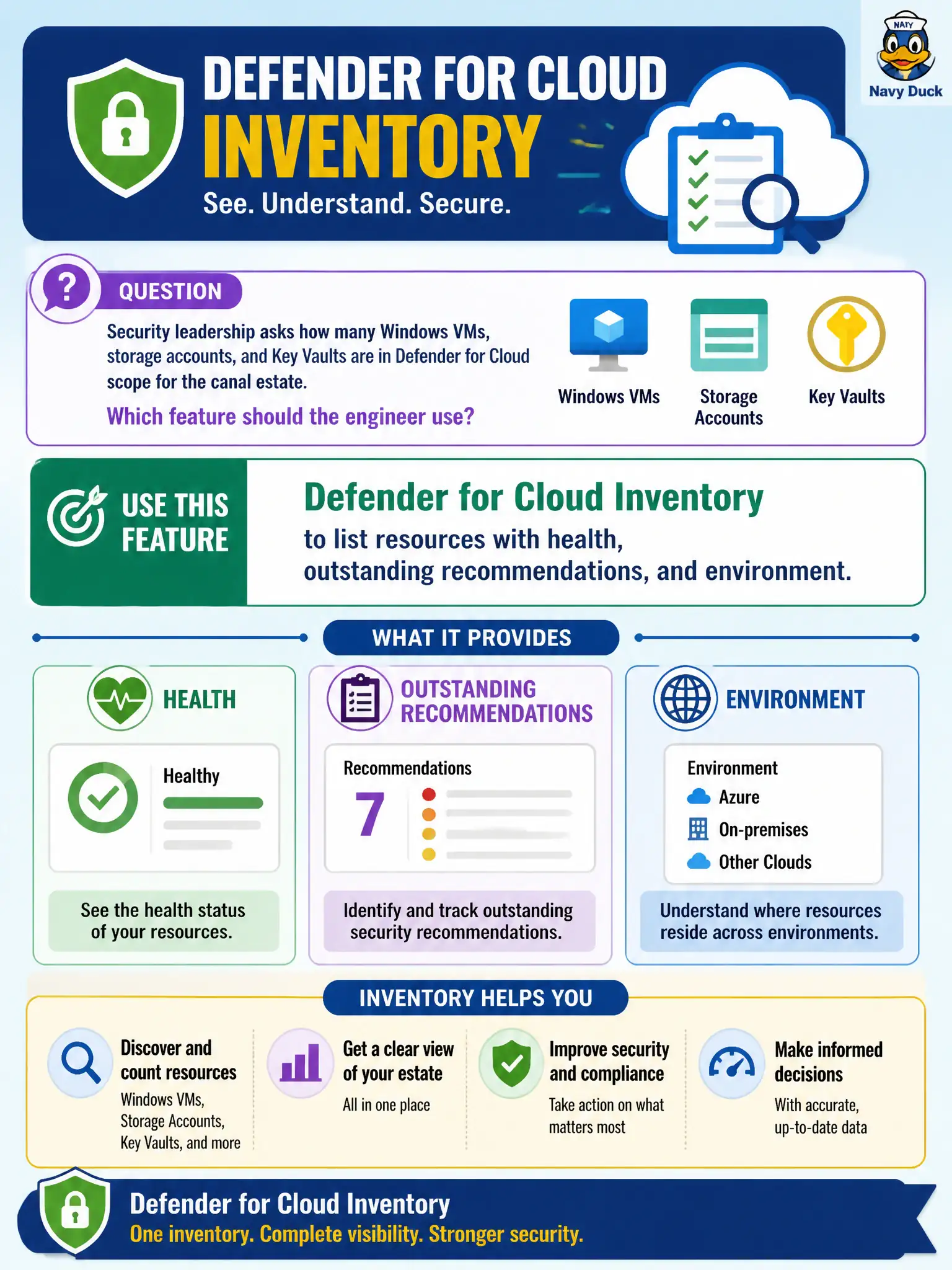
Security leadership asks how many Windows VMs, storage accounts, and Key Vaults are in Defender for Cloud scope for the canal estate. Which feature should the engineer use?
Select an answer to reveal the explanation.
Short Explanation
Do not reinvent Inventory with a shared-drive spreadsheet. Defender for Cloud Inventory already lists what it can see—resource, health, open recommendations, and which environment it lives in.
Full Explanation
Defender for Cloud Inventory is the feature built to answer how many Windows VMs, storage accounts, and Key Vaults sit in Defender for Cloud scope for the canal estate. It lists connected resources with health, outstanding recommendations, and environment context so leadership gets a live posture asset view instead of a reconstructed spreadsheet.
Exporting a handwritten CMDB from a shared drive and reconciling weekly by email is manual, stale, and disconnected from what Defender actually assesses. Opening only Microsoft Sentinel Workbooks that chart incident severity by day answers SOC workload questions, not resource inventory counts by type. Querying Azure Cost Management to infer asset counts from monthly spend guesses quantity from billing lines and will miss stopped, free-tier, or mis-tagged resources while counting cost noise that is not a security inventory.
Exam caveat: Inventory reflects resources Defender for Cloud can see in connected scopes—multi-cloud or Arc machines appear only after those connectors/onboarding paths are in place.
Operational check: open Inventory, filter by resource type for Windows VMs, storage accounts, and Key Vaults across canal subscriptions, export or screenshot the counts for leadership, and spot-check a few entries against the Azure portal resource lists for accuracy.