
Before deleting or moving a Key Vault key used as a customer-managed key, what backup action should the security engineer take?
Select an answer to reveal the explanation.
Short Explanation
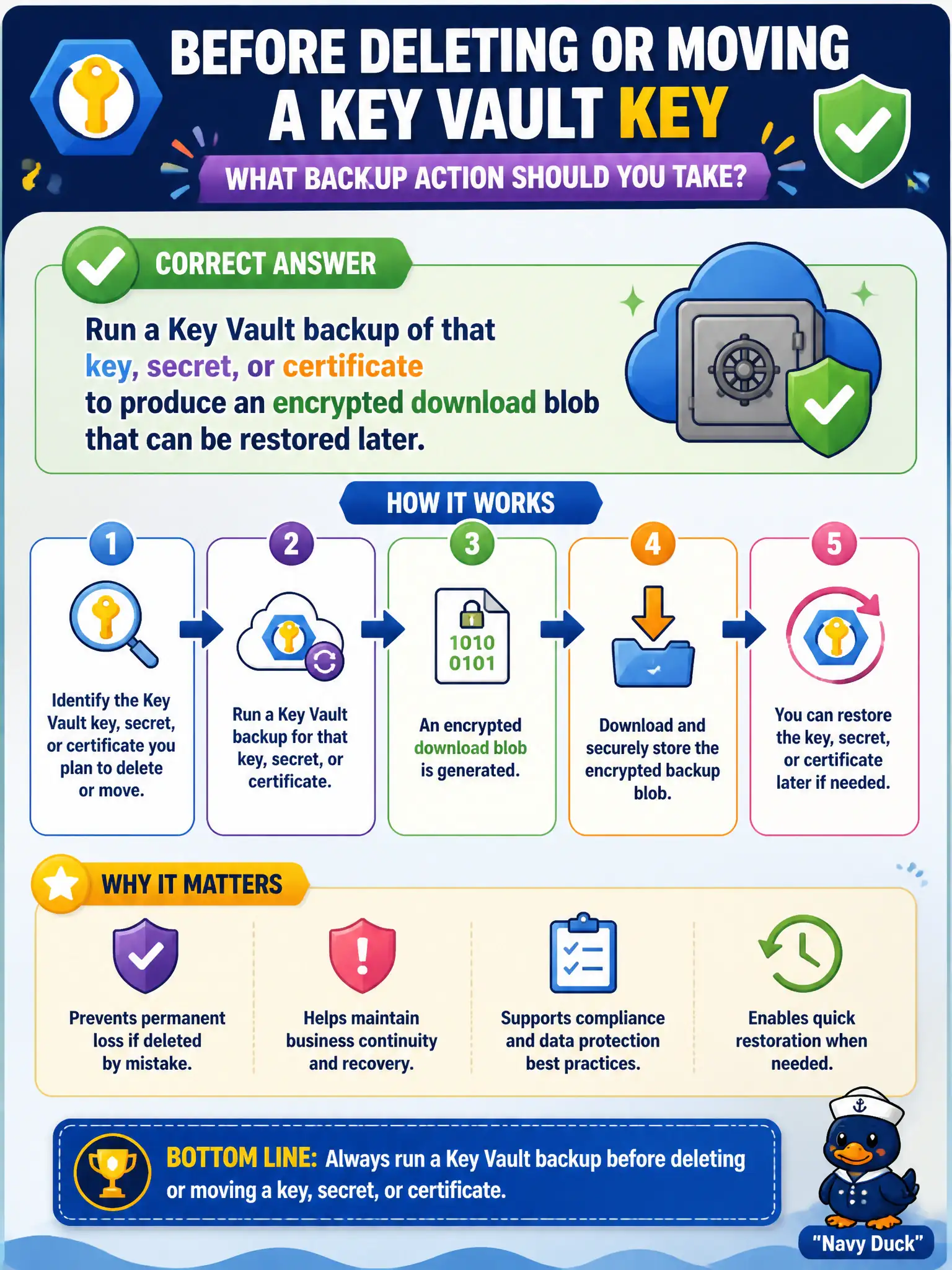
Before you yank a CMK, take a Key Vault backup of that object. You get an encrypted blob you can restore later—not a screenshot and not a plaintext CSV on the Internet.
Full Explanation
Before deleting or moving a Key Vault key used as a customer-managed key, run Key Vault’s per-object backup for that key (or secret/certificate). The operation produces an encrypted backup blob that can be restored later into a qualifying Key Vault under Microsoft’s documented constraints. That backup is the supported offline copy for CMK material when soft-delete alone is not enough for move or vault-loss scenarios on the lock-lab estate.
Screenshotting the Azure portal Keys blade and storing the image in email fails by concept: a screenshot is not restorable key material. Copying key material into a plaintext CSV in a public storage container fails confidentiality and may be impossible for non-exportable HSM keys. Relying only on Azure Backup of unrelated virtual machines fails because VM backup does not capture Key Vault objects as first-class encrypted blobs.
Exam caveat: backed-up keys restore under geography/subscription constraints—verify restore targets before deleting the live CMK. Operational check: backup the CMK object, store the encrypted blob in a secured location with access logging, perform a restore test into a peer vault in an allowed scope, then proceed with delete/move only after restore success is proven.