
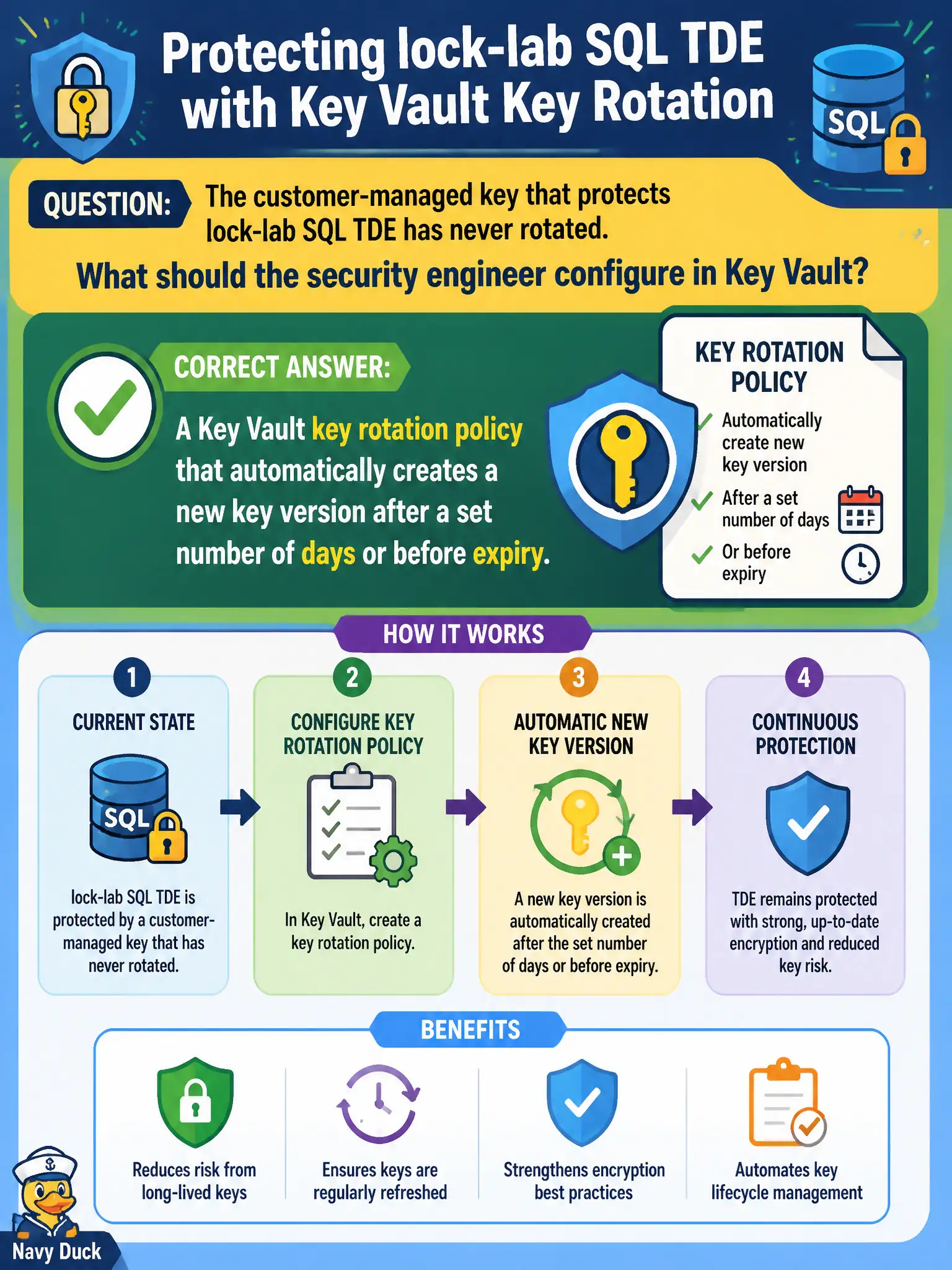
The customer-managed key that protects lock-lab SQL TDE has never rotated. What should the security engineer configure in Key Vault?
Select an answer to reveal the explanation.
Short Explanation
Stop relying on a sticky note to the DBA. Put a rotation policy on the CMK so Key Vault mints a new version on the schedule—before expiry, not after an outage.
Full Explanation
Key Vault supports key rotation policies that automatically create a new key version after a configured number of days or relative to expiry. For a customer-managed key protecting lock-lab SQL TDE that has never rotated, configuring that rotation policy is the native lifecycle control. Services that follow the key’s current version can adopt new versions according to their CMK rotation behavior once versions exist on schedule.
Only an email reminder to the DBA with no Key Vault automation fails by concept: manual reminders drift and do not create versions. Disabling TDE so CMK rotation is unnecessary fails security posture—turning off encryption to avoid rotation is not an acceptable control. A Sentinel analytics rule that deletes the CMK weekly without creating a new version fails catastrophically: deletion without a successor version breaks unwrap and does not implement rotation.
Exam caveat: rotation policy creates versions; ensure dependent services (SQL TDE CMK) are configured to accept new versions without outage. Operational check: set a rotation policy on the CMK (for example time-based within policy limits), verify a new version appears on schedule in a test vault, validate SQL still decrypts after version advance, and alert on rotation failures for the canal databases.