
An operator accidentally deletes the Key Vault secret canal-sql-cs. The vault still exists. What should the security engineer do first?
Select an answer to reveal the explanation.
Short Explanation
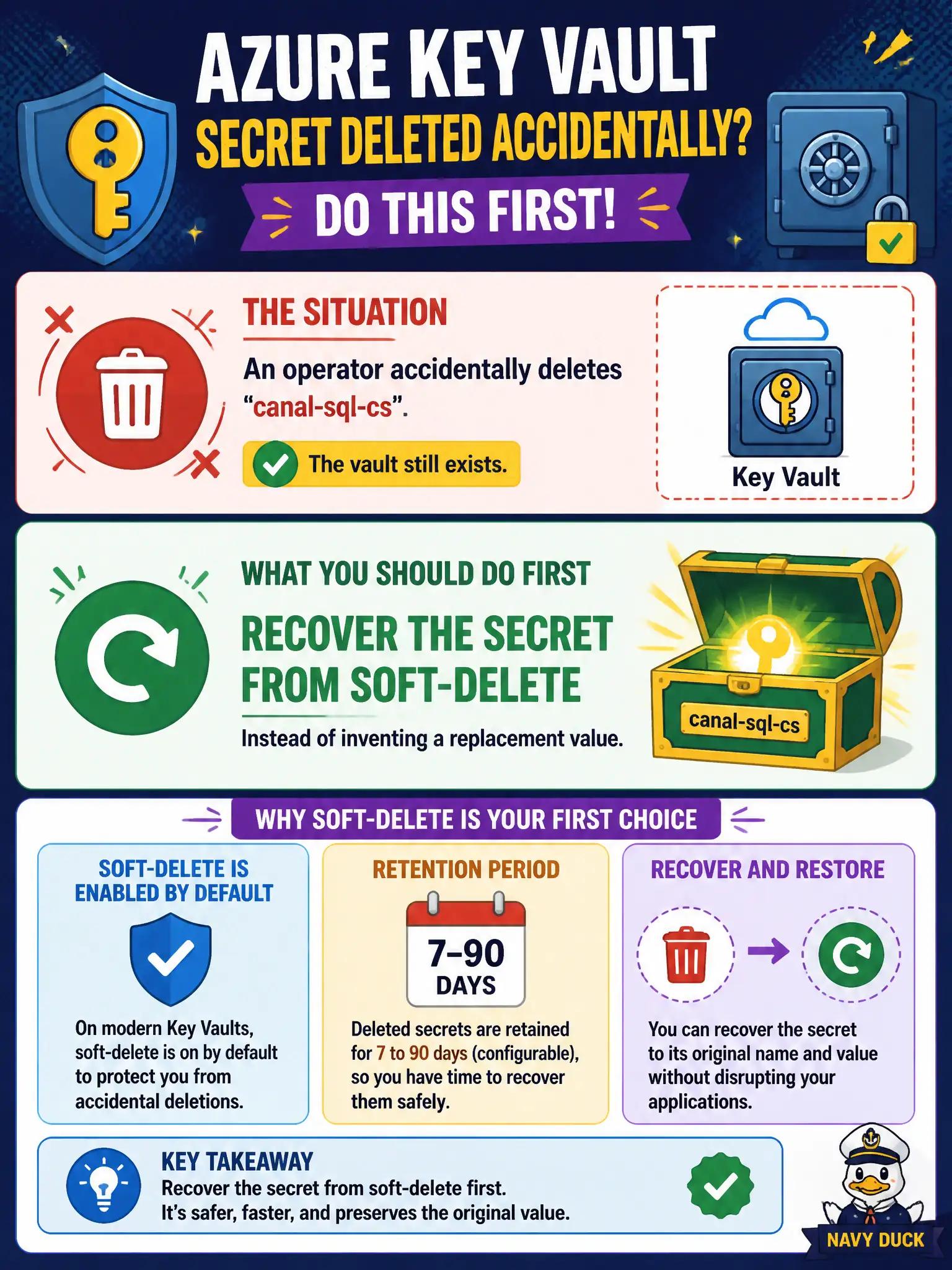
Don’t mint a brand-new connection string and run a pager storm. Soft-delete kept canal-sql-cs recoverable—pull it back from the deleted objects list while the vault is still there.
Full Explanation
On modern Key Vaults, soft-delete is enabled by default with a configurable retention window (commonly 7–90 days). When an operator accidentally deletes canal-sql-cs and the vault still exists, the first action is to recover the soft-deleted secret from the deleted objects list. That restores the same name and value without forcing every application to retarget a new secret name or invent a replacement connection string during an incident.
Minting a brand-new secret name and forcing every application to update configuration immediately fails by concept as a first response: it amplifies outage scope when soft-delete recovery is available. Purging the secret immediately so the name can be reused the same hour fails because purge (when allowed) destroys the recoverable copy and shortens options during soft-delete retention. Restoring from an Azure virtual machine Recovery Services backup of a jump box fails because VM backup is not the Key Vault object recovery path for a deleted secret in an intact vault.
Exam caveat: recover soft-deleted objects before purge; purge protection may block early purge entirely. Operational check: in the vault’s Secrets blade, open Manage deleted secrets (or CLI/API equivalent), recover canal-sql-cs, confirm the secret name and content version are back, and verify canal apps resume database connectivity without config renames.