
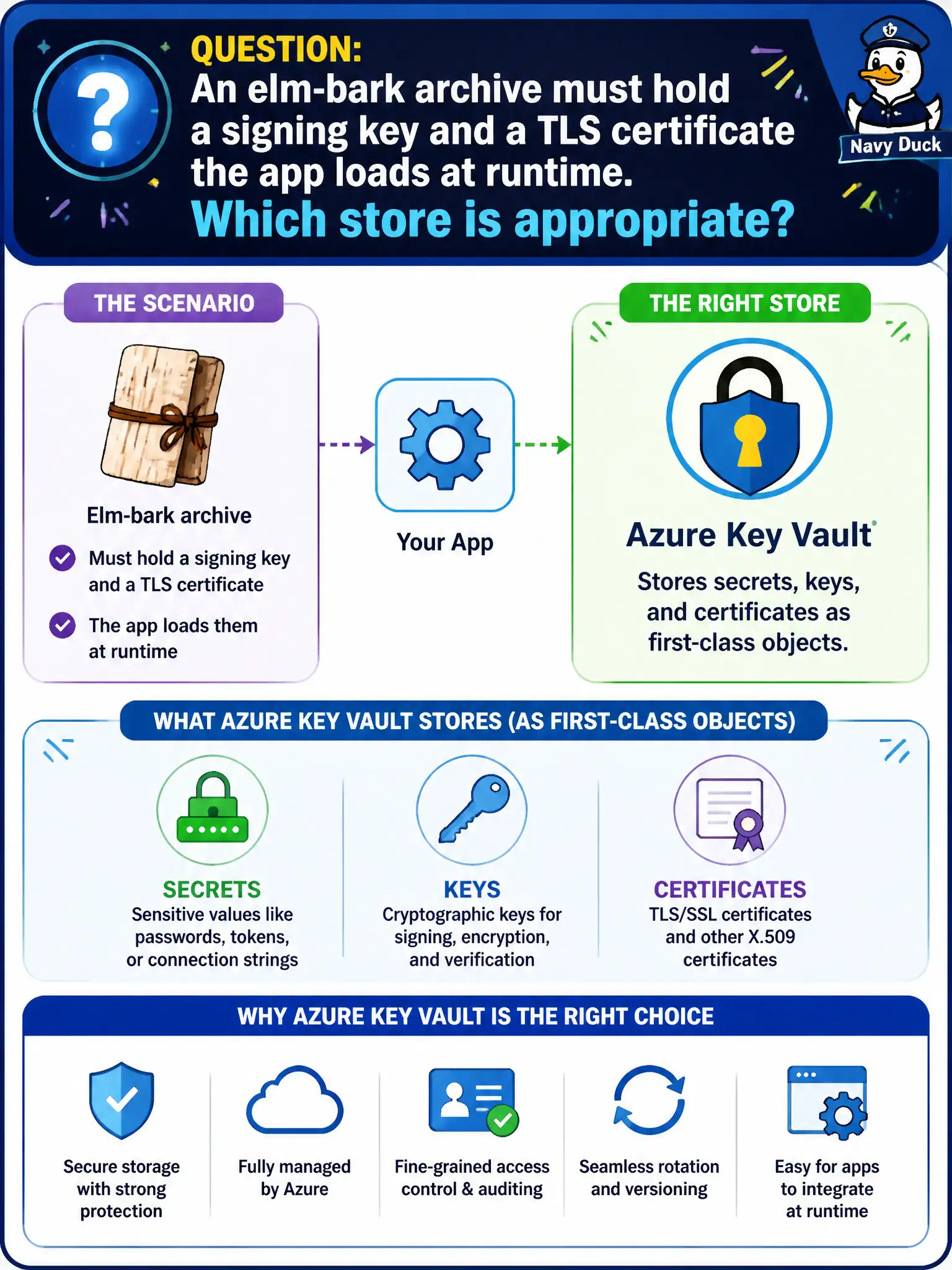
An elm-bark archive must hold a signing key and a TLS certificate the app loads at runtime. Which store is appropriate?
Select an answer to reveal the explanation.
Short Explanation
Signing keys and TLS certs are vault citizens—Key Vault—not App Configuration strings or Insights properties. App Configuration is for non-secret settings; the vault is for the cryptographic stuff.
Full Explanation
Azure Key Vault stores three related object types as first-class citizens: secrets, keys, and certificates. An elm-bark archive that must hold a signing key and a TLS certificate for runtime use belongs in Key Vault so cryptographic material stays access-controlled, versioned, and auditable. Apps retrieve what they need through the appropriate clients under managed identity or another supported credential—not by treating PEM blobs as ordinary app settings.
Keeping the certificate only as a long App Configuration key-value fails because App Configuration is for non-secret application settings and feature flags; stuffing PEM or PFX material there bypasses Key Vault's crypto object model and access policies. Embedding PEM text in Application Insights custom event properties fails confidentiality—telemetry pipelines retain and query those properties broadly. Placing the material in a public Blob container with anonymous read fails the most basic municipal custody rule: anyone on the internet can download the signing key and TLS cert.
Exam caveat: certificates in Key Vault often also expose a secret backing; know which client your language samples use, but do not confuse cert-as-secret-bytes with put-the-cert-in-App-Configuration. Operational check: import or create the signing key and TLS certificate in Key Vault, grant the archive worker get/use permissions appropriate to keys versus certificates, and confirm the app loads them at startup without any public container or Insights property containing the PEM.