
A clover-honey frame site still pastes the Key Vault secret’s plaintext value into an App Service application setting. What should the developer do instead?
Select an answer to reveal the explanation.
Short Explanation
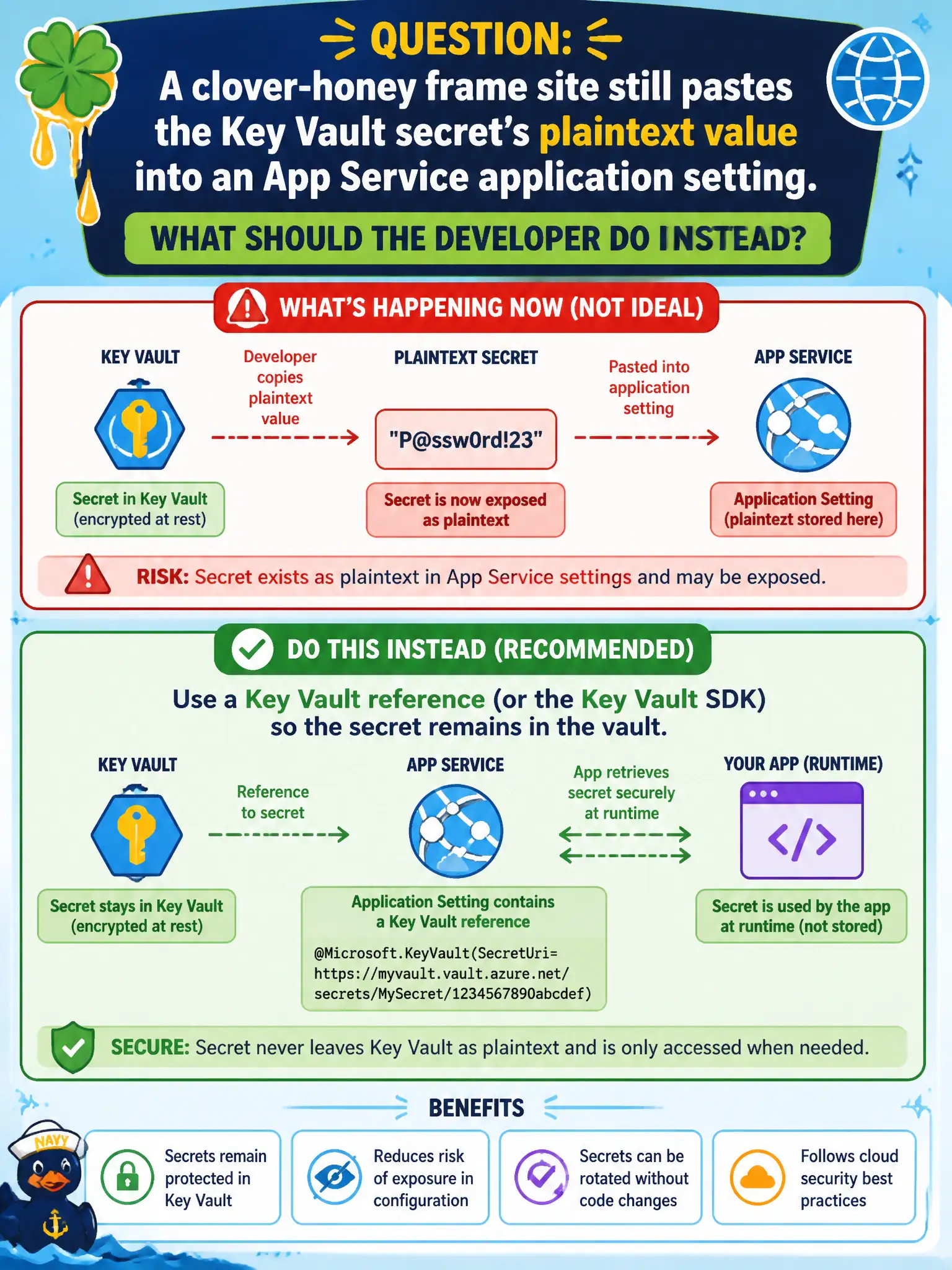
App settings can point at the vault; they should not become a second copy of the secret. Use a Key Vault reference or the SDK so the real value stays in Key Vault—Base64 in a setting name is not encryption.
Full Explanation
App Service application settings can reference Key Vault instead of holding secret plaintext. The clover-honey frame site should use a Key Vault reference in the app setting (or call the Key Vault SDK at runtime) so the authoritative secret remains in the vault, rotation stays centralized, and slot settings do not become a second secret database. Identity on the site still needs secrets-get rights for resolution to succeed.
Committing plaintext to appsettings.Production.json and removing Key Vault recreates the original leak in source control and CI artifacts. Base64-encoding the secret in the setting name or value and calling that encryption fails cryptographically—encoding is reversible without a key and appears in portals, templates, and logs. Publishing the secret in a public README for fast slot copies fails confidentiality outright and spreads the value into clones, forks, and search indexes.
Exam caveat: Key Vault references in App Service resolve at platform level; sticky slot settings and reference syntax differ slightly from in-process SDK usage, but both keep the vault as source of truth. Operational check: replace the pasted setting with a Key Vault reference or SDK GetSecret, confirm the site starts, rotate the vault secret, and ensure no plaintext copy remains in configuration history you can avoid or in the git repo.