
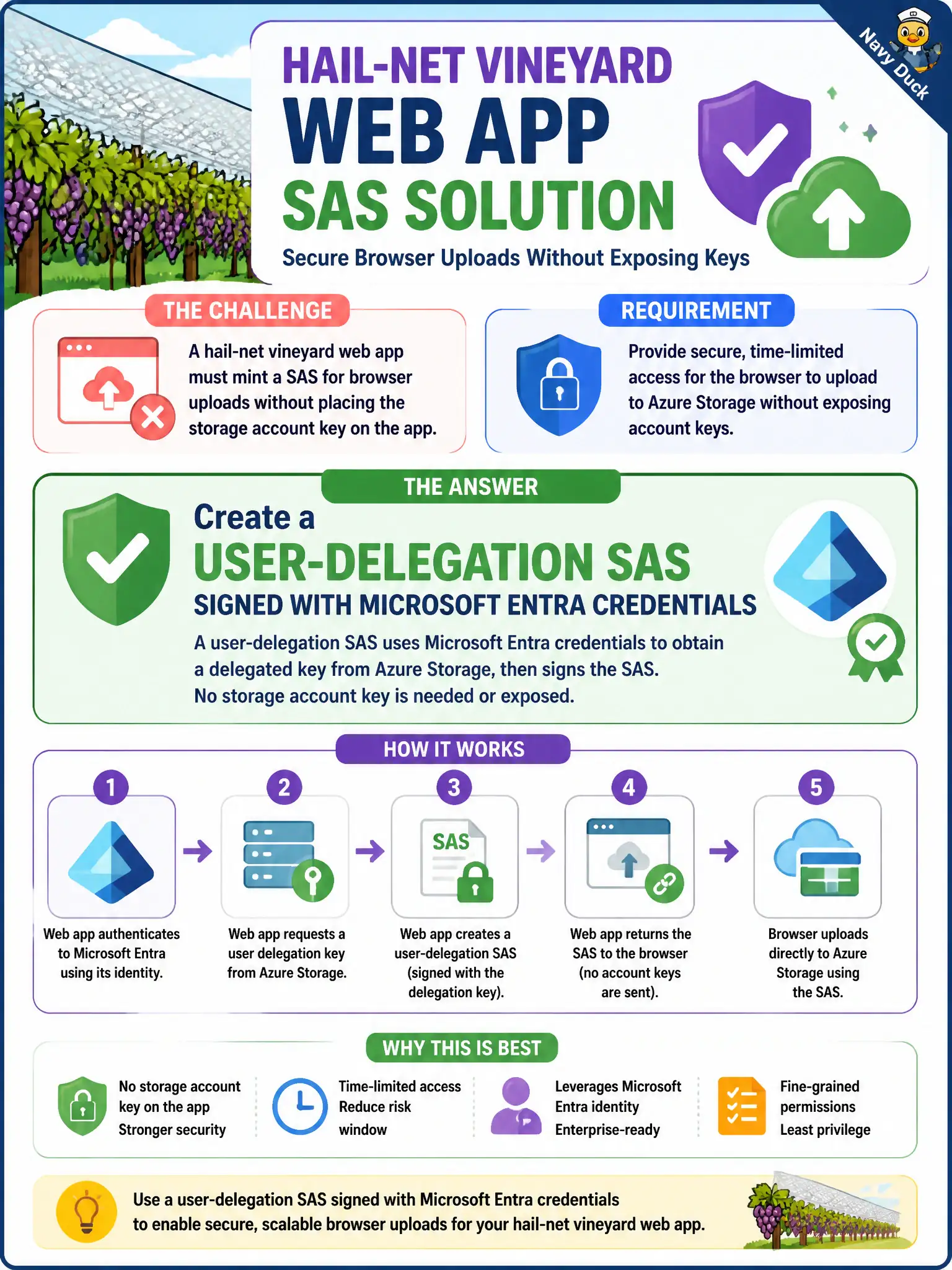
A hail-net vineyard web app must mint a SAS for browser uploads without placing the storage account key on the app. What should the developer create?
Select an answer to reveal the explanation.
Short Explanation
Don’t park the storage account key on the web app just to mint URLs. User-delegation SAS is Entra-signed—and that’s the type Microsoft recommends.
Full Explanation
A user-delegation SAS is signed with Microsoft Entra credentials (a user-delegation key obtained using Entra auth) rather than the storage account key. That lets the hail-net vineyard web app mint browser upload URLs without placing the account key in App Settings or shipping it to clients—the recommended pattern when Entra-based signing is available.
An account SAS signed with the account key embedded in App Settings fails the “without placing the storage account key on the app” constraint. Even if App Settings are server-side, you still concentrate account-key material on the web app, which user-delegation avoids.
A service SAS that embeds the account key in page JavaScript fails catastrophically: the account key in the browser is world-readable to anyone who views source or intercepts the page, enabling full account compromise depending on key permissions.
A forever-valid account key distributed as a query string fails because account keys are not scoped, short-lived URLs; putting them in query strings leaks durable god-mode credentials into logs, referrers, and screenshots.
Exam caveat: minting user-delegation SAS still requires the signing principal to have permission to request a user-delegation key (typically a role that includes Microsoft.Storage/storageAccounts/blobServices/generateUserDelegationKey/action) plus appropriate blob data rights.
Operational check: authenticate the app with managed identity or another Entra credential, request a user-delegation key, mint a short-lived write SAS for the upload container/blob, and confirm the web app configuration contains no storage account keys while browser uploads succeed.