
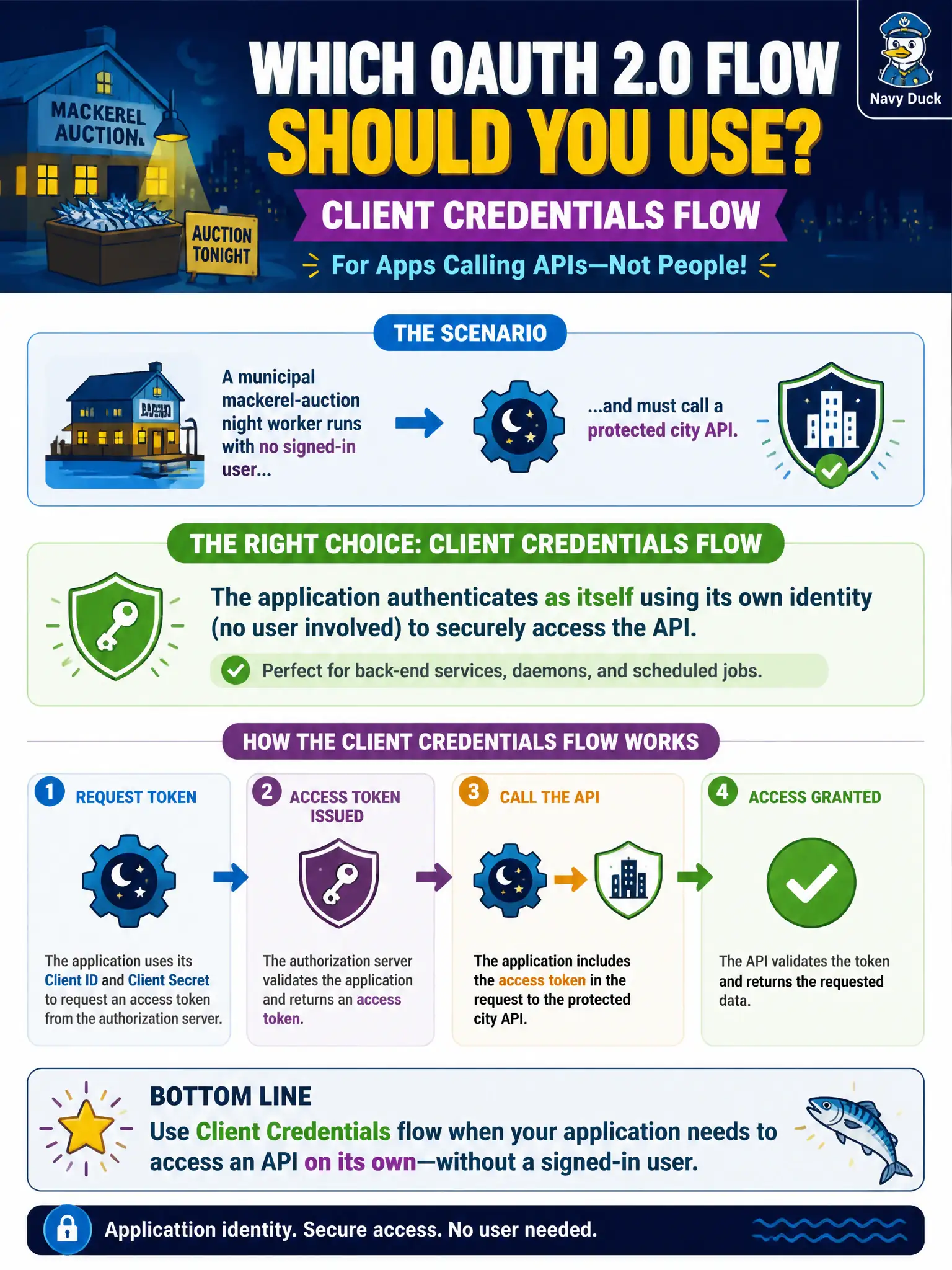
A municipal mackerel-auction night worker runs with no signed-in user and must call a protected city API. Which OAuth 2.0 flow should the developer use?
Select an answer to reveal the explanation.
Short Explanation
No human at the keyboard means no interactive sign-in. Client credentials is the daemon path—the app shows up as itself, not as a clerk.
Full Explanation
Client credentials is the correct grant when the municipal mackerel-auction night worker has no interactive human session. The Microsoft identity platform issues an access token that represents the application itself. Application permissions (roles) authorize the call, and the protected city API validates issuer, audience, and lifetime against that app identity. That model matches unattended service-to-service traffic on a schedule or event trigger.
Authorization code with PKCE fails here because it is an interactive browser (or native) sign-in path. PKCE protects public clients during the code exchange, but it still assumes a person completes authentication. A headless night worker never presents that UI, so the flow cannot complete.
Implicit flow with an ID token in the Authorization header fails on two axes. Implicit is legacy for SPAs and is not the recommended path for confidential or daemon clients. An ID token proves authentication to the client application; APIs must receive an access token whose audience is the API, not an ID token used as a bearer credential.
Device code flow fails because it is designed for input-constrained devices where a human still approves sign-in on another device. Displaying a harbor-kiosk QR code for every API call invents interactive consent the night worker does not have and does not match unattended automation.
Exam caveat: client credentials never produce a user subject or delegated scopes (scp). If the city API only accepts delegated permissions, you must change the permission model or introduce a signed-in user path—do not expect client credentials to impersonate a clerk.
Operational check: confirm the app registration has the required application permission with admin consent, request a token for the API’s application ID URI, and call the API with Authorization: Bearer ACCESS_TOKEN. Verify the API rejects tokens whose aud is wrong or whose roles claim lacks the expected application role.