
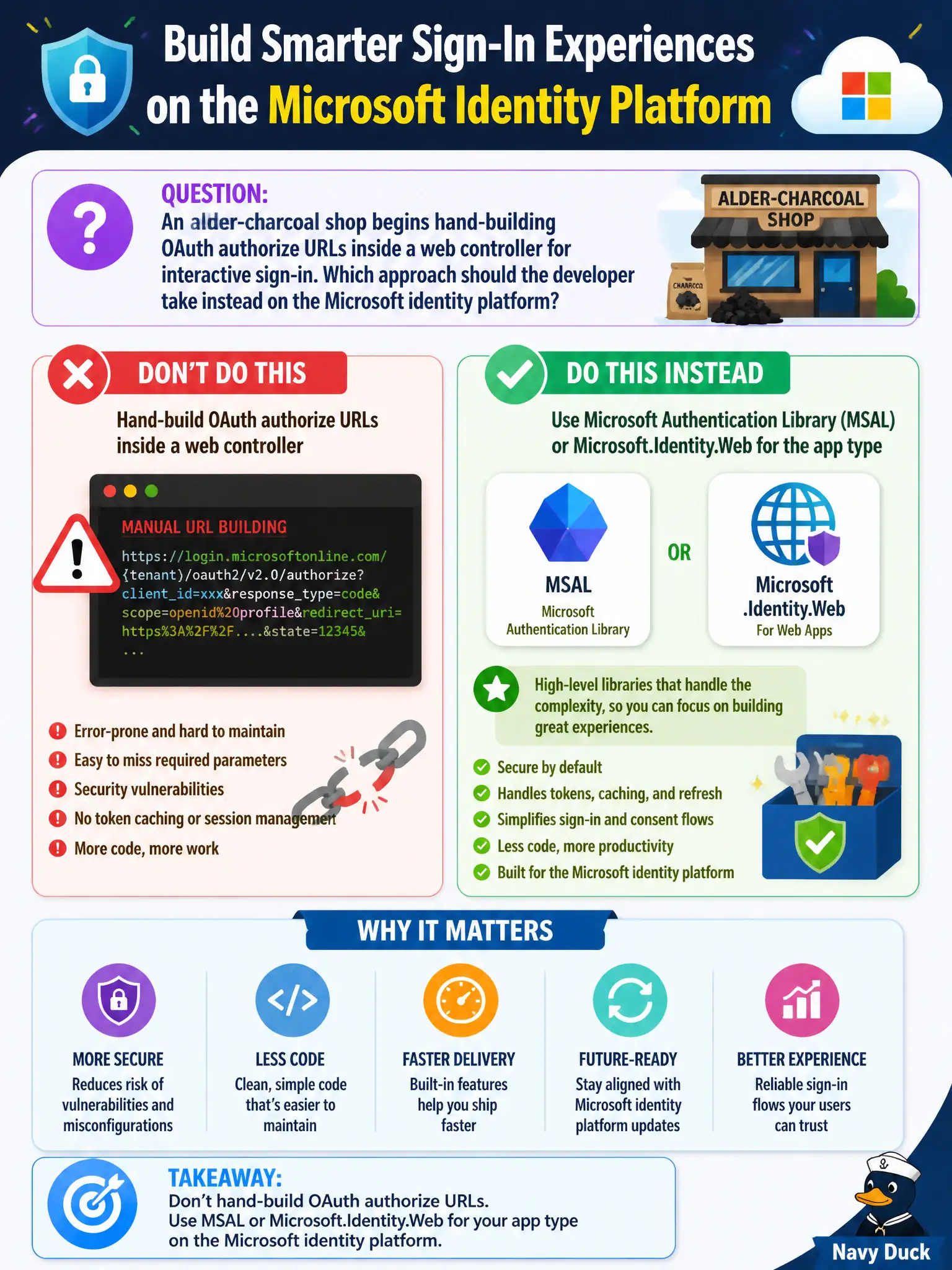
An alder-charcoal shop begins hand-building OAuth authorize URLs inside a web controller for interactive sign-in. Which approach should the developer take instead on the Microsoft identity platform?
Select an answer to reveal the explanation.
Short Explanation
MSAL (and Identity.Web on ASP.NET) is the supported toolkit that speaks authorize, token, and cache correctly. Hand-stitched authorize strings miss edge cases. Public blobs and queues are not a sign-in stack.
Full Explanation
Interactive sign-in against the Microsoft identity platform should use supported libraries—MSAL for your platform, or Microsoft.Identity.Web for ASP.NET web apps—rather than hand-assembled authorize URLs in a controller. Libraries implement authorization code handling, PKCE, token endpoint calls, cache serialization, and refresh correctly, and they track protocol changes. The alder-charcoal shop should replace manual OAuth URL forging with MSAL or Identity.Web matched to the application type so authorize, token, and silent-acquire flows stay standards-compliant.
Keeping forged authorize URLs manually to avoid Microsoft identity libraries fails because custom URL building commonly misses PKCE, state/nonce, and correct endpoint versions, producing brittle and insecure sign-in.
Replacing sign-in with anonymous Blob public access fails because public blob access is not user authentication and does not issue ID/access tokens for protected APIs.
Calling Azure Queue Storage APIs to obtain ID tokens fails because queues are not an identity provider; ID tokens come from Entra ID STS endpoints via OAuth/OIDC, not from Queue Storage.
Exam caveat: library choice still requires correct app registration settings (platform redirect URIs, allowed flows); MSAL cannot compensate for a registration that disables the needed flow. Operational check: integrate MSAL or Microsoft.Identity.Web, perform interactive sign-in, and verify an ID token/access token is acquired and cached without any hand-built authorize query string in application code.