
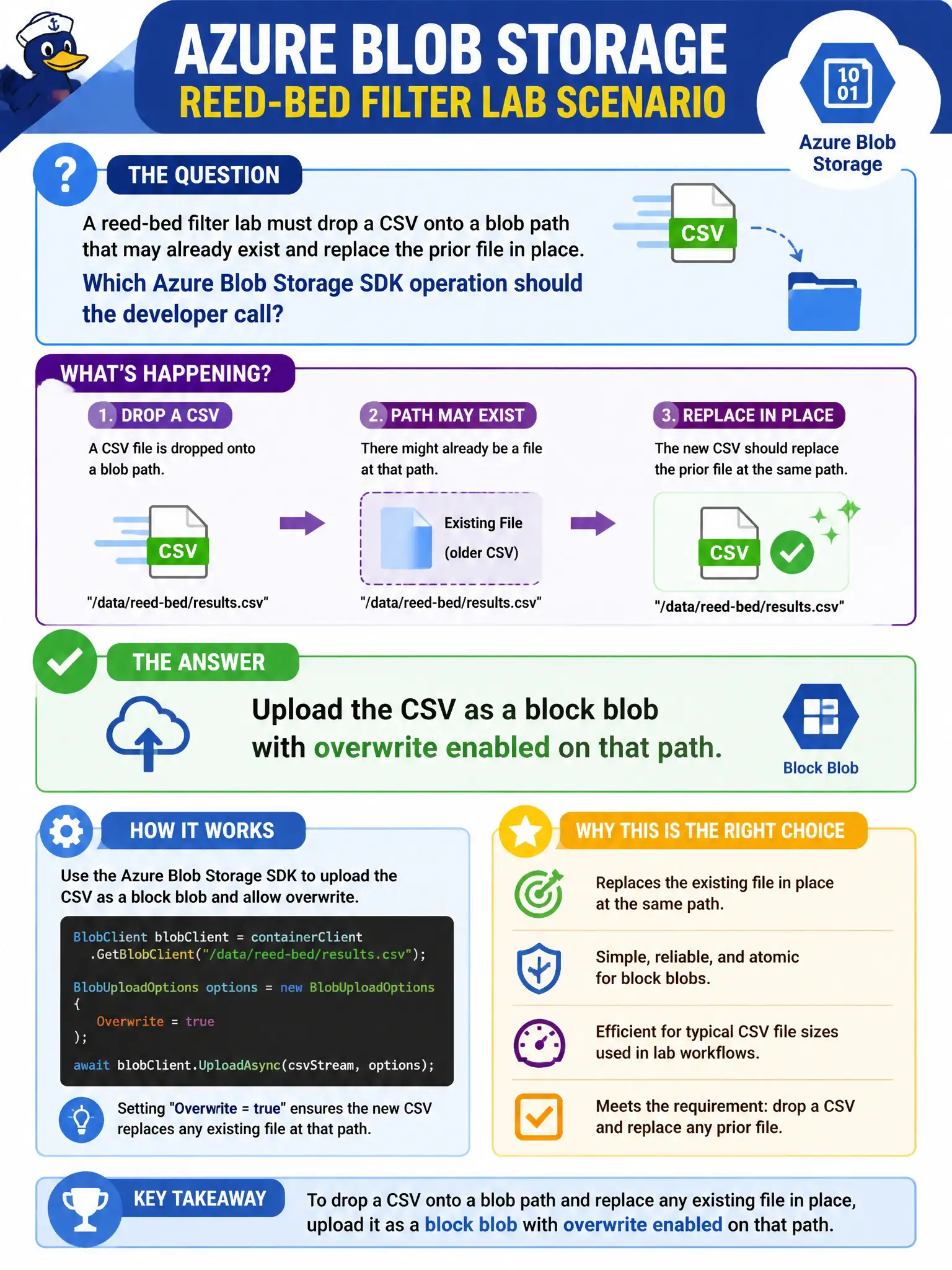
A reed-bed filter lab must drop a CSV onto a blob path that may already exist and replace the prior file in place. Which Azure Blob Storage SDK operation should the developer call?
Select an answer to reveal the explanation.
Short Explanation
Uploading a block blob is how you put a file on the shelf—and overwrite is the switch when the shelf slot is already taken. SQL INSERT and queue messages store different shapes of data. GetProperties only reads headers; it never writes the CSV.
Full Explanation
Replacing a file at a known blob path is a block-blob upload with overwrite (or equivalent create/overwrite semantics) against that exact name. The reed-bed filter lab needs the CSV to land on a path that may already exist and to supersede the prior object in place. Block blobs are the default type for discrete files; the SDK upload APIs accept an overwrite flag or conditional headers so a successful call leaves one current blob at that URI with the new content. That is the direct Blob Storage operation for “drop this file here and replace what was there.”
Inserting CSV rows into Azure SQL Database fails the concept because the requirement is to place an object in Blob Storage, not to normalize the file into relational rows. SQL may be useful elsewhere in the solution, but it does not satisfy a blob-path replace.
Sending the CSV bytes as a Queue Storage message body fails because queues carry short work messages, not durable file objects at a blob path. Queue max message size and retention semantics are wrong for “file on a path,” and later pickup still would not constitute writing the blob unless a separate upload ran.
Calling GetProperties and treating a 404 as a successful write fails because GetProperties is a read of metadata/properties; it never writes blob content. A 404 only indicates absence—it is not an upload confirmation and must not be mistaken for a completed replace.
Exam caveat: unconditional overwrite can race with concurrent writers; if multiple producers share the path, use leases or conditional ETag headers so you do not silently clobber a newer version. Operational check: upload with overwrite enabled, then Download or GetProperties and verify content length and last-modified reflect the new CSV rather than the previous file.