
A willow-basket guild stores finished photos in Blob Storage and wants Find Blobs by Tags plus lifecycle filters on status=ready without putting that key in x-ms-meta user metadata. Which Blob Storage feature should the developer use?
Select an answer to reveal the explanation.
Short Explanation
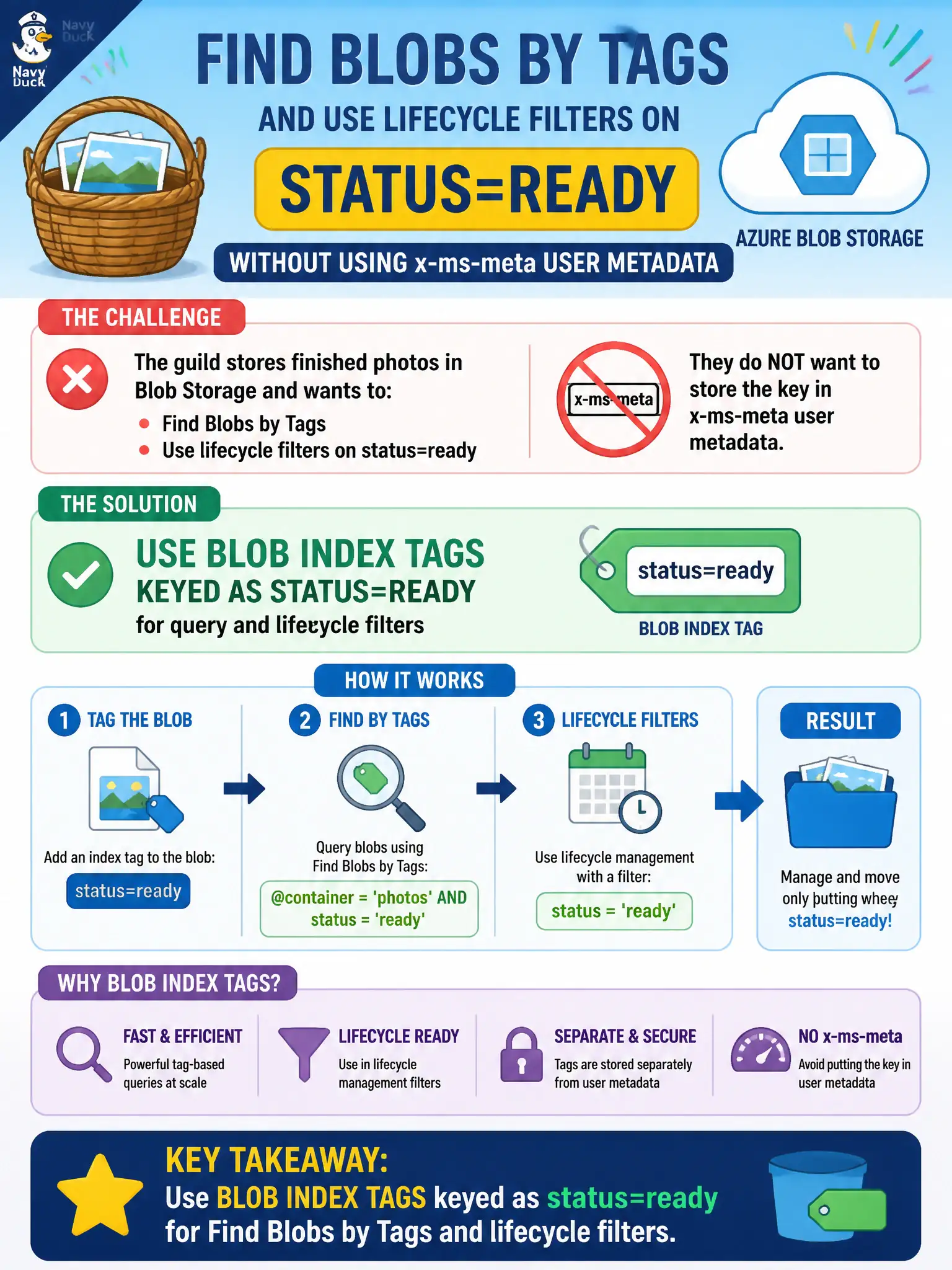
Think of index tags as sticky color dots you can filter on in the warehouse aisle, not notes taped inside the crate. User metadata (x-ms-meta) rides with the blob but is not the Find Blobs by Tags surface. Put status=ready on index tags when you need query and lifecycle filters.
Full Explanation
Blob index tags are the queryable key–value surface Azure Blob Storage exposes for Find Blobs by Tags and for lifecycle management filters. When the willow-basket guild needs status=ready as a filterable attribute without placing that key in x-ms-meta user metadata, index tags are the feature that matches both requirements. Tags are stored with the blob but are indexed separately so the service can evaluate tag predicates across containers (subject to account limits) and so lifecycle rules can include tag-based conditions. That is why keyed tags such as status=ready are the correct choice for both discovery and automated tiering or deletion policies.
Container-level x-ms-meta user metadata fails the concept on two fronts. User metadata is opaque name/value data attached for application use; it is not the Find Blobs by Tags index, and containers do not automatically inherit a shared x-ms-meta map onto every child blob as a substitute for tags. Lifecycle rules that key off blob index tags will not treat ordinary metadata as equivalent filter criteria.
Azure Queue Storage message properties fail because queues are a messaging service, not the blob catalog. Mirroring a status string on a queue message may help a worker coordinate work, but it does not make blobs discoverable through Find Blobs by Tags or feed blob lifecycle filters.
Cosmos DB document attributes fail because they live in a different data plane. Even if an app stores parallel documents, those attributes are not queried through the Blob REST API as blob index tags, and lifecycle management on the storage account does not evaluate Cosmos fields.
Exam caveat: blob index tags have size, count, and character-set limits, and tag queries are eventually consistent relative to the write that set them—do not assume instantaneous global visibility for every write. Operational check: after setting status=ready on a representative blob, run a Find Blobs by Tags query for that predicate and confirm a lifecycle rule with a matching tag filter evaluates as expected in the account’s lifecycle policy preview or activity logs.