
A birch-sap bottling line deletes a bad batch item from Cosmos DB, but a latest-version change feed consumer never receives that delete. Why?
Select an answer to reveal the explanation.
Short Explanation
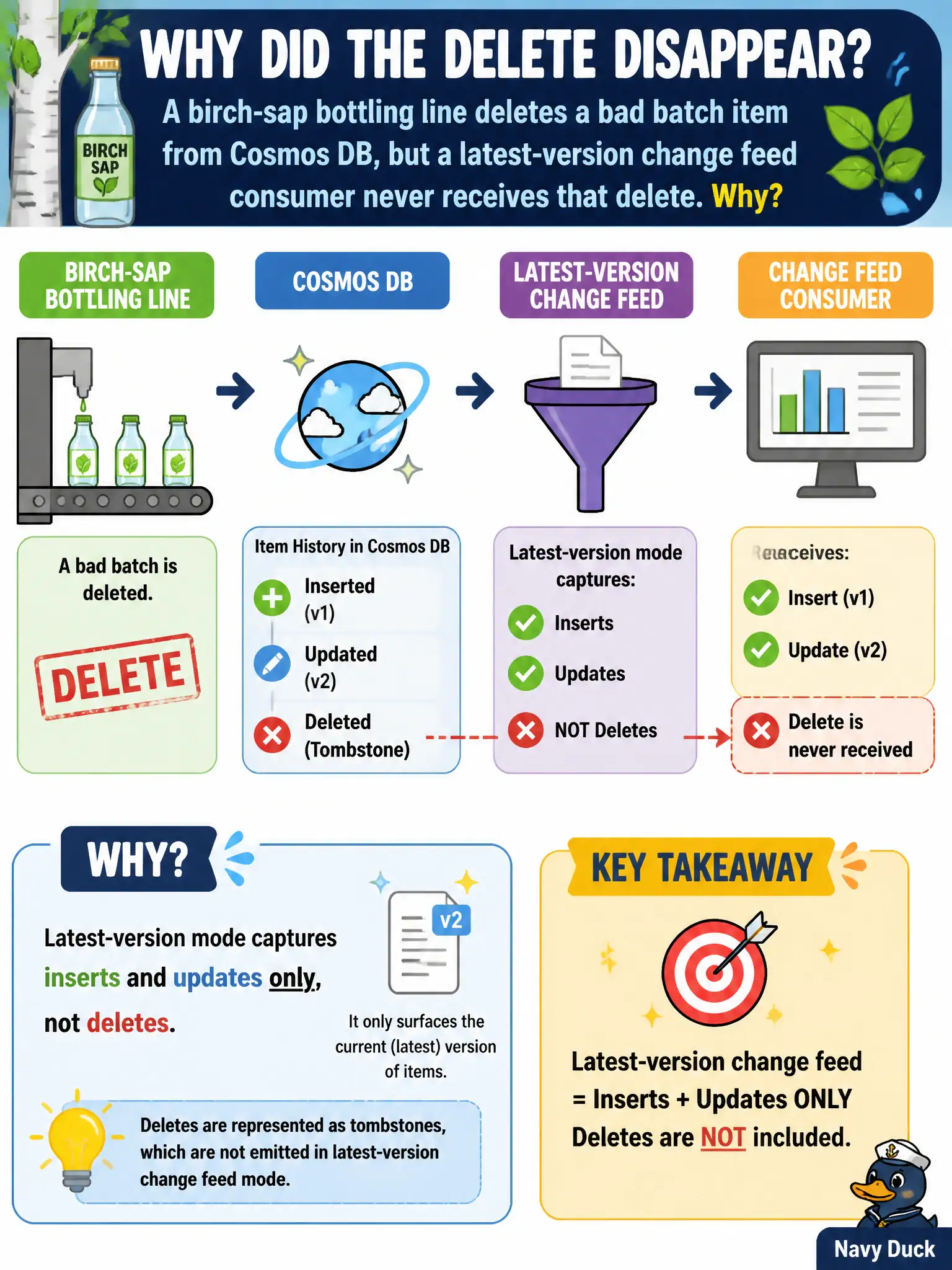
Latest-version mode is a highlight reel of surviving documents—deletes never make the cut. For delete (or TTL) notifications, use all-versions-and-deletes or write a soft-delete property the app can see.
Full Explanation
When a birch-sap bottling line deletes a bad batch item from Cosmos DB but a latest-version change feed consumer never receives that delete, the reason is that latest-version mode captures inserts and updates only, not deletes. The feed’s latest-version view reflects surviving document versions; a hard delete removes the item from that view without emitting a delete notification to latest-version listeners.
Latest-version mode does not always emit deletes before inserts—that claim invents behavior the mode does not provide. Deletes do not appear merely because Event Hubs is linked to the lease container; leases coordinate processor progress and are unrelated to manufacturing delete notifications. Strong consistency is not a switch that makes latest-version start surfacing deletes; consistency and change feed modes are separate concerns.
Exam caveat: to observe deletes (and intermediate versions), switch to all-versions-and-deletes mode, which requires continuous backup, or model a soft-delete property so updates still flow through latest-version as visible state changes.
Operational check: delete a test batch item while a latest-version consumer runs and confirm no delete event arrives; then either soft-delete via a replace or enable all-versions-and-deletes under continuous backup and retest until the consumer sees the removal signal you need.