
A lantern-festival ticketing app’s Cosmos container create fails when the team passes only a container name. What required property must the SDK supply at create time?
Select an answer to reveal the explanation.
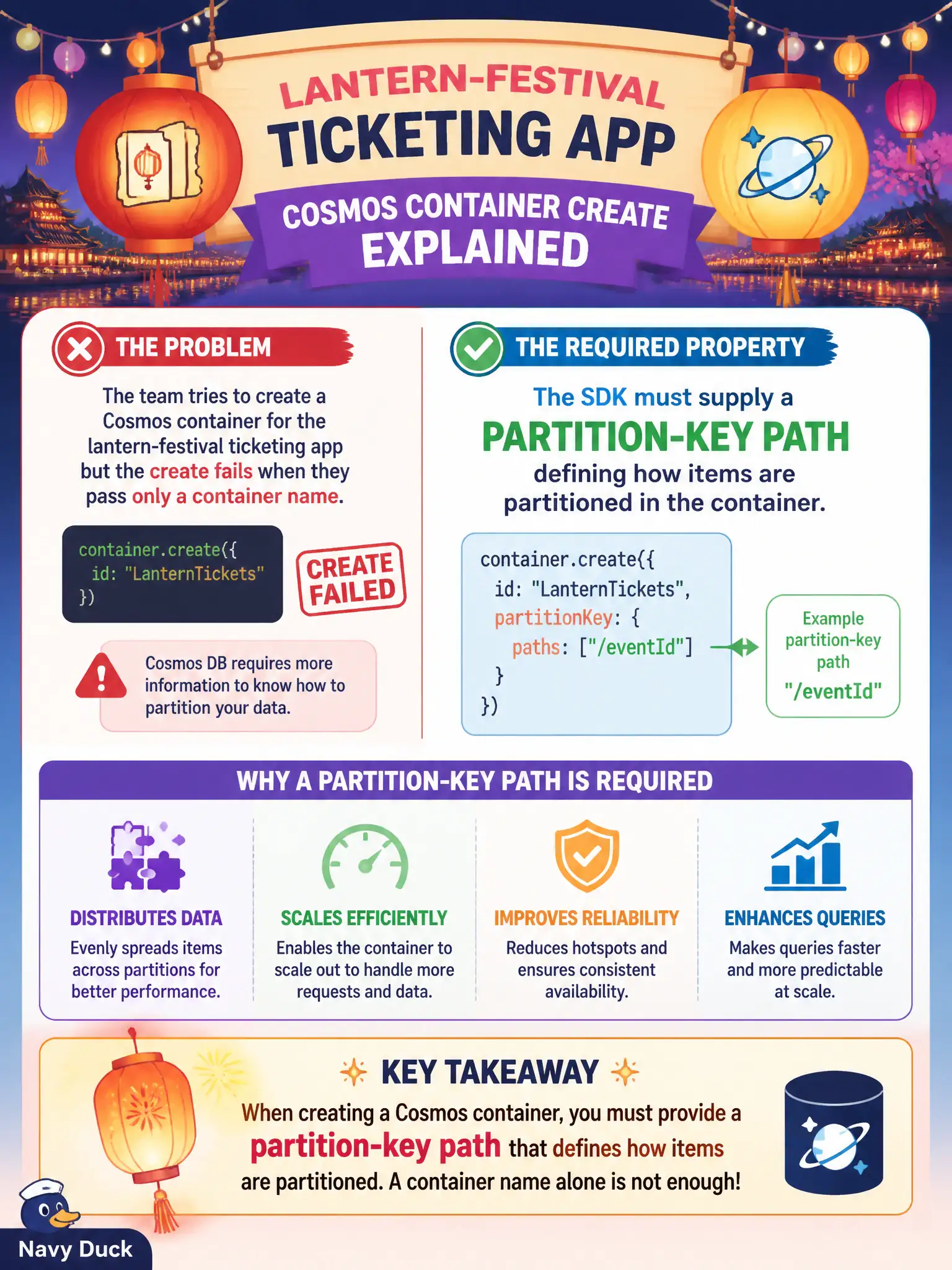
Short Explanation
Naming the container isn’t enough—Cosmos needs to know the partition-key path when you create it. Give the SDK that path or the create call won’t fly.
Full Explanation
Creating a Cosmos DB container through the SDK requires more than a name: you must supply a partition-key path among the container properties so Cosmos knows how to distribute and address items. For the lantern-festival ticketing app, omitting the partition-key path is why create fails when only a container name is passed.
A Redis connection string for a local cache tier is unrelated to Cosmos container create properties. A Kubernetes namespace that co-locates pods addresses cluster tenancy, not Cosmos partitioning. An Azure SQL elastic pool name shared with the Cosmos account mixes products; SQL elastic pools do not define Cosmos containers.
Exam caveat: the partition key is chosen at create time and is difficult to change later—pick a key that matches access patterns (for tickets, often an event or customer id path). Hierarchical partition keys exist on newer capabilities, but the exam fundamental remains: container create needs a partition-key definition. Operational check: create the container with an explicit partition-key path (for example /eventId), insert a sample ticket item including that property, and confirm point reads require both id and the partition key value afterward.