
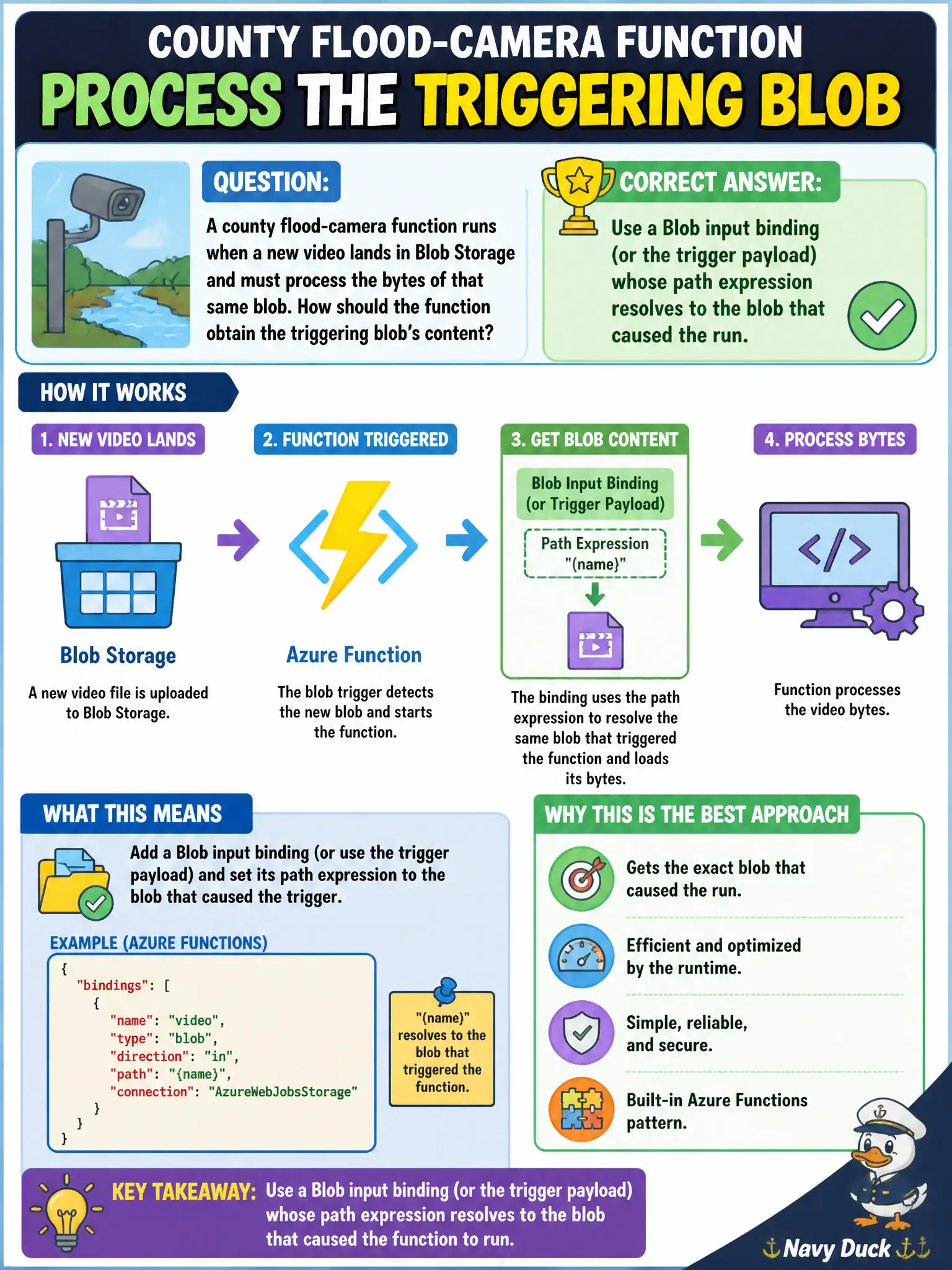
A county flood-camera function runs when a new video lands in Blob Storage and must process the bytes of that same blob. How should the function obtain the triggering blob’s content?
Select an answer to reveal the explanation.
Short Explanation
Think of the trigger as handing you the package that just arrived. Wire an input binding (or use the trigger’s blob payload) so the path expression points at that same blob—no scavenger hunt through the container.
Full Explanation
When a Blob Storage trigger starts a Function for a county flood-camera upload, the runtime already knows which blob caused the invocation. Pairing that trigger with a Blob input binding—or consuming the trigger’s blob payload—lets a path expression bind to the same container and blob name, so the function receives the video bytes that arrived without inventing its own discovery logic. Binding expressions keep the path event-driven and aligned with the object that fired the run, which is exactly what AZ-204 expects for processing the triggering blob’s content.
Hard-coding a fixed blob path in application settings and opening it with the SDK on every invocation fails the concept of event-sourced identity: every run would read the same static object (or whatever path you last configured), not the camera clip that just landed. Listing every blob and selecting the newest by last-modified timestamp abandons the trigger contract for a race-prone scavenger hunt; concurrent uploads can make “newest” the wrong file, and enumeration wastes RUs of storage listing work the platform already solved. Switching to a timer that downloads a sample clip from a public CDN URL changes the problem entirely—it no longer reacts to the municipal upload and never processes the flood-camera blob that triggered the operational need.
Exam caveat: blob triggers and input bindings still require a correctly configured connection setting and a path template that matches the watched prefix; a wrong connection name or path pattern yields empty or missing content even when the trigger fires. Operational check: after deploy, upload a uniquely named test video, confirm the function invocation shows that blob’s name in logs, and assert the function body length or checksum matches the uploaded object rather than a shared sample file.