
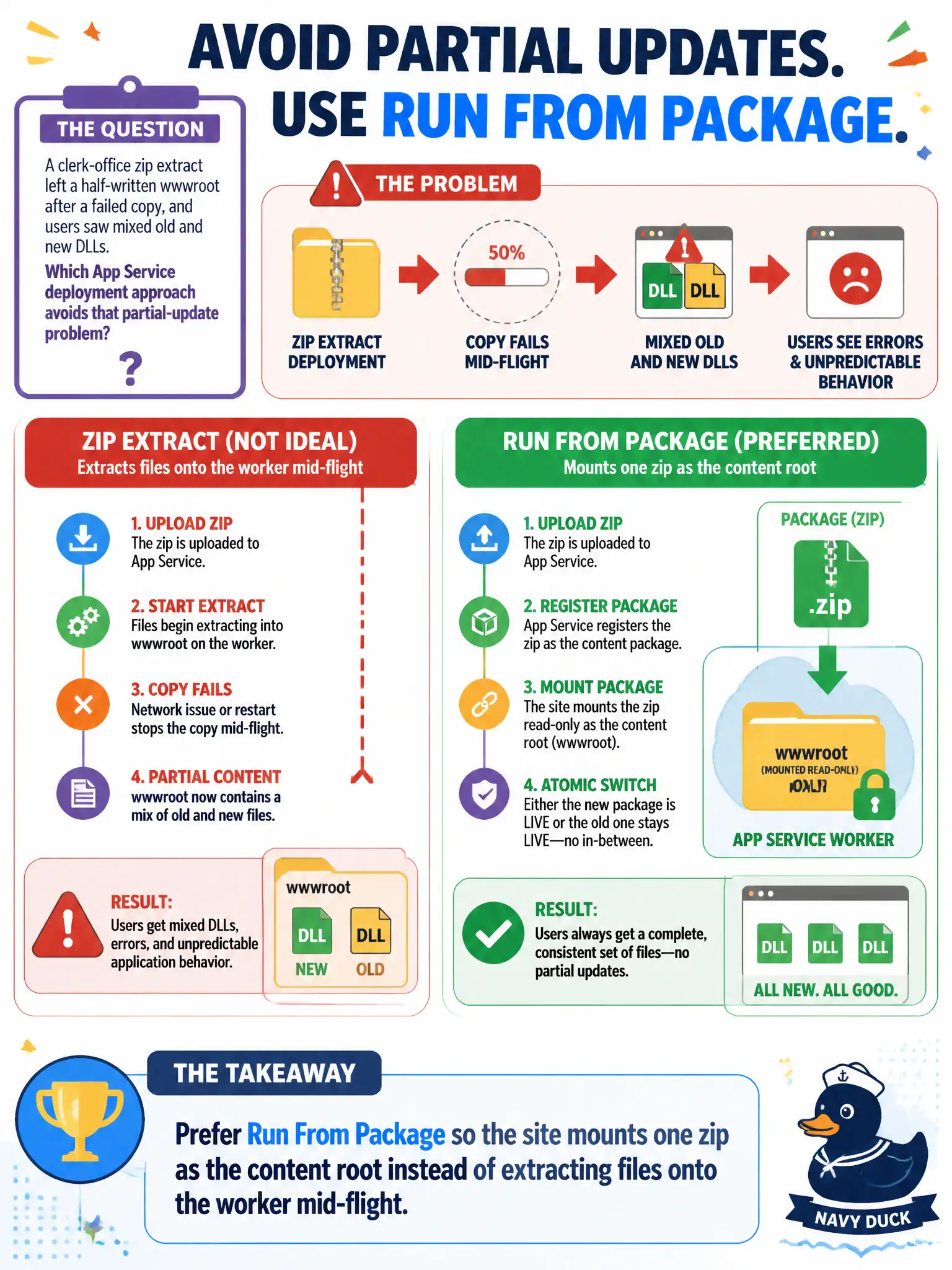
A clerk-office zip extract left a half-written wwwroot after a failed copy, and users saw mixed old and new DLLs. Which App Service deployment approach avoids that partial-update problem?
Select an answer to reveal the explanation.
Short Explanation
Extracting a zip onto a live wwwroot is like swapping pages in a binder while people are still reading—halfway through you get a mess of old and new sheets. Run From Package mounts one zip as the whole book. Atomic drop, no half-written binder.
Full Explanation
Extracting a zip onto a live wwwroot can leave a half-written tree if the copy fails mid-flight—mixed old and new DLLs for the clerk office, like swapping pages in a binder while people are still reading. Run From Package avoids that class of partial-update problem by mounting one complete zip as the content root so the site presents an atomic package instead of a folder being rewritten file by file.
Always FTPing individual files in alphabetical order does not prevent partial updates; it widens the inconsistency window and is a poor operational habit. Disabling local cache and copying DLLs into the SCM site’s LogFiles folder is not a valid content-root strategy and confuses diagnostics storage with application content. Using only az container create because “Run From Package is unsupported for code web apps” is false; Run From Package is a standard App Service approach for code-based web apps.
Exam caveat: enable Run From Package with the documented application setting and deploy the zip as the package artifact. Some scenarios that write into wwwroot behave differently when content is mounted from the package—plan writable paths (such as temporary folders) outside the read-only package mount when required.
Operational check: enable Run From Package, deploy a known-good zip, confirm the site serves from the package, then in a test slot simulate a failed extract-based deploy versus a package deploy and show that users never observe a mixed DLL set with Run From Package.