
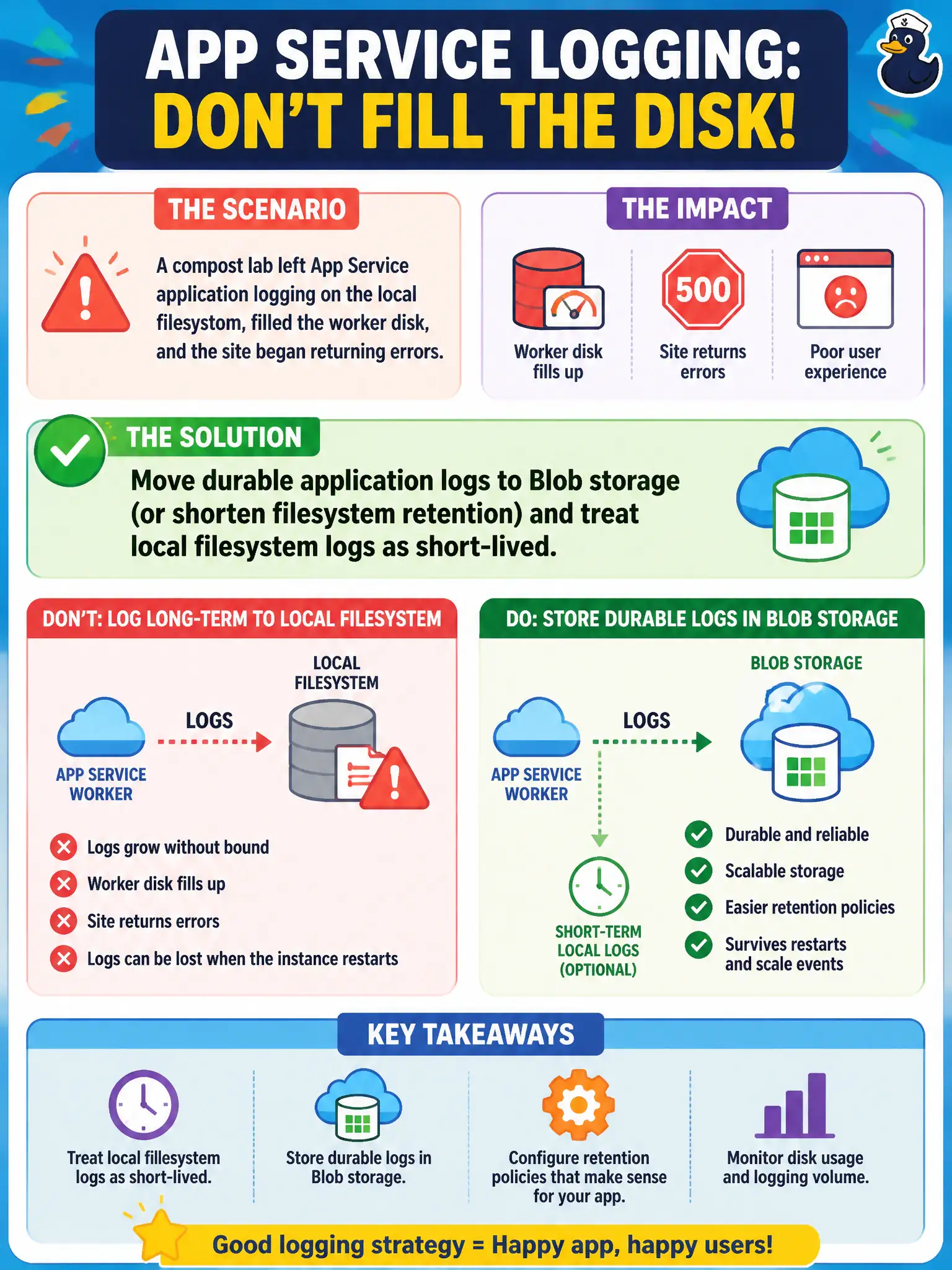
A compost lab left App Service application logging on the local filesystem, filled the worker disk, and the site began returning errors. What should the developer change?
Select an answer to reveal the explanation.
Short Explanation
Filesystem logs are scratch paper on the worker’s desk—fine for a quick note, terrible as the permanent filing cabinet. When the desk fills up, the site chokes. Ship durable logs to Blob (or keep retention tiny) and keep local files short-lived.
Full Explanation
Application logging written to the App Service local filesystem is short-lived scratch space on each worker. The compost lab left it on, filled the worker disk, and the site began returning errors—scratch paper stacked until the desk could not function. Durable application logs belong in Blob storage, or filesystem retention must be shortened, and local filesystem logs should be treated as temporary only.
Increasing a “VM scale set instance count behind App Service” misunderstands the App Service shared worker model and does not stop filesystem logs from filling each instance’s local disk. Storing all logs only inside the deployed ZIP package so they “travel with Run From Package content” is not a supported logging destination and would bloat or contaminate the content package. Disabling diagnostic logging permanently and relying on ACR image-history comments abandons operational visibility for production troubleshooting.
Exam caveat: even Blob logging has retention, volume, and cost considerations. Pair App Service diagnostics with Application Insights for application telemetry rather than treating disk files as the system of record. Clear disk pressure after changing destinations so the site can recover.
Operational check: switch application logging to Blob storage, set a short filesystem retention if any local logging remains, confirm free disk recovers, generate traffic that emits application logs, and verify new log blobs appear with the expected content.