
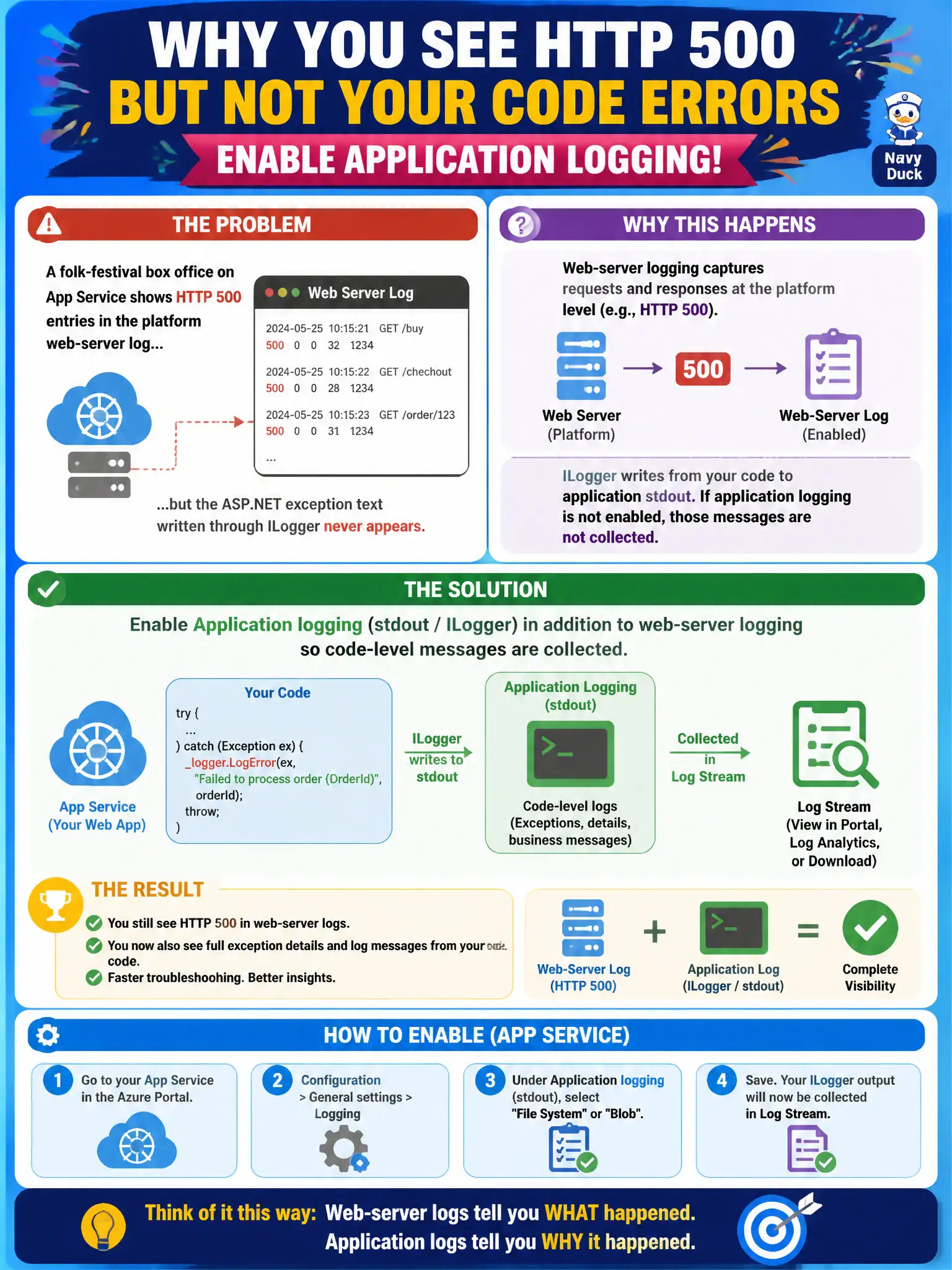
A folk-festival box office on App Service shows HTTP 500 entries in the platform web-server log, but the ASP.NET exception text written through ILogger never appears. What should the developer enable?
Select an answer to reveal the explanation.
Short Explanation
Web-server logs are the ticket window’s door counter—they know a 500 happened. Application logging is the clerk’s notebook with the actual error story from your code. Turn on both families when you need the exception text, not just the status.
Full Explanation
App Service web-server logs capture platform HTTP status lines; they do not automatically include ASP.NET exception text written through ILogger. For the folk-festival box office, the developer must enable application logging (stdout / ILogger) in addition to web-server logging so code-level messages are collected when HTTP 500s appear.
Azure Front Door access logs are edge logs for a different resource and do not replace App Service application stdout. Failed-request tracing helps with pipeline detail for failing requests but does not replace ongoing application logging for ILogger output. Domain 4 Application Insights is valuable telemetry, yet App Service still has its own application logging category distinct from Insights instrumentation.
Exam caveat: filesystem application logs are short-lived and can fill the worker; prefer Blob logging for durable collection. Correlate web-server 500 timestamps with application log entries after enabling both.
Operational check: enable application logging to Blob (or filesystem briefly), reproduce an exception that logs via ILogger, and confirm the message appears in the application log while the web-server log still shows the HTTP 500 status.