
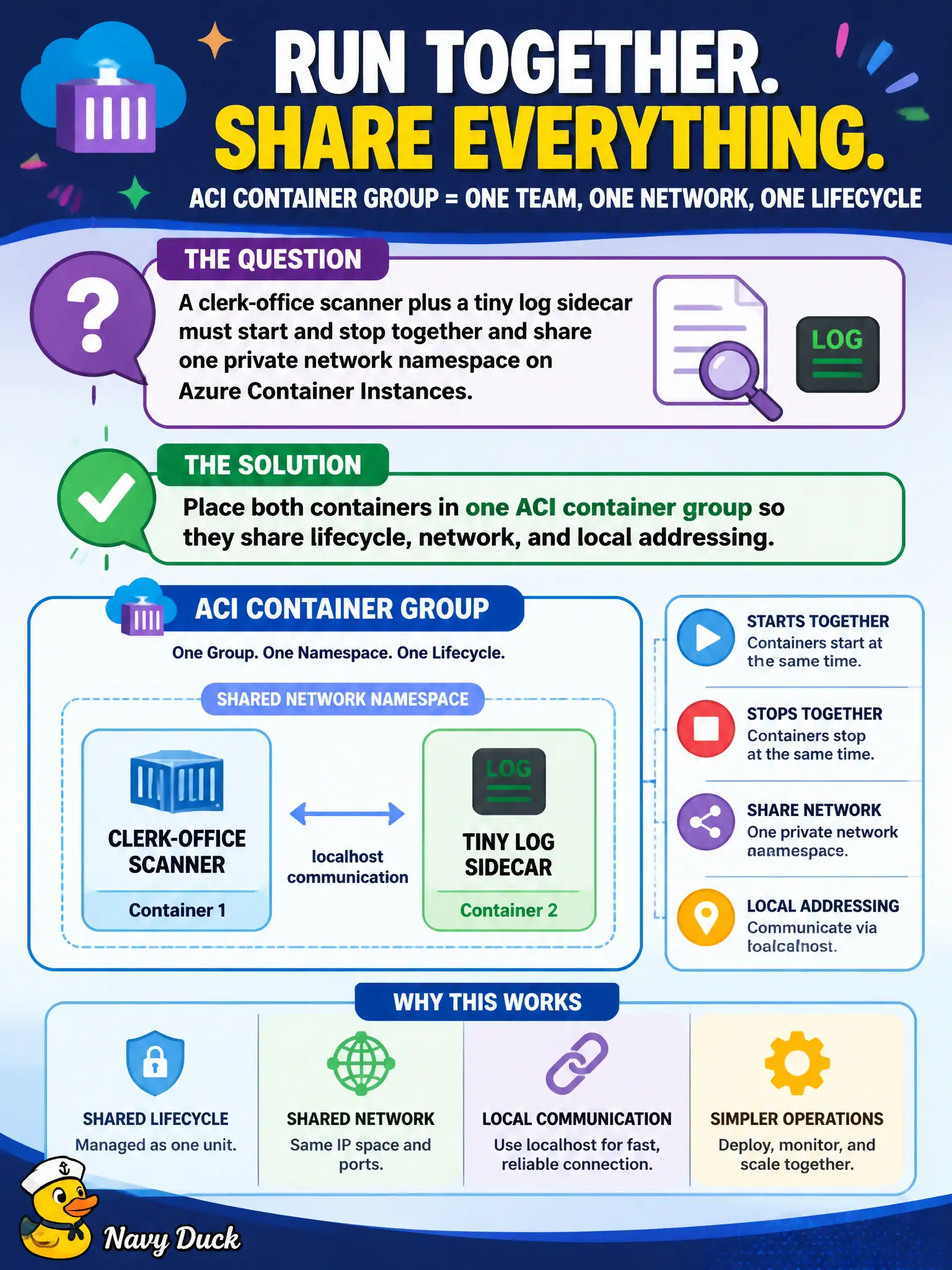
A clerk-office scanner plus a tiny log sidecar must start and stop together and share one private network namespace on Azure Container Instances. How should the containers be deployed?
Select an answer to reveal the explanation.
Short Explanation
Think of a container group as one shared studio apartment: same lease, same hallway, start and stop together. Two separate ACI instances are two different buildings—no shared localhost.
Full Explanation
When a clerk-office scanner and a tiny log sidecar must start and stop together and share one private network namespace, place both containers in a single Azure Container Instances container group. Containers in one group share lifecycle, local addressing, and optional volumes, which is the ACI model for tightly coupled companions.
Two unrelated ACI instances do not share localhost and are not coordinated as one unit; public IPs are a poor substitute for private group networking. Requiring AKS for any sidecar regardless of size overstates the need—multi-container ACI groups exist precisely for small sidecar patterns without Kubernetes. Publishing each container to a separate ACR registry affects where images are stored, not whether two running containers share a network namespace.
Exam caveat: ACI multi-container groups on Linux share the network namespace; Windows container group networking constraints differ. Confirm OS choice matches the sidecar pattern you intend.
Operational check: deploy both images in one group, have the scanner call the sidecar on localhost/private group DNS as designed, restart the group, and confirm both containers recycle together rather than leaving an orphaned companion.