
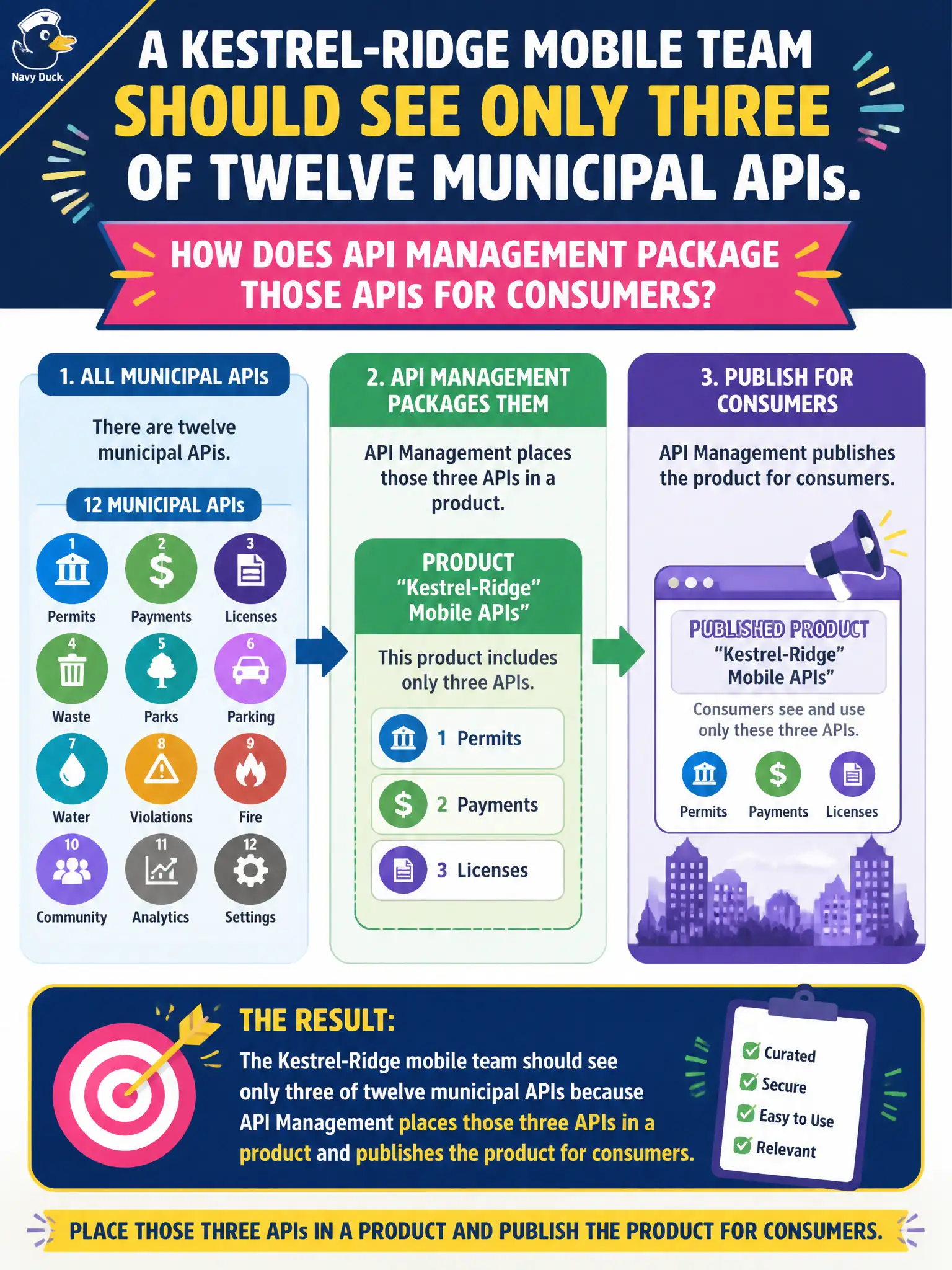
A kestrel-ridge mobile team should see only three of twelve municipal APIs. How does API Management package those APIs for consumers?
Select an answer to reveal the explanation.
Short Explanation
Products are the consumer bundle—put the three kestrel-ridge APIs in a product and publish it. You don’t have to delete the other nine.
Full Explanation
Products are how API Management packages APIs for access control and developer discovery. To let partners consume three related APIs under one subscription experience, place those APIs in a product and publish the product so it becomes available for subscription on the developer portal. The knotweed-brook program then issues keys (or open access, if configured) against that product rather than inventing ad-hoc per-operation secrets outside APIM.
Leaving APIs unpublished and unassociated with any product hides them from the normal subscribe and portal discovery flow even if the operations exist in the management plane. Putting each API in a separate Azure subscription confuses Azure billing and RBAC scopes with APIM product packaging and multiplies governance noise. Storing API names only in a spreadsheet creates no portal visibility, no subscription credential, and no policy attachment point.
Exam caveat: APIs and products are distinct objects—APIs define operations and backends; products control who can subscribe and which APIs they receive under one keying model.
Operational check: create or select a product, add the three knotweed-brook APIs, publish the product, subscribe a test developer account, and call an operation with the issued subscription key to confirm access while a call without the key is rejected.