
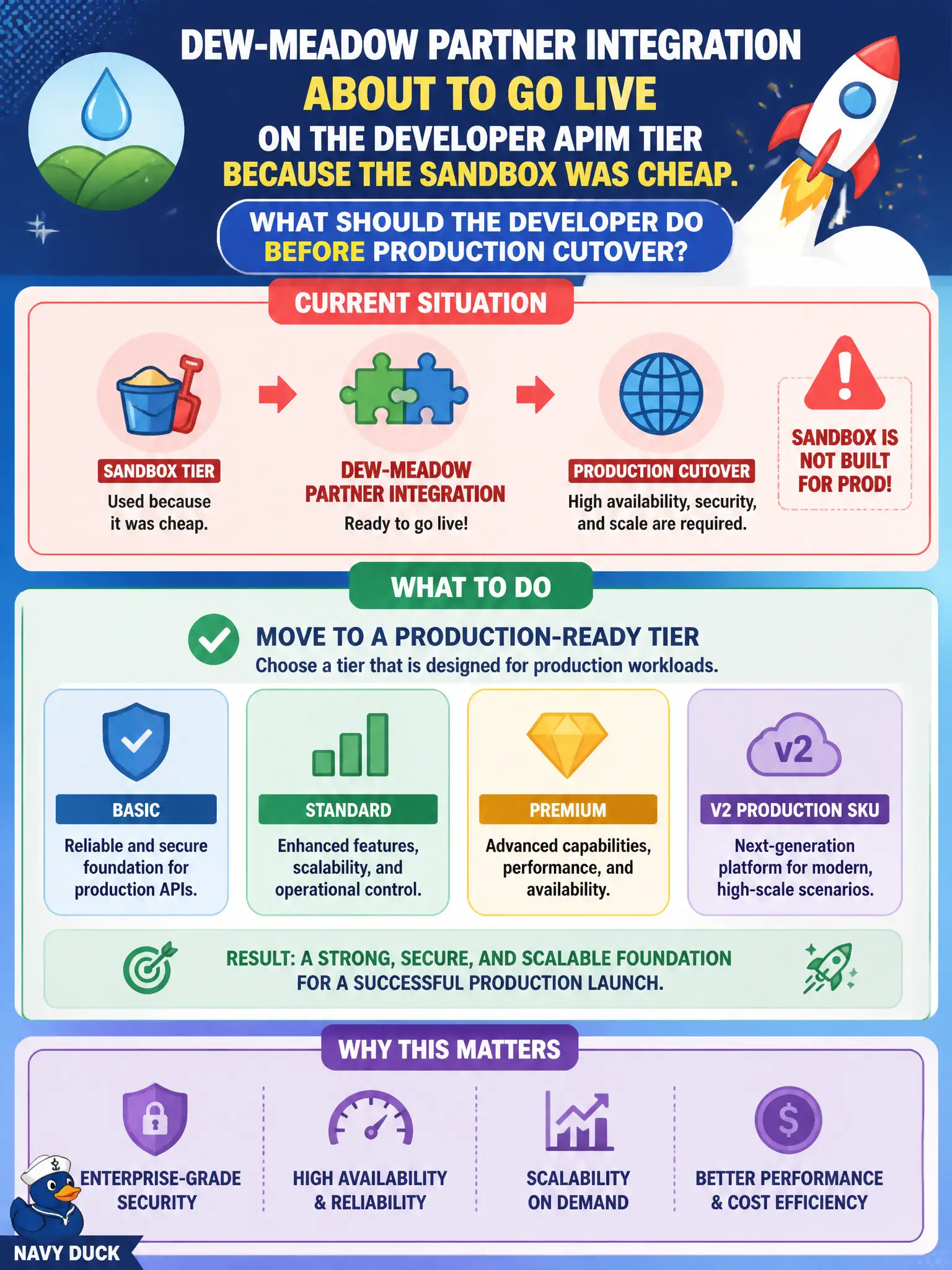
A dew-meadow partner integration is about to go live on the Developer APIM tier because the sandbox was cheap. What should the developer do before production cutover?
Select an answer to reveal the explanation.
Short Explanation
Developer tier is for labs and sandboxes—not partner go-live. Promote to a production-ready APIM tier before the dew-meadow traffic hits.
Full Explanation
The Developer tier of API Management is for evaluation, labs, and nonproduction sandboxes. It does not carry a production SLA. Before the dew-meadow partner integration goes live, move the instance to a production-ready tier such as Basic, Standard, Premium, or a documented v2 production SKU so the facade meets supported production expectations.
Keeping Developer tier and papering over the gap with a custom SLA document does not change Microsoft’s service SLA for that tier. Deleting APIM and exposing the backend Function anonymously over HTTPS removes the city’s controlled API edge, keys, products, and policies. Relocating the gateway into Queue Storage confuses a messaging buffer with an HTTP API management plane and provides no production APIM facade.
Exam caveat: tier choice questions often hinge on SLA and intended use—Developer equals nonproduction even when the sandbox felt “cheap enough” for a partner cutover.
Operational check: before cutover, change the APIM pricing tier to a production SKU, confirm the instance returns to Succeeded, re-validate gateway URLs and products, and document the tier in the dew-meadow runbook so operators do not roll back to Developer after go-live.