
A Macie sensitive-data finding says a permits bucket holds credentials inside object content. The on-call engineer wants to disable Macie so the finding disappears. What should the team do?
Select an answer to reveal the explanation.
Short Explanation
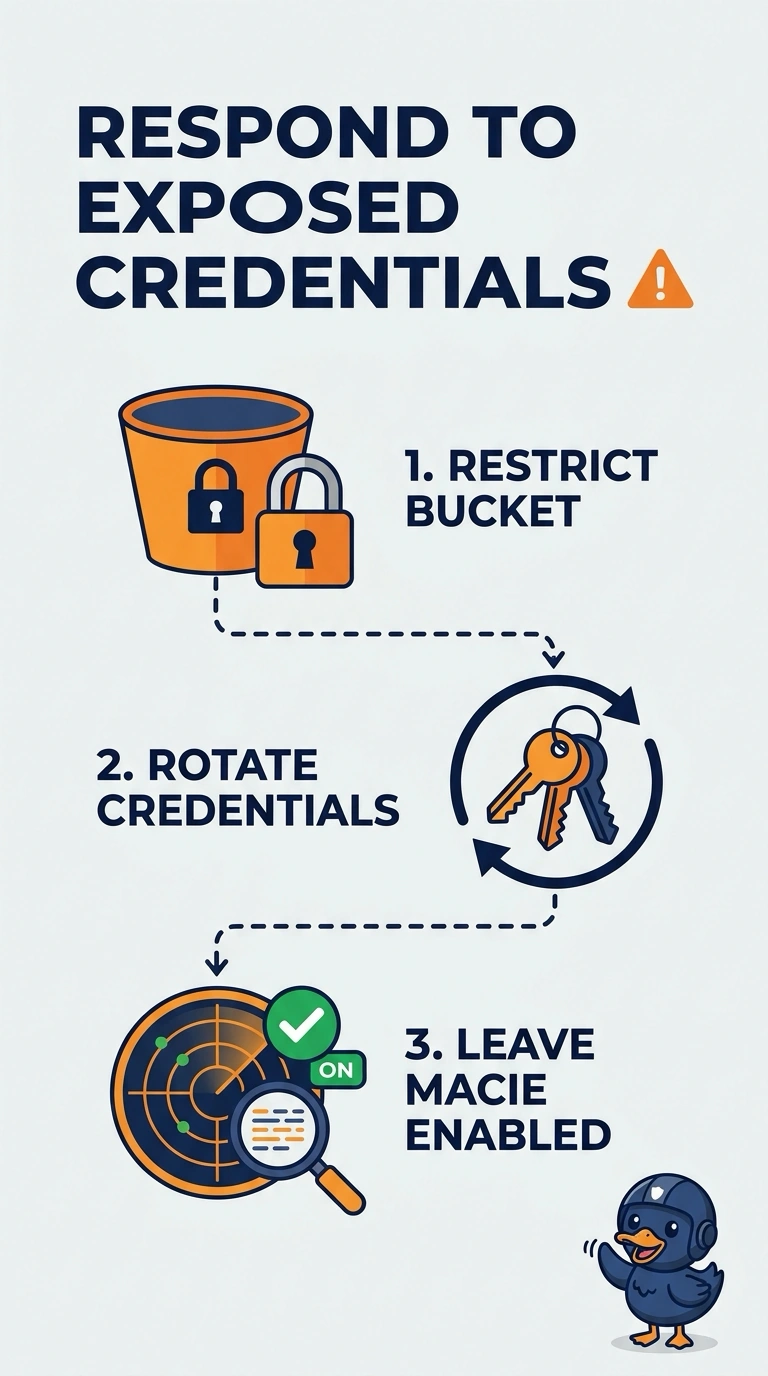
You do not pull the battery out of a smoke alarm because it finally smelled smoke. Macie found credentials in that bucket, so you lock the bucket down and rotate the keys while Macie keeps watching. Disabling the service only hides the next finding.
Full Explanation
Macie classifies S3 object content and raises a sensitive-data finding when credential material is in a bucket. Treat those credentials as exposed: tighten the bucket so only the intended principals can read it, delete or overwrite the objects that contain the secret, and rotate the credentials so a copy of the old key stops working. Leave Macie enabled so later classification jobs still cover this bucket. Disabling Macie removes the detector and leaves both the objects and the access path in place. Glacier Deep Archive changes the storage class and the time required to read an object. It does not change who is allowed to read it, and a principal who can restore the archive can still retrieve the secret. Suppressing later credential findings stops the alert for this pattern and does not rotate a key or shrink access. Caveat: rotating an access key in IAM does not erase the old secret from the object, so the object itself has to go in the same response. Operational check: confirm the old access key is inactive, confirm a principal outside the allowed set is denied on the bucket, and confirm Macie is still enabled and still includes this bucket.