
A role's identity policy allows s3:PutObject, and puts are denied. CloudTrail shows AccessDenied and does not name the statement. The role has a permission boundary that omits s3:PutObject. Which tool shows that the boundary is the cut, before the next live call?
Select an answer to reveal the explanation.
Short Explanation
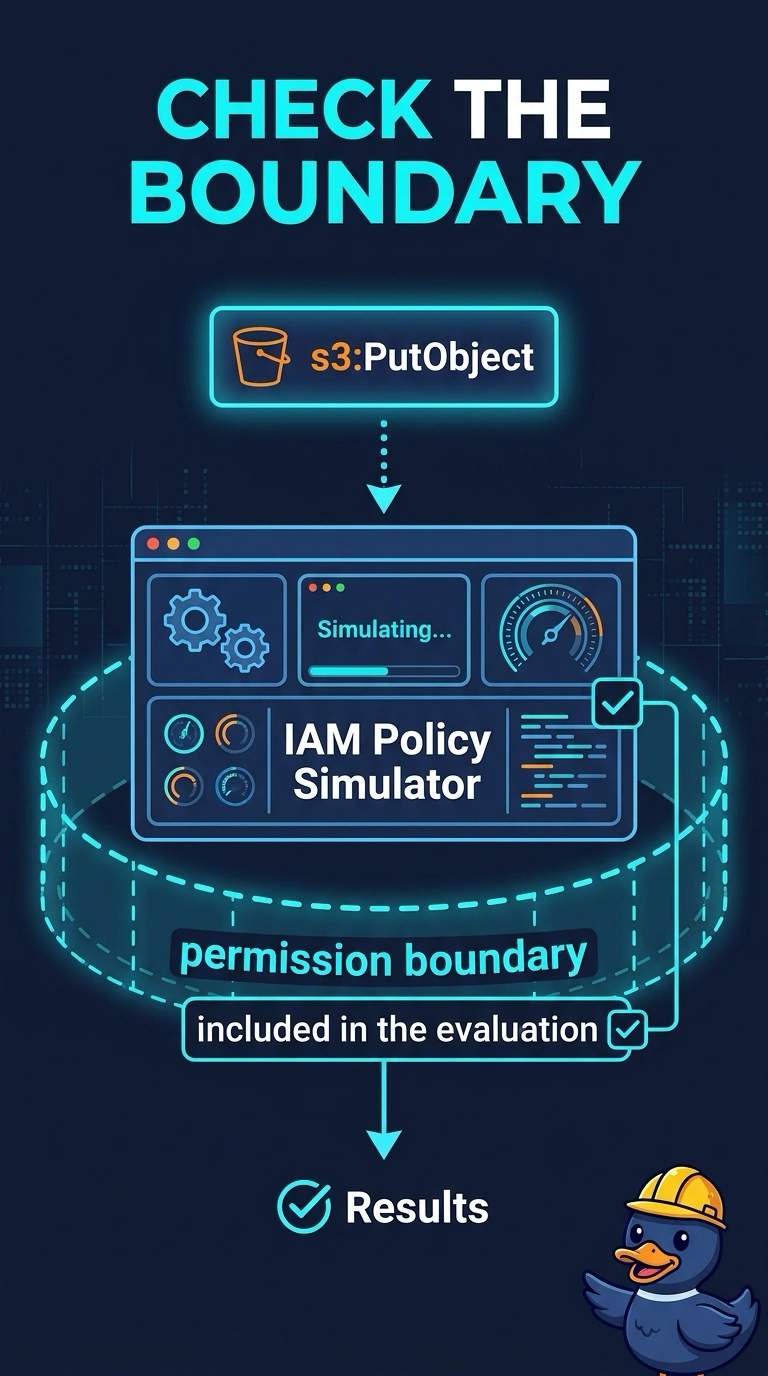
CloudTrail told you the call was denied and stopped there. You want to see the boundary clip the allow before you try again. The policy simulator does that when you include the boundary, and a NACL does not evaluate IAM.
Full Explanation
The policy simulator can evaluate an identity policy together with a permission boundary and show an implicit deny when the boundary does not allow the action. That is the preview this team wants before another live put. CloudTrail already proved the deny and does not identify the statement. A NACL, the serial console, and a Route 53 health check do not evaluate IAM. Caveat: the simulator result matches production only if you include the same boundary, policies, and any resource policy; leave the boundary out and the allow looks fine. Operational check: run the simulator as the role for s3:PutObject with the boundary selected and confirm the decision changes only when the boundary allows the action. Select the role, the action, and the resource, and include the boundary in the simulator options. The result should be an implicit deny tied to the boundary, matching a live AccessDenied that named no statement. Adding s3:PutObject to the boundary, while the identity policy already allows it, is what makes the overlap succeed. Leave the boundary in place; it is the cap, not a spare policy to delete.