
Trusted Advisor reports that the root user of a bank account has no MFA. No person should use root for daily work. What should the account owner do about that finding?
Select an answer to reveal the explanation.
Short Explanation
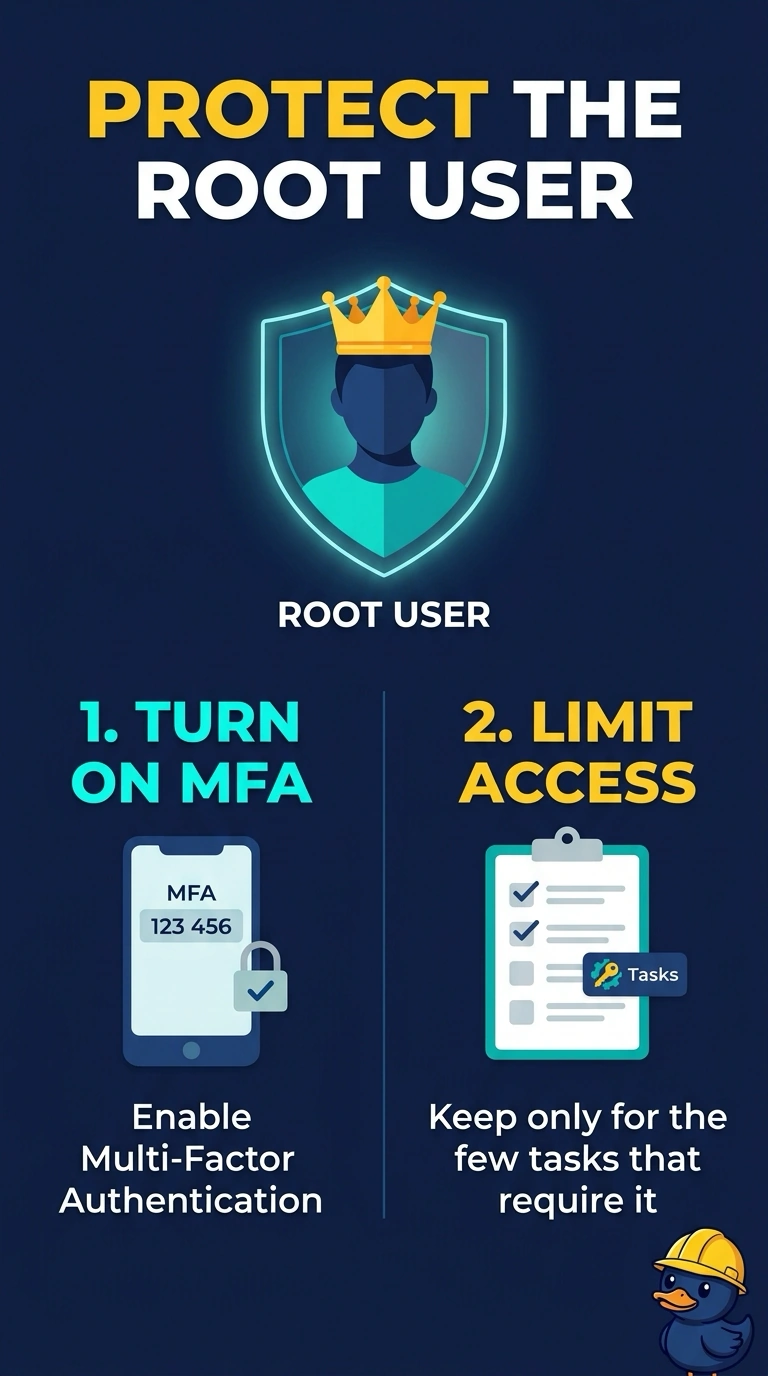
The root user is the master key, and Trusted Advisor is telling you it has no second lock. You put MFA on root and then leave root alone except for the few jobs only root can do. Making an access key for root is the opposite of locking it up.
Full Explanation
MFA on the root user is the remediation for this Trusted Advisor security check. Root stays in the account; it cannot be deleted, and it should not gain a long-lived access key, which would be a new finding rather than a fix. Daily administration belongs on workforce identities, and root is reserved for the account tasks that require it. Disabling CloudTrail hides later evidence and does not enable MFA. Caveat: store the MFA device and the root credentials where more than one trusted owner can reach them in an emergency, or the account is safer until the day you are locked out. Operational check: sign in as root once to confirm MFA is required, sign out, and refresh the Trusted Advisor check so the finding clears. Turn on MFA with a hardware or virtual device the account owners control, then remove any root access keys if a previous attempt created them. Daily work stays on IAM or Identity Center users. Trusted Advisor updates the check after it next refreshes; a console MFA prompt on root is the faster proof. Write down who can reach the MFA device so an emergency root sign-in is still possible.