
An AWS Backup plan should protect every volume tagged for the nightly job, but each run reports that no resources were selected. Those volumes use a different tag key than the plan selection. What should be corrected?
Select an answer to reveal the explanation.
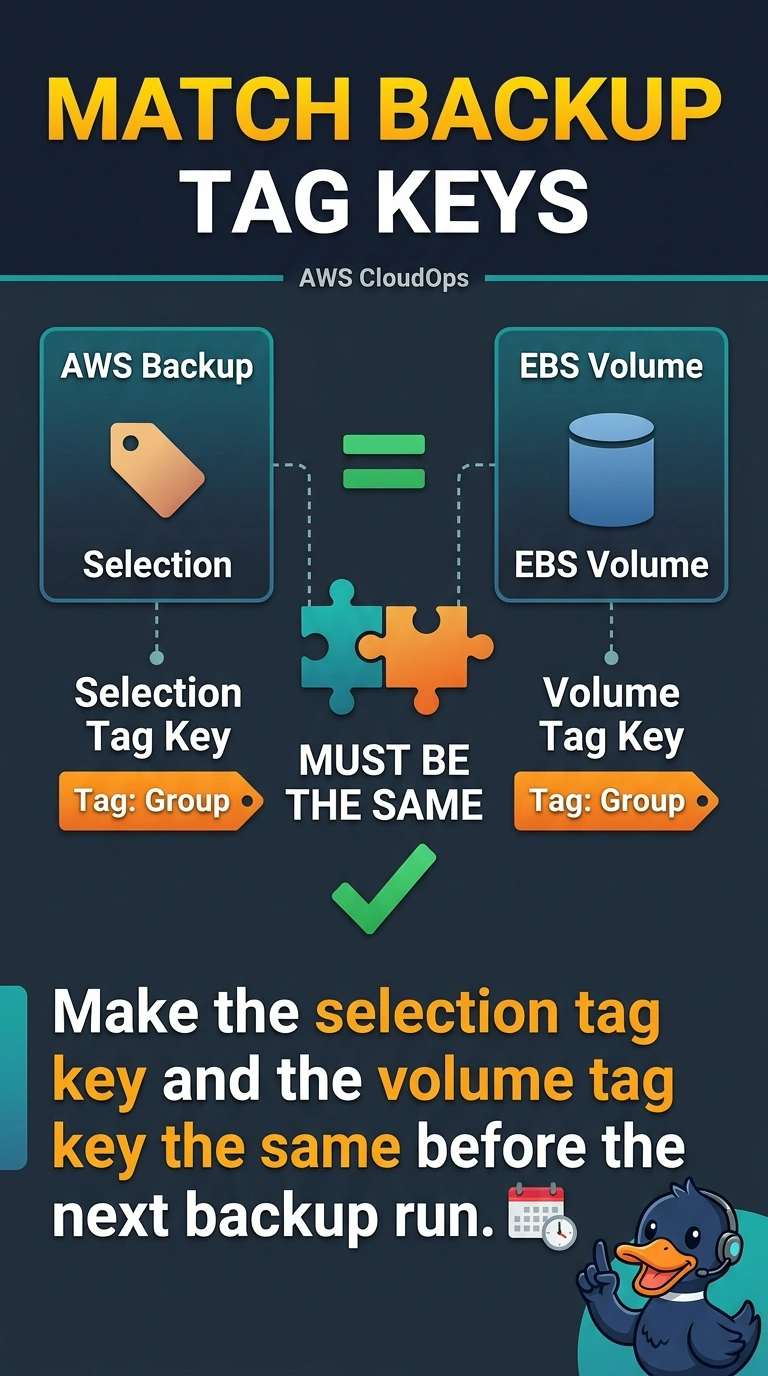
Short Explanation
The backup plan is calling roll from a list, and your volumes are wearing a different nametag. You make the selection tag key and the volume tag key the same before the next run. A new vault does not repair a tag the selection misses.
Full Explanation
AWS Backup selects resources from the tag key and value in the plan. These volumes use a different tag key from the selection, so each job finds nothing. Make the keys the same, either by editing the selection to the key already on the volumes or by tagging the volumes with the key the selection expects. Shortening the backup window changes when the job runs. It does not drop the tag filter or pull in volumes that miss it. A new vault is only where recovery points are stored. The plan still uses the same selection, and an empty selection stays empty in any vault. Vault Lock controls whether recovery points can be deleted ahead of retention. It does not decide which resources a plan selects. Caveat: if the selection also names a tag value or a resource type, those have to match the volumes too, or fixing the key alone still selects nothing. Operational check: after the keys match, start an on-demand backup and confirm the job lists the volumes instead of reporting that no resources were selected.