
A city agency's RDS database has storage autoscaling disabled, and free storage is almost gone. They need to act before the instance can stop accepting connections. What should they do?
Select an answer to reveal the explanation.
Short Explanation
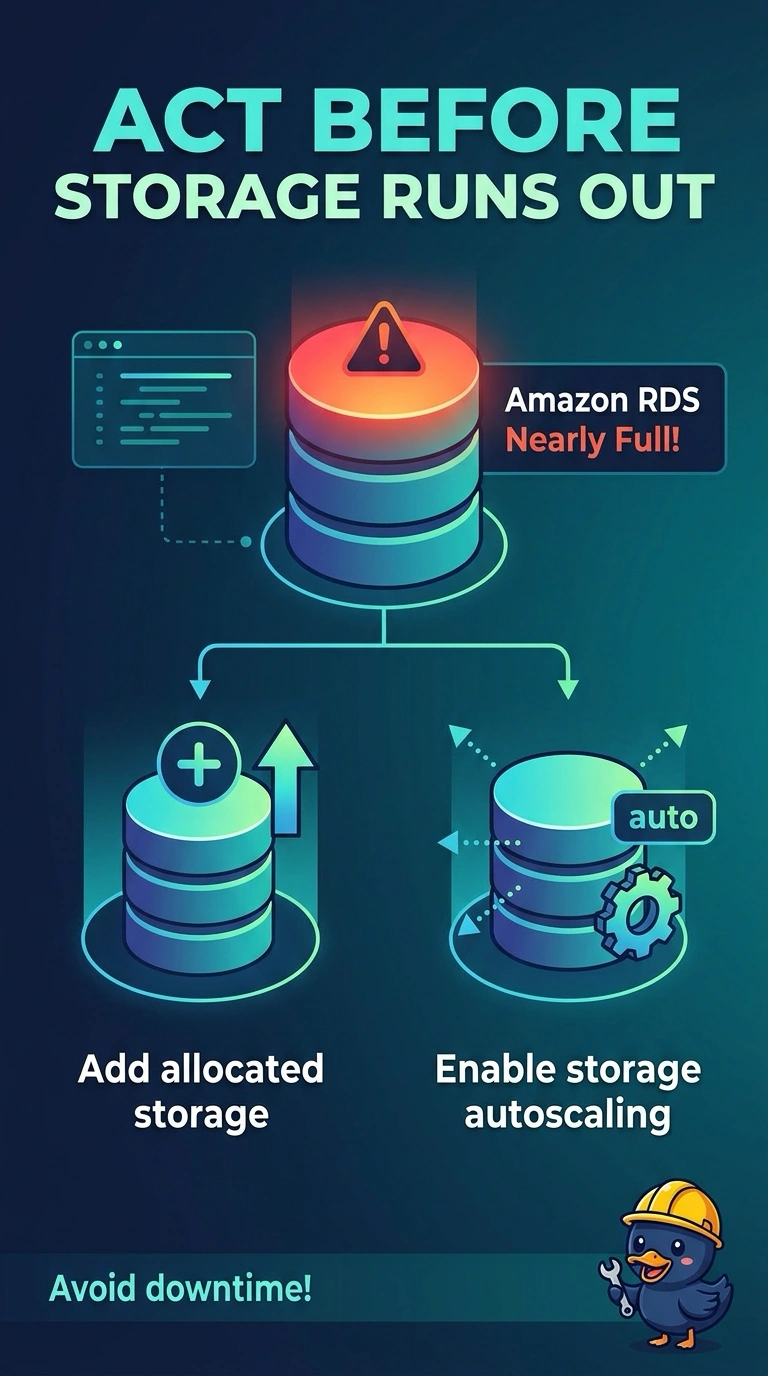
A fuel tank does not get larger because you bought a faster truck. You are about to run the RDS instance out of storage with autoscaling off, and the instance can stop accepting connections when that volume is full. Add storage or turn autoscaling on, because a reboot will not shrink the data.
Full Explanation
An RDS instance that exhausts allocated storage can stop accepting connections. Storage autoscaling stays off until you set it, so this volume will not grow by itself. Increase allocated storage now, or enable storage autoscaling with headroom above the current size, before free space is gone. Waiting until the instance is already storage-full means clients can lose connectivity while storage is still being added. A reboot restarts the database and does not delete rows, so free storage stays where it is. A read replica keeps its own copy of the data and does not return free space to the primary that is filling up. A larger instance class changes compute for that class and does not add allocated storage. Caveat: raising allocated storage is not something you reverse with a later shrink, so add the amount the workload actually needs. Operational check: after the modification, confirm the free-storage metric recovers and the instance stays available instead of entering a storage-full state.